View your subscription history and receipts
See your plan payments, open a receipt and retry a payment that did not go through.
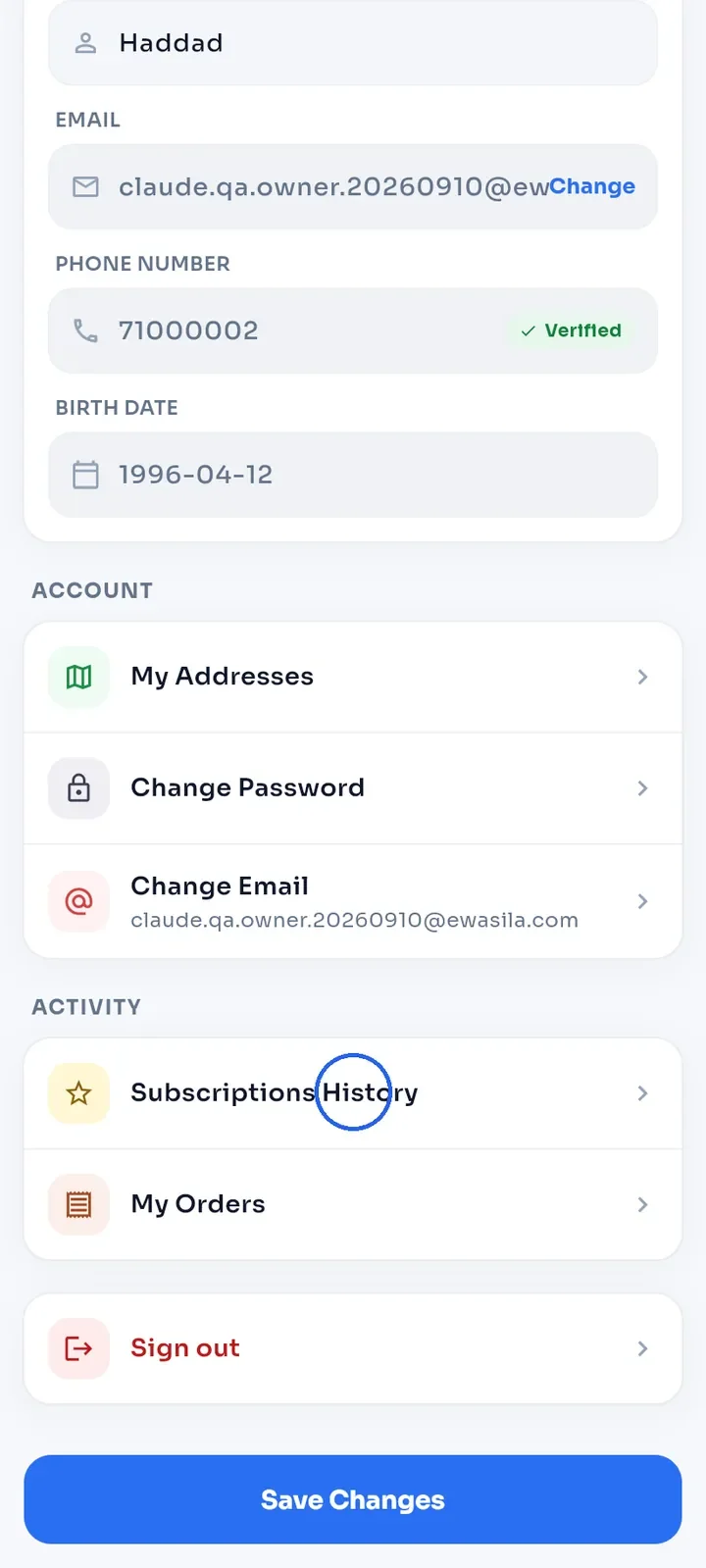
Open the menu and tap Profile. On My Profile, scroll down to Activity and tap Subscriptions History.
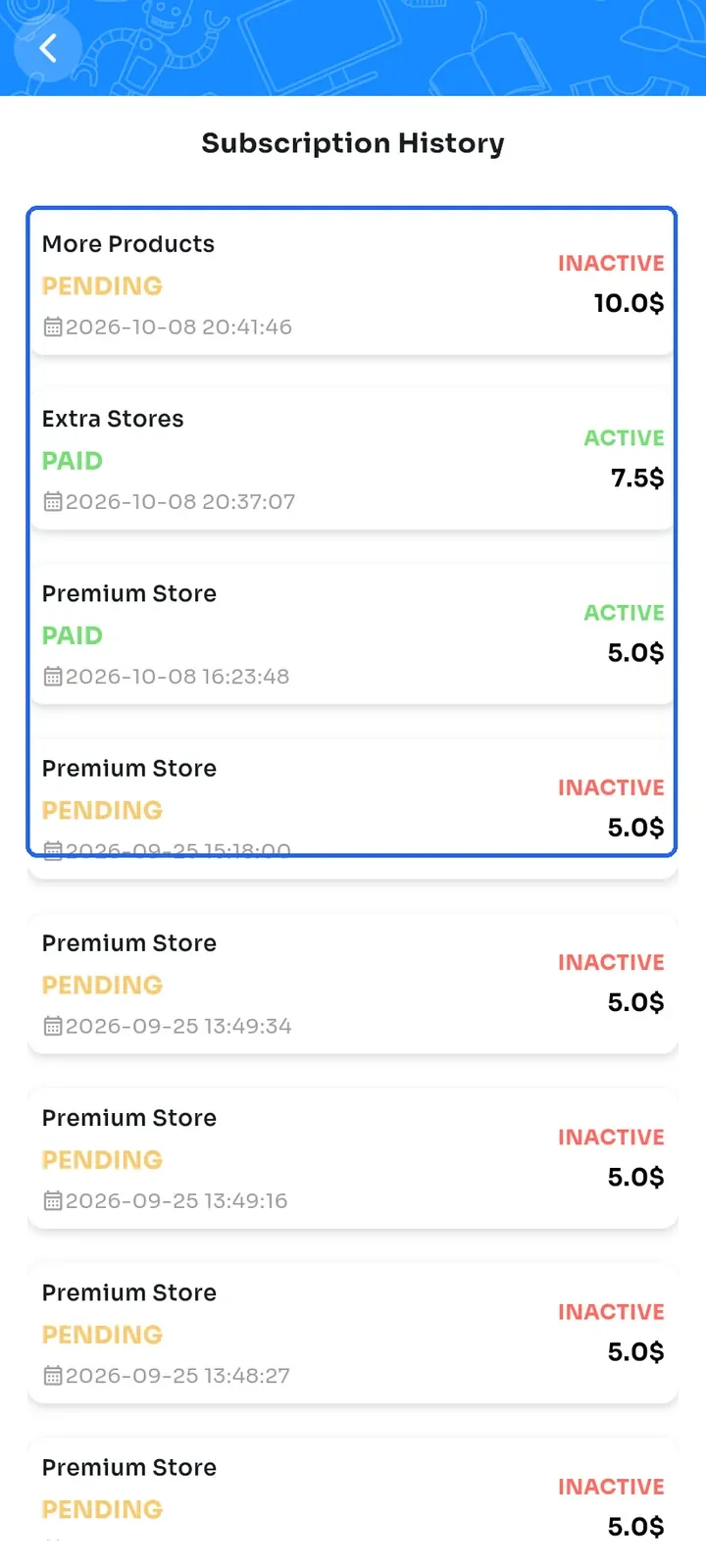
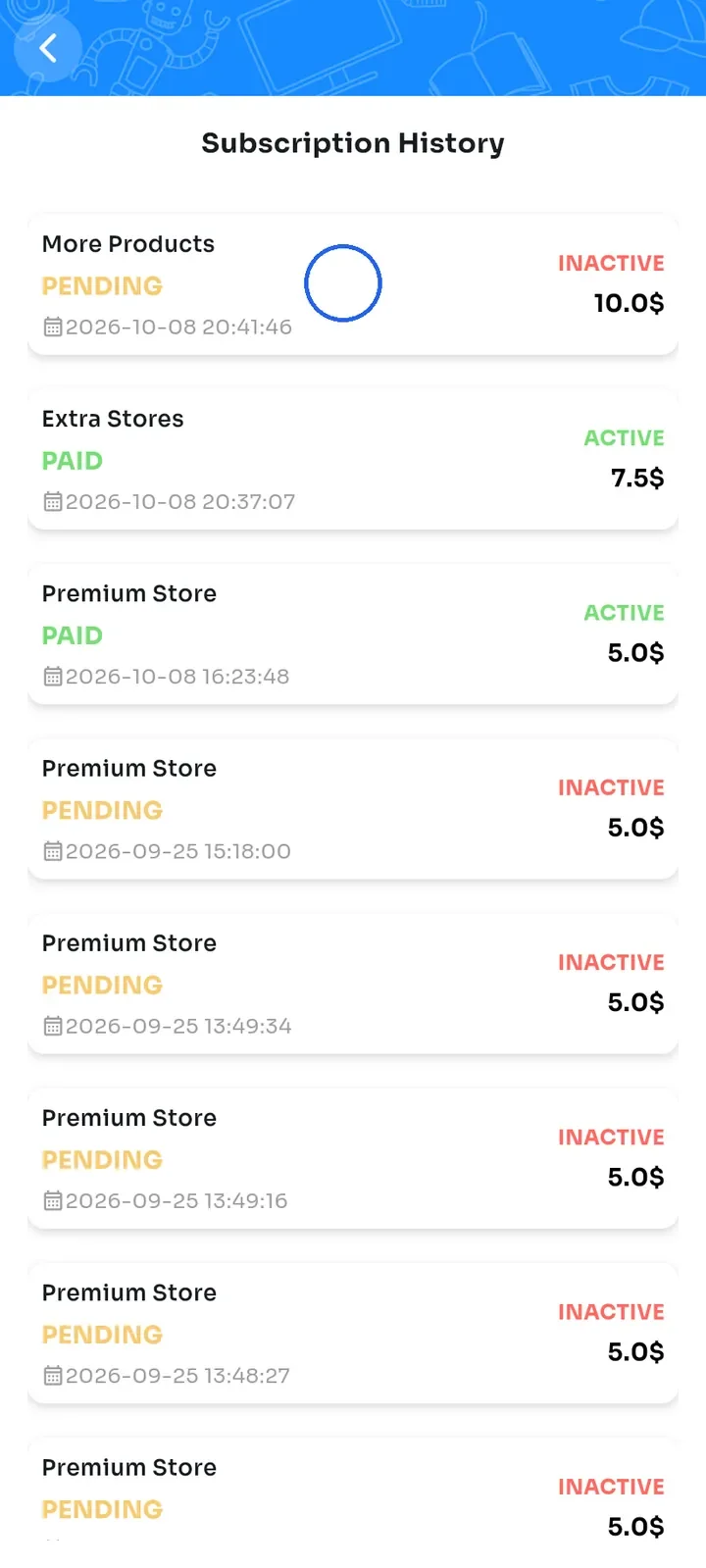
The Subscription History list shows every plan you started, newest first. Each row shows the payment status (PAID, PENDING or FAILED), the date, the price and whether the plan is ACTIVE or INACTIVE.
Tap a row to open its Payment Receipt.
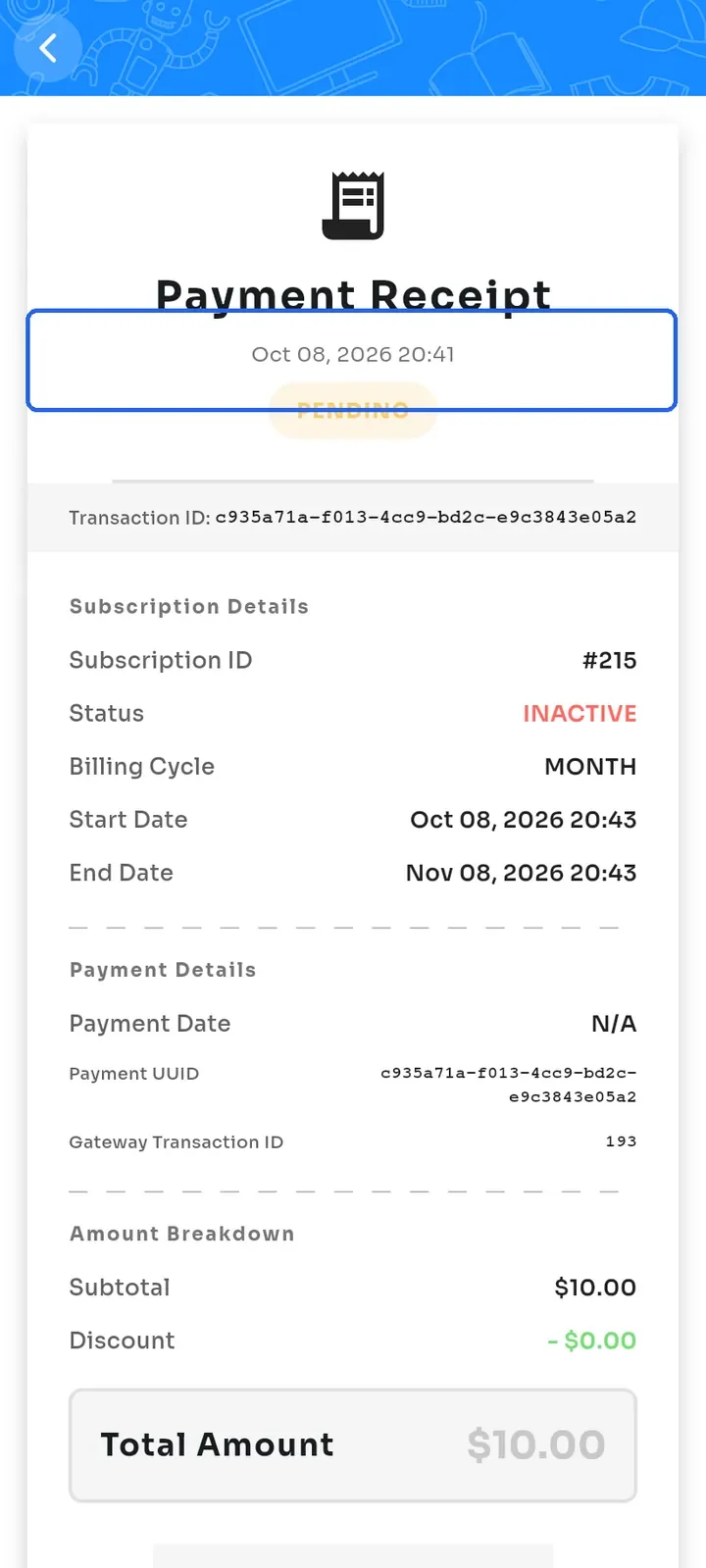
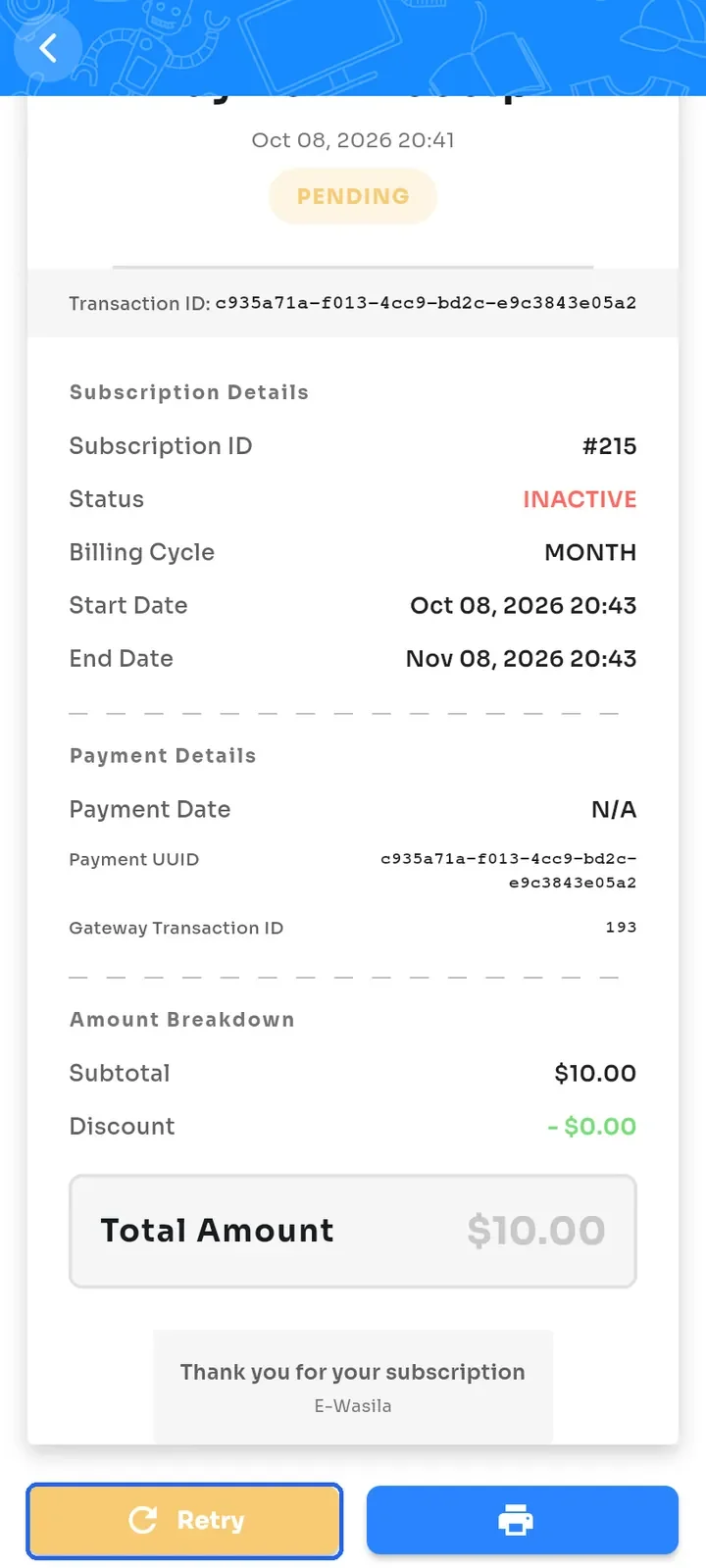
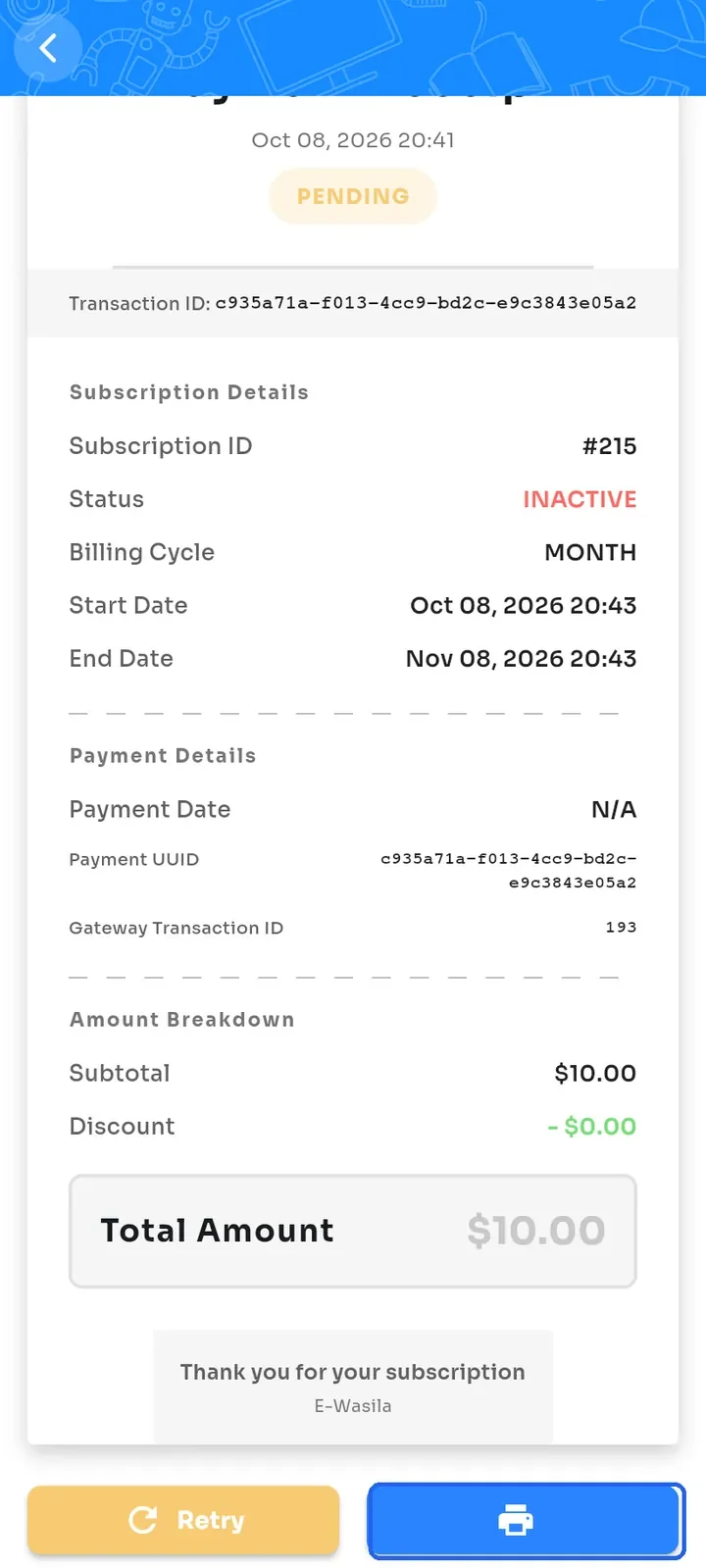
Check the receipt: the payment status, Transaction ID, Subscription ID, Billing Cycle, Start Date, End Date, Payment Details and Total Amount.
If the payment is PENDING or FAILED, tap Retry at the bottom to pay again with Whish.
Tap the print button at the bottom right to print the receipt or save it as a PDF.
Note: a plan is ACTIVE only after its payment is PAID. PENDING means the payment was started but not completed.