Reset a forgotten password
Get a 6-digit code by email and use it to choose a new password.
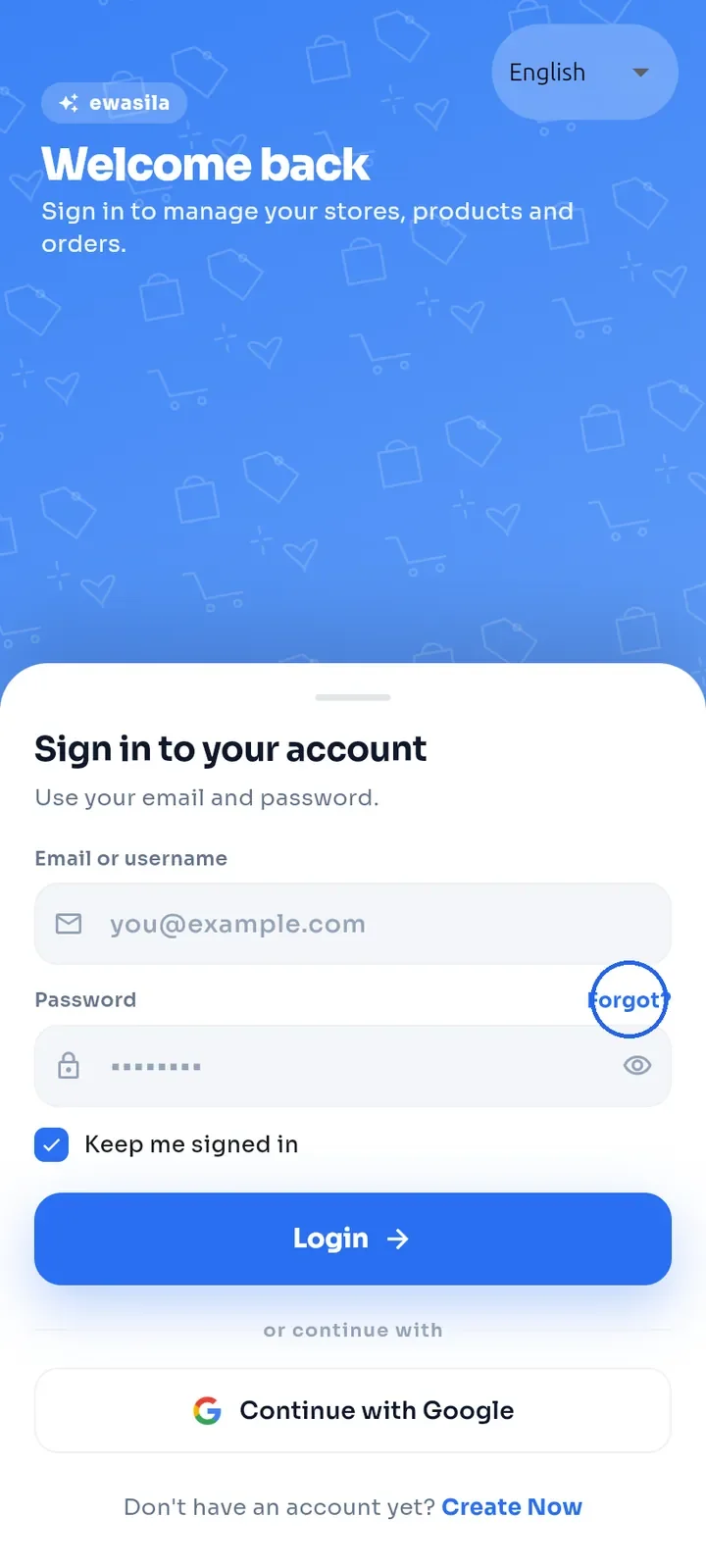
On the sign-in screen, tap Forgot? above the password field, on the right. Tap the word itself: the tappable area is small.
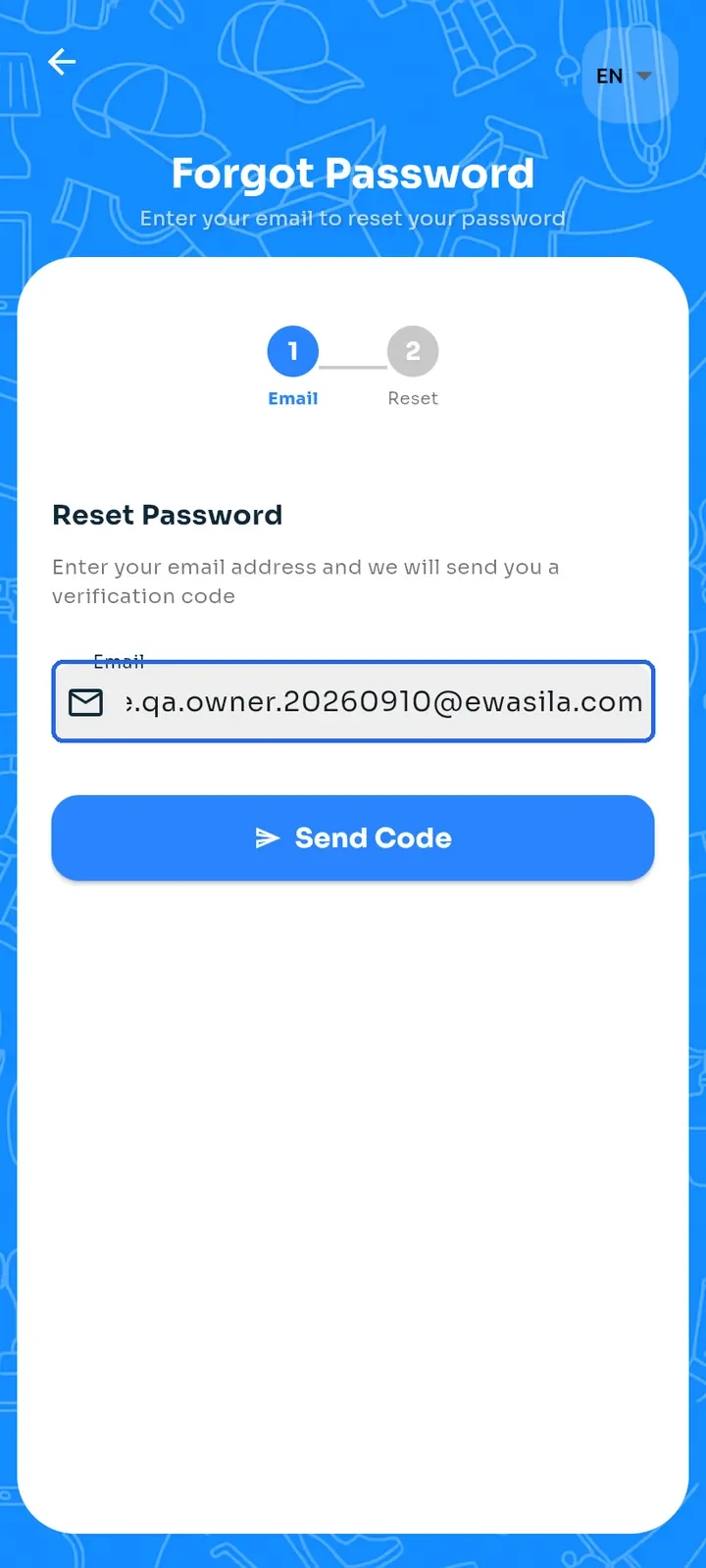
On the Forgot Password screen, enter the email address of your account in Email.
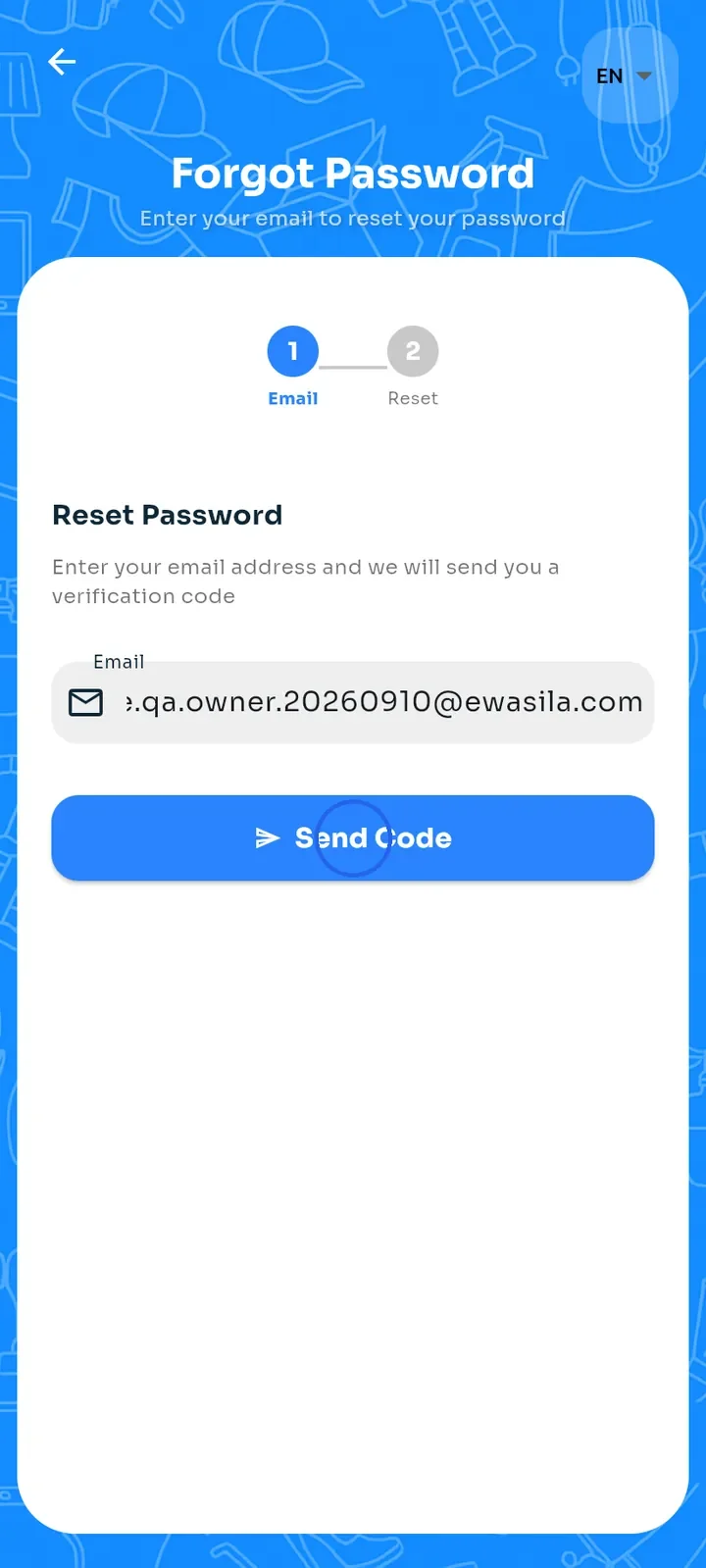
Tap Send Code. We email a 6-digit verification code to that address.
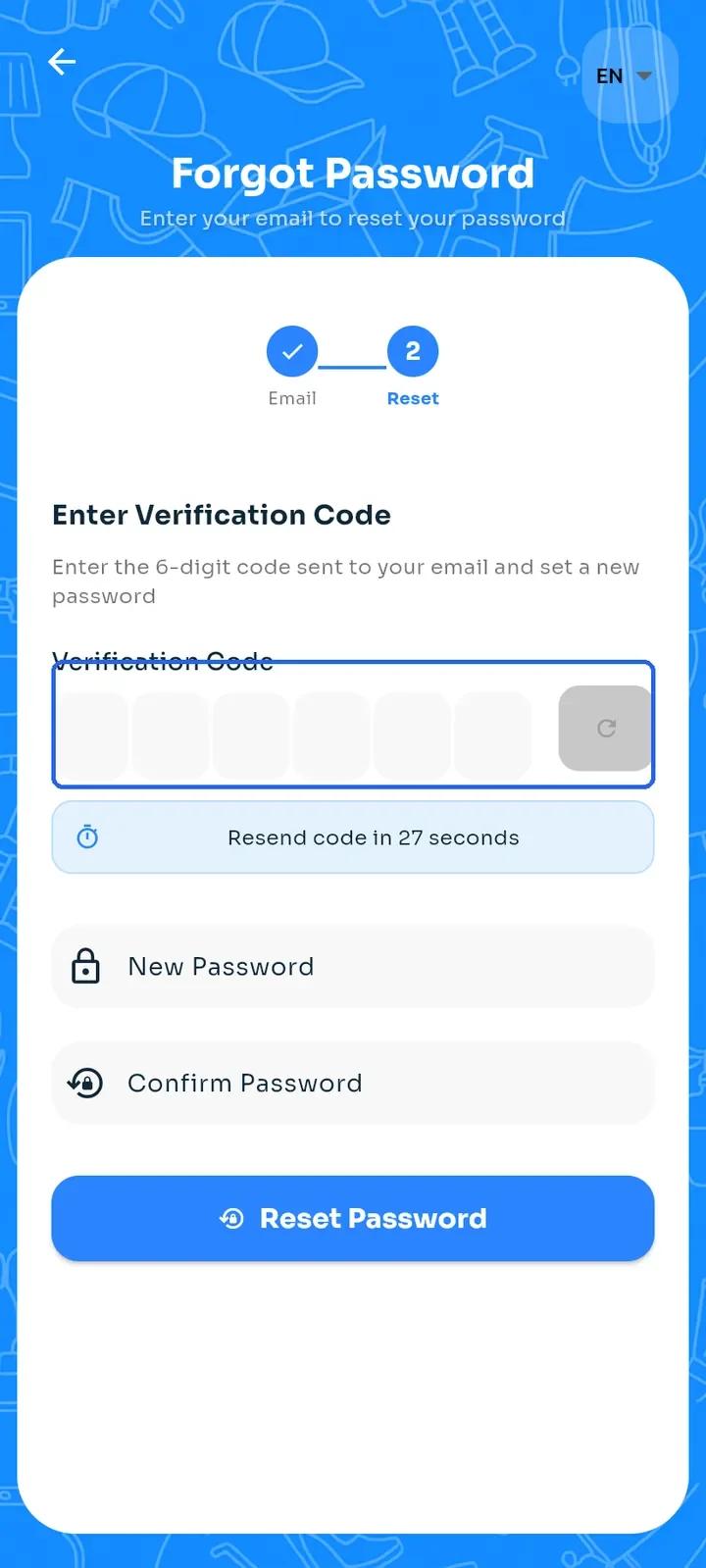
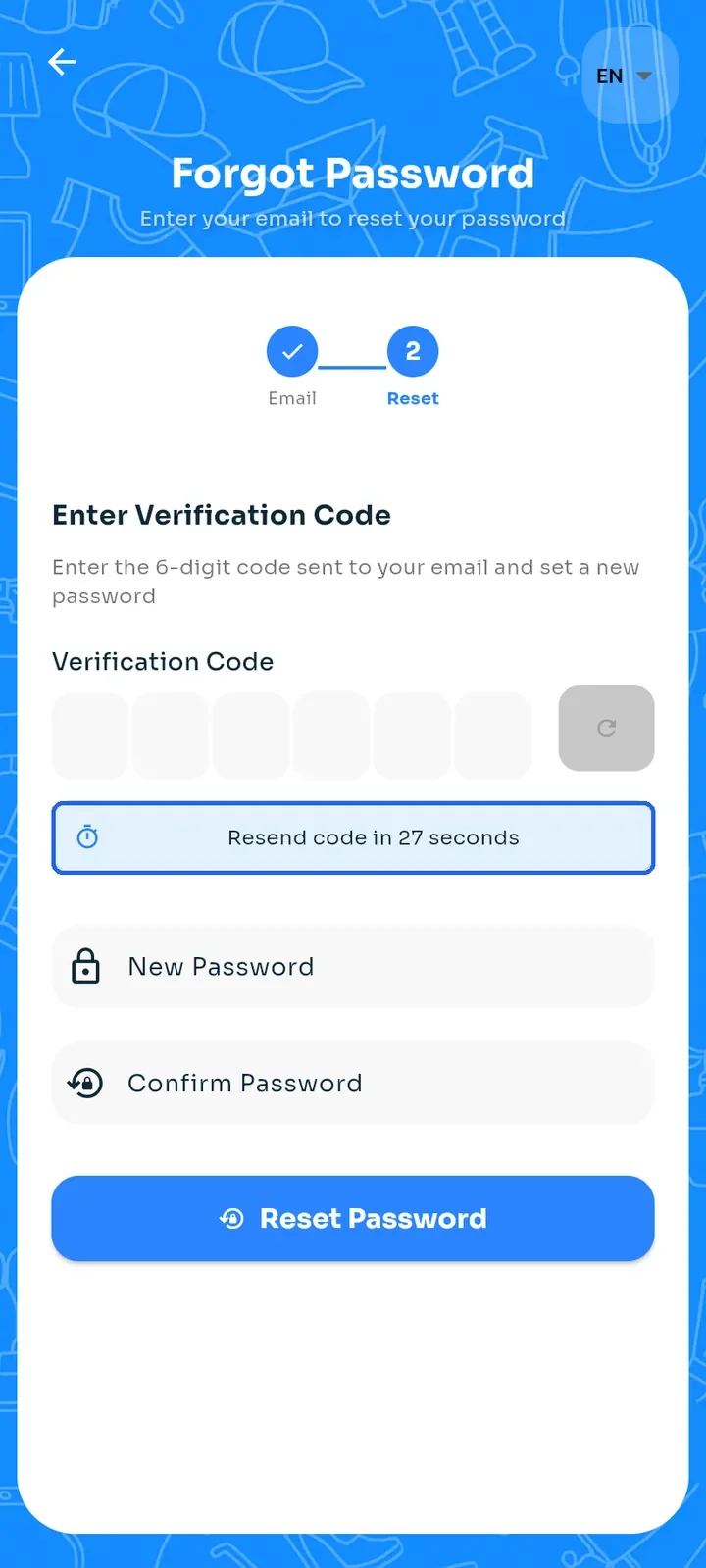
The screen moves to the Reset step. Type the code from the email in the Verification Code boxes.
If the email does not arrive, wait until the "Resend code in" countdown ends. Then tap the resend button to the right of the code boxes to get a new code.
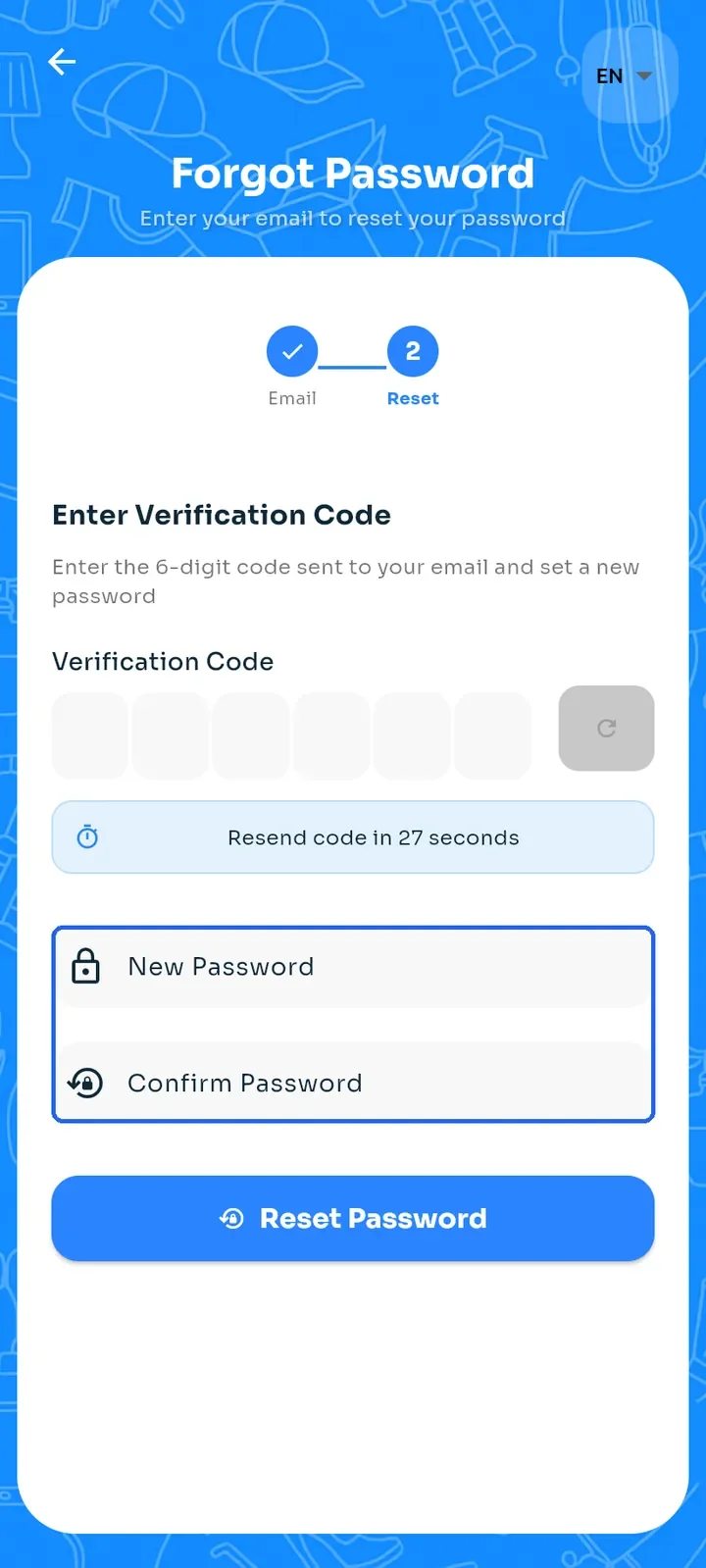
Enter your New Password and type it again in Confirm Password. Use at least 8 characters; both fields must match.
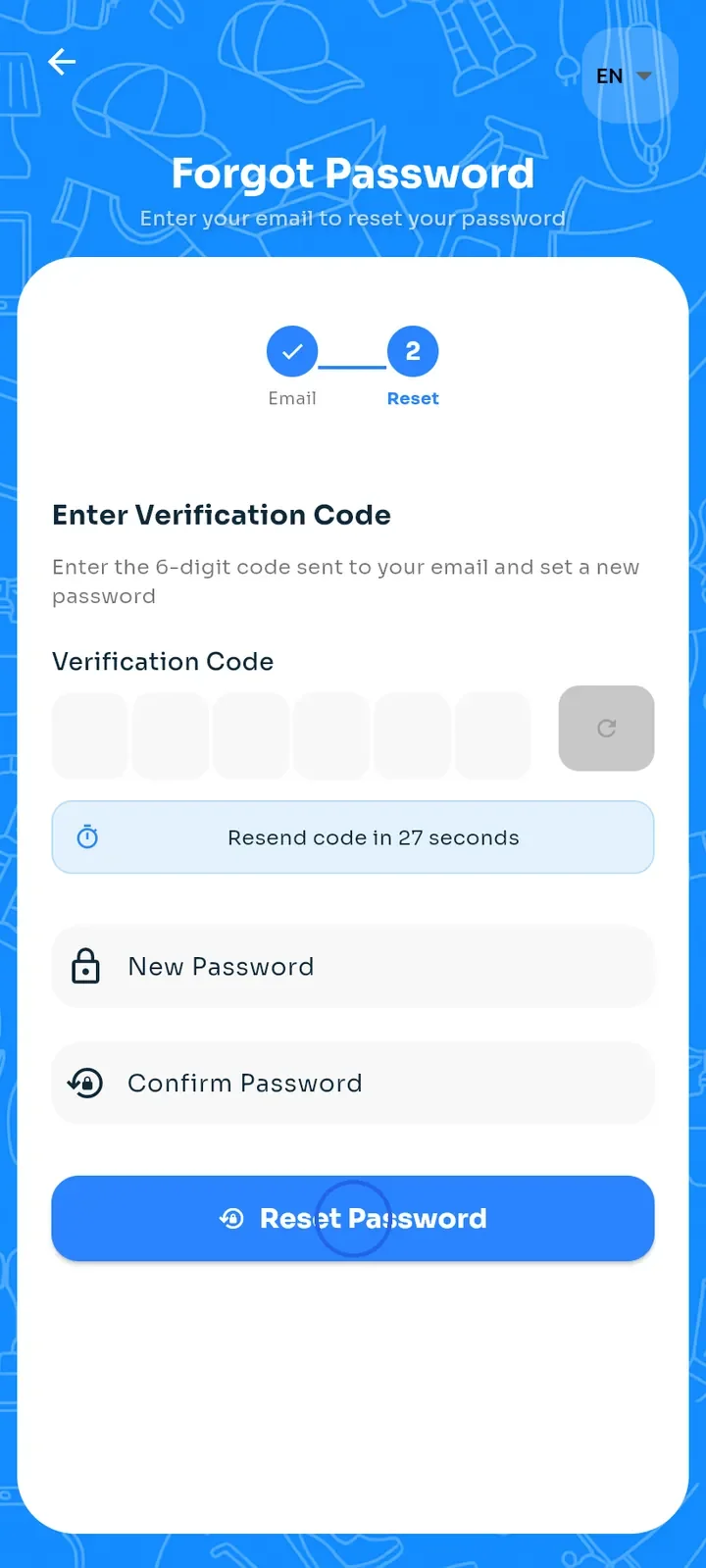
Tap Reset Password. The sign-in screen opens; sign in with your new password.
Tip: only the newest code works. If you asked for a new code, use the one from the latest email.