Delete your account
Ask us to delete your account and your personal data, and see what we keep.
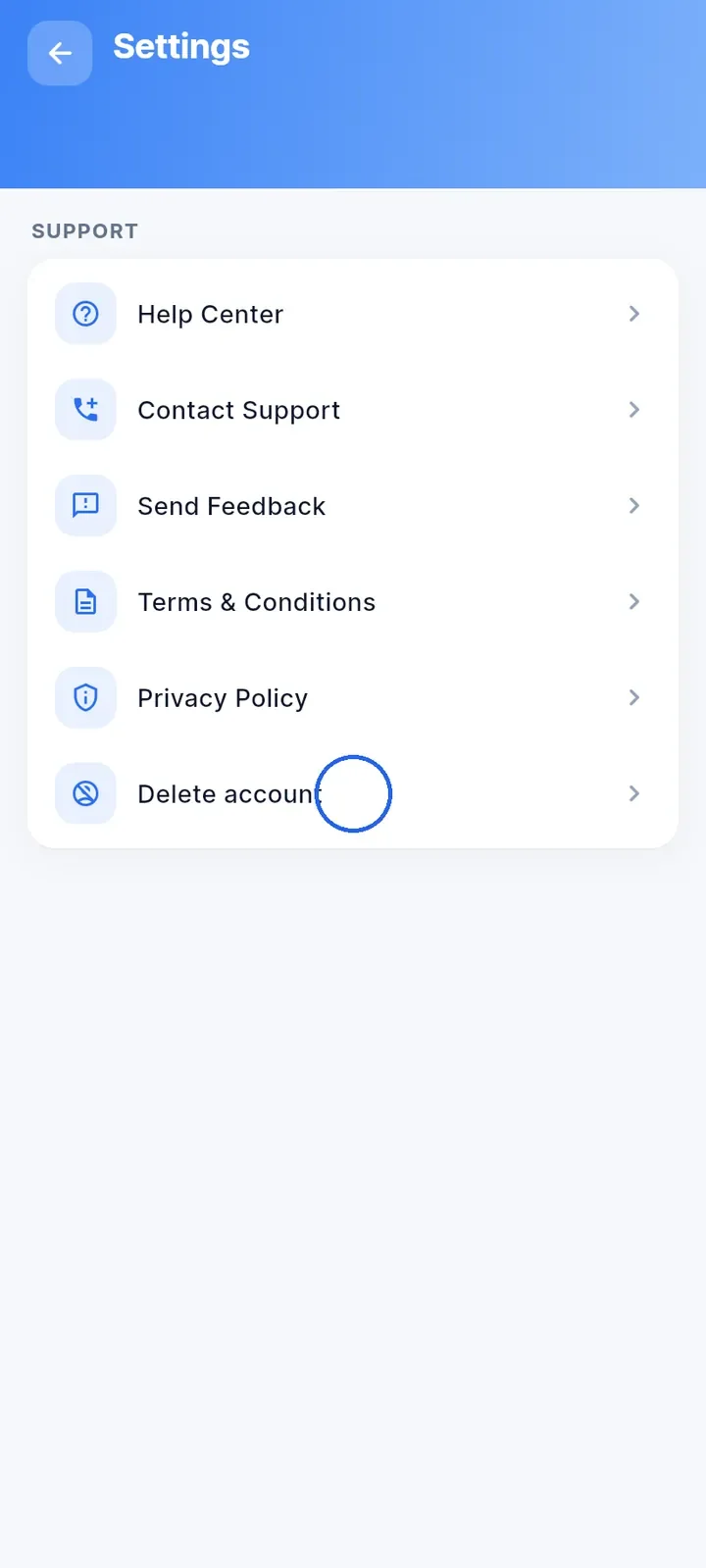
Open the menu and tap Settings.
Tap Delete account at the bottom of the Support list.
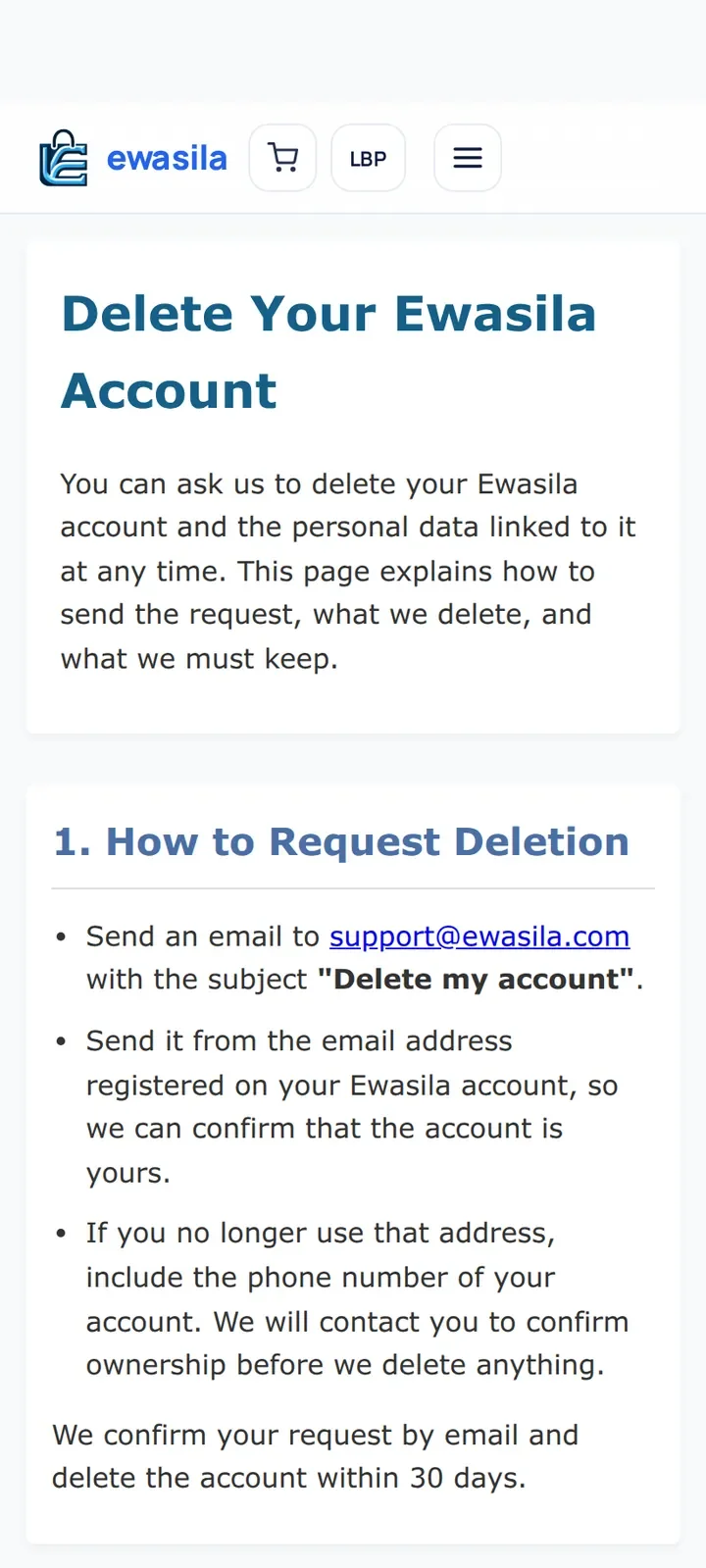
The Delete Your Ewasila Account page opens inside the app. It explains how to send your request.
Send an email to support@ewasila.com with the subject "Delete my account". Send it from your account's email address so we can confirm the account is yours.
If you no longer use that address, include your account's phone number in the email. We contact you to confirm ownership before we delete anything.
We confirm your request by email and delete the account within 30 days.
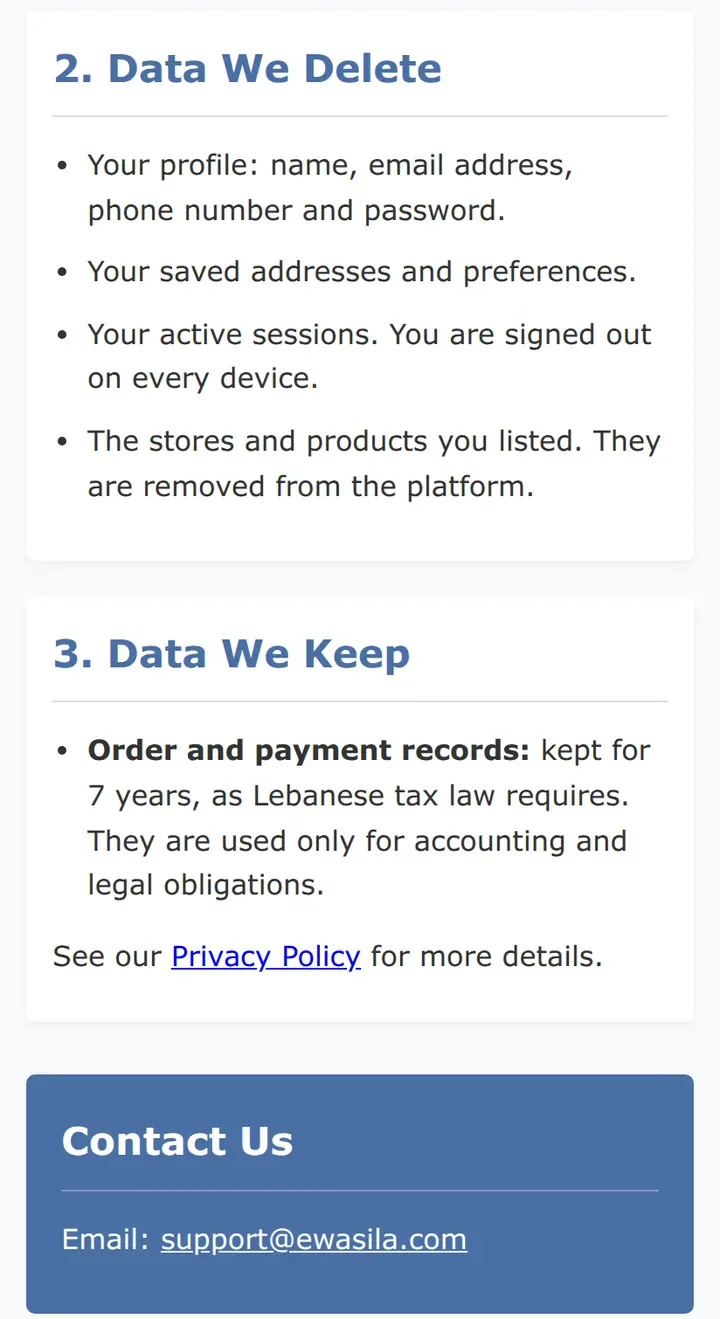
We delete your profile (name, email address, phone number and password), your saved addresses and preferences, and your active sessions, so you are signed out on every device. The stores and products you listed are removed too. We keep order and payment records for 7 years, as Lebanese tax law requires.
Note: you cannot delete your account directly in the app. Delete account only opens this page; your request starts when you send the email.