Why does my store or product say Needs review or Pending?
Learn what the review labels on new stores and products mean and what you can do while you wait.
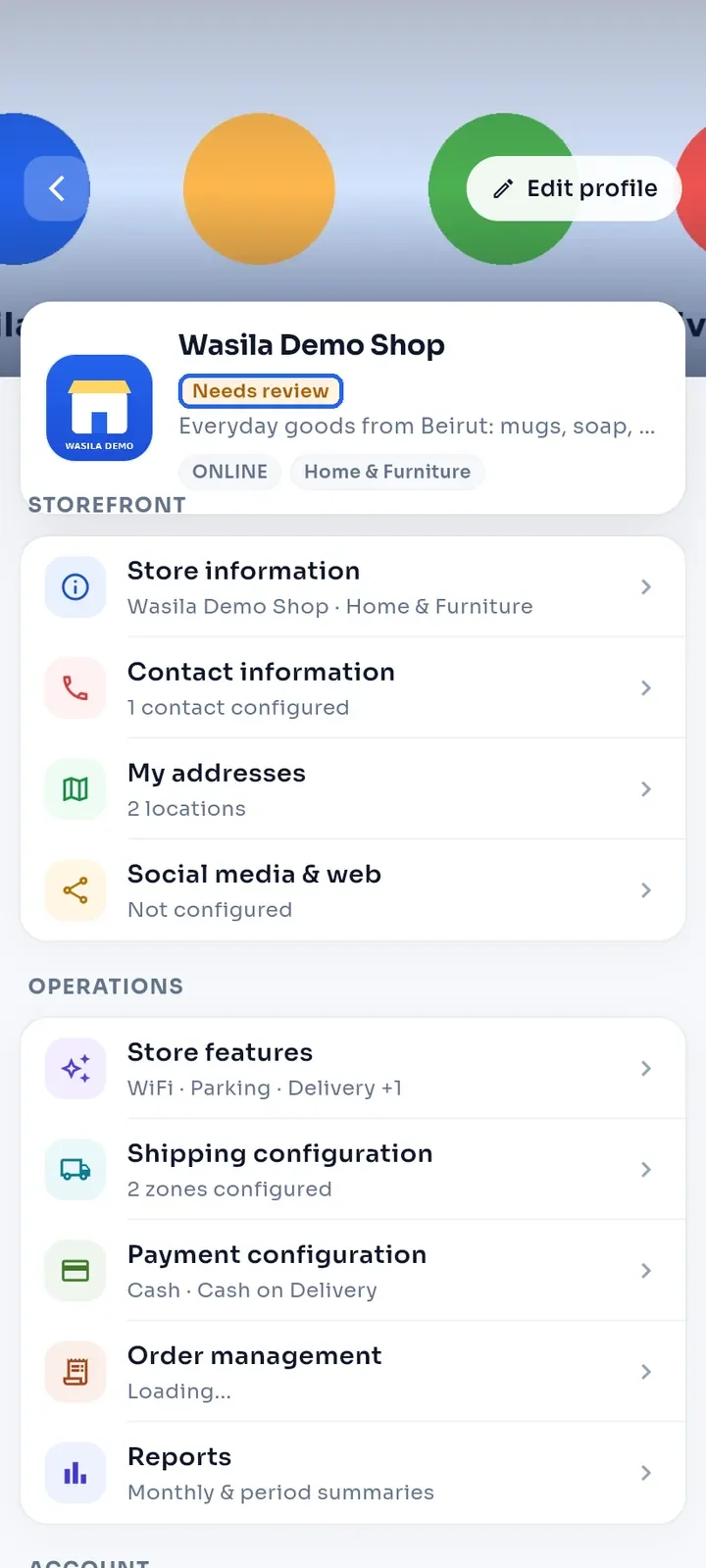
Open My Stores and tap your store. A Needs review label under the store name means the E-Wasila team has not approved the store yet.
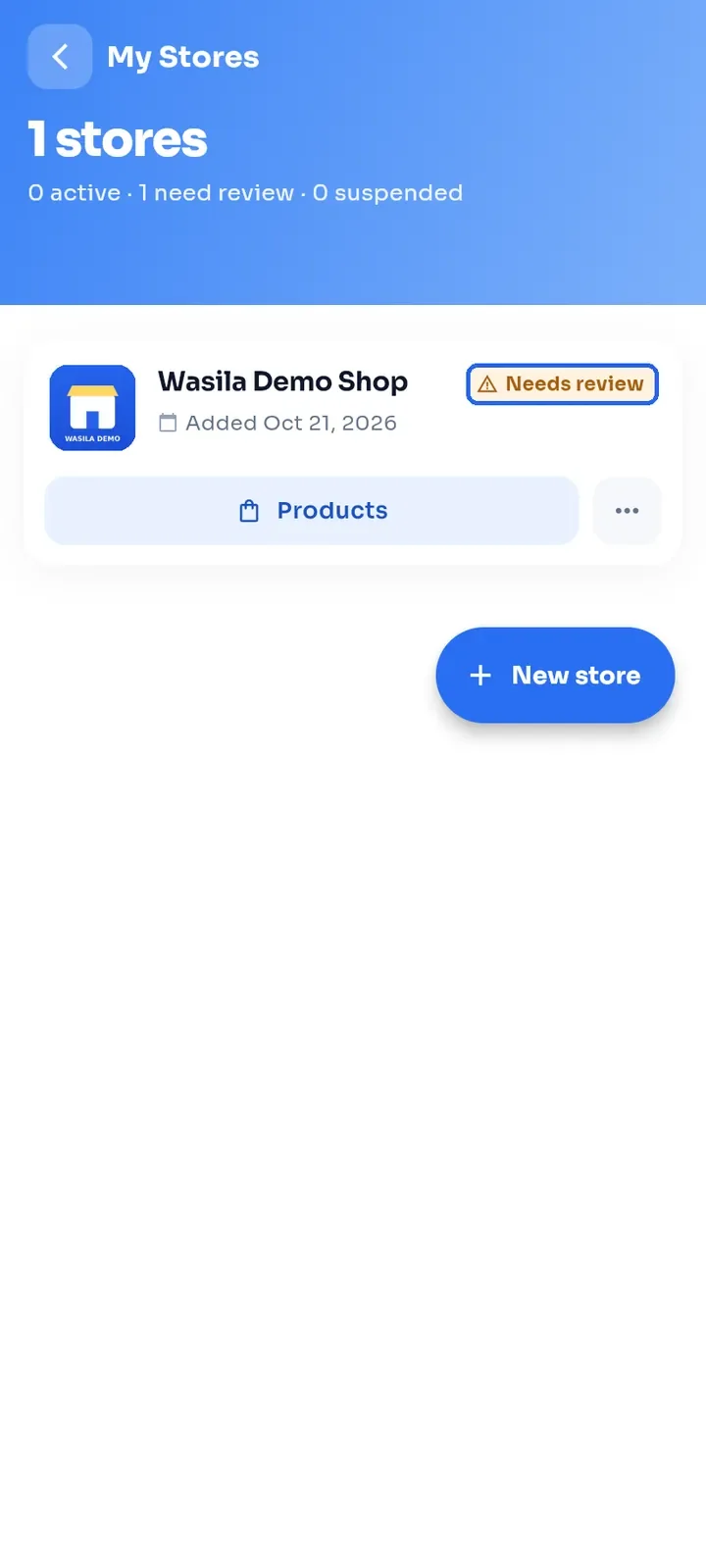
Go back to My Stores. Your store card shows the same Needs review label.
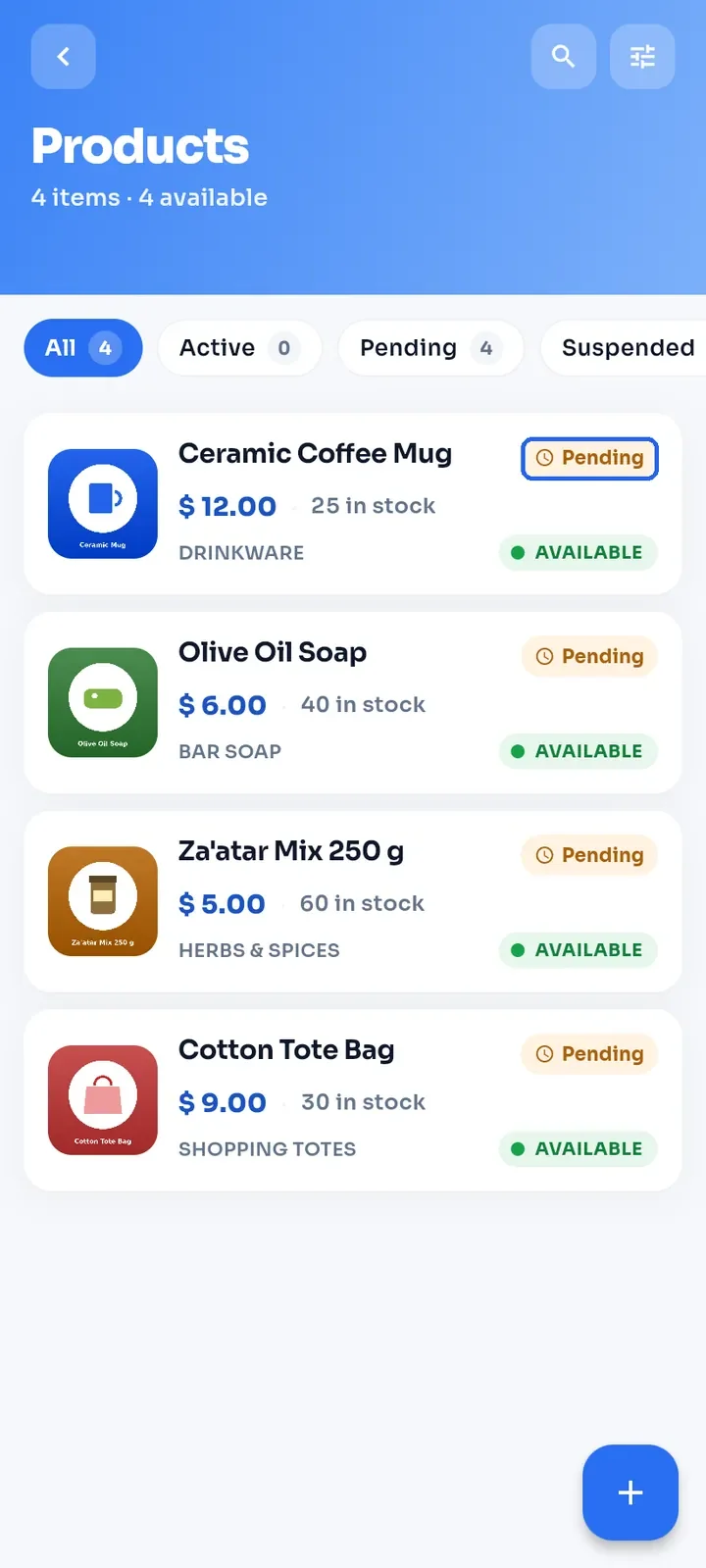
Tap Products on the store card. Each new product shows a Pending label until the team reviews it.
Note: while your store says Needs review, shoppers cannot find it in search and it cannot take orders.
Note: switching Available in store on or off only hides or shows a product. It does not change its review status.
Tip: use the waiting time to complete your store. Add a logo, a cover image, a description, contact details, an address, delivery or pickup options, and payment options.
When the team approves your store, the label on your My Stores card changes to Active. An approved product shows Verified.
If a store or product says Suspended, or your store stays in review after everything is complete, open Settings and tap Contact Support.