Choose how to pay
See which payment methods you can use at checkout and what happens with each one.
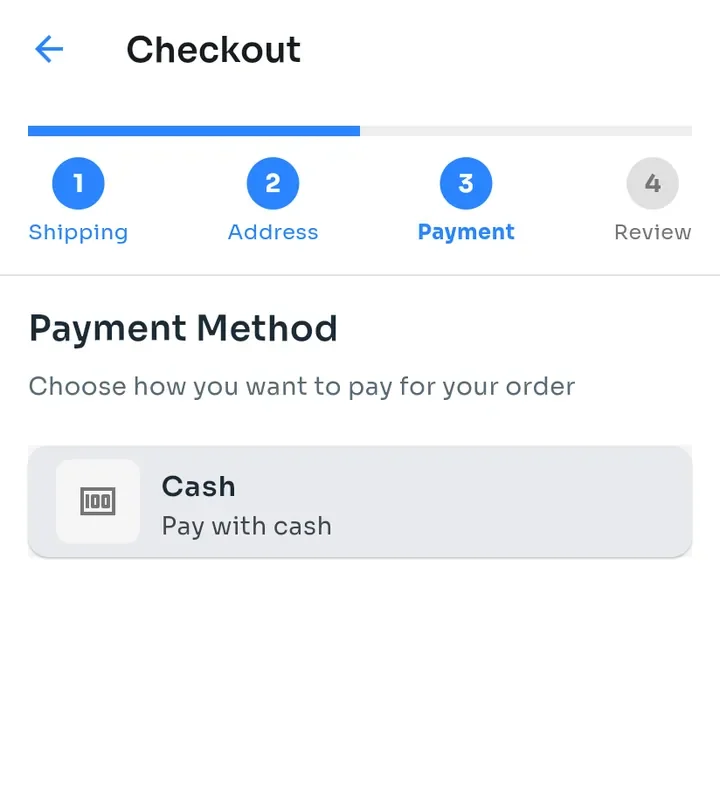
At the Payment Method step of checkout, tap how you want to pay. You only see the methods this store accepts; this example store offers Cash.
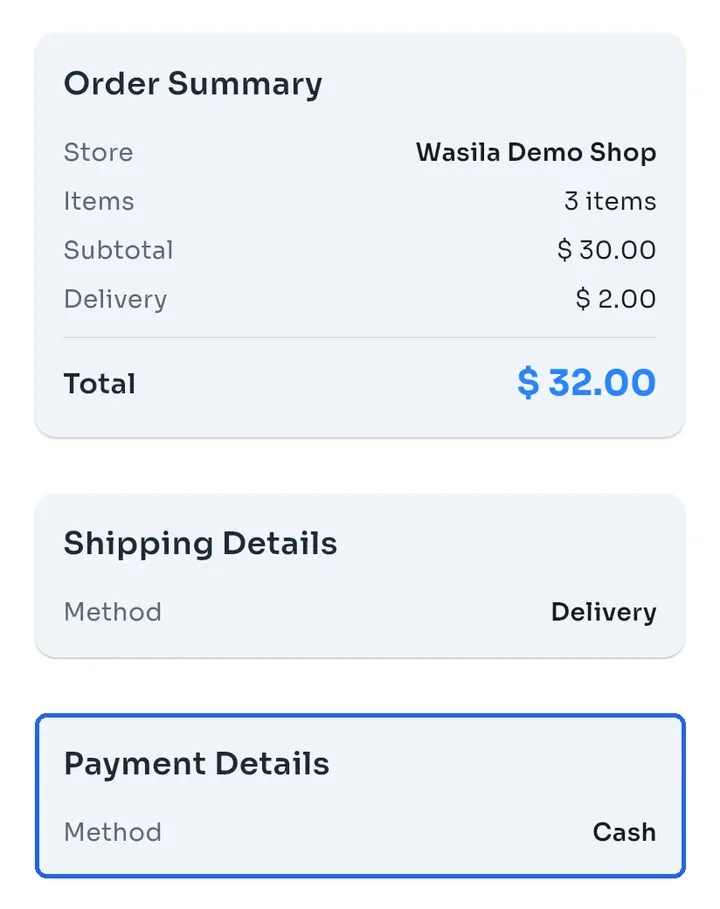
Cash: you pay in cash when you collect a pickup order or when your delivery arrives. Nothing is charged in the app. Order Review shows your choice under Payment Details.
Cash On Delivery: you pay when you receive your order. It appears only when the store has switched it on, and it works only for delivery orders, not pickup.
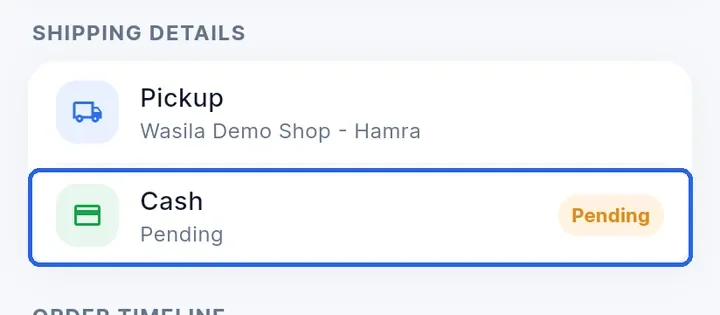
Right after you place a cash order, its payment shows Pending on the order. It can stay Pending even after the order is completed.
Whish: online payment. It appears only when the store has connected Whish. After you tap Place Order, tap Complete Payment to open the Whish payment page and pay there.
When you come back from Whish, the app shows the result: Payment received, Payment failed or Payment still processing, check My Orders. If it is still processing, open Orders later to see the final status.
Tip: you cannot choose a method the store does not offer. To ask about other ways to pay, contact the store from its store page.