Add social media links and a website
Find where to add your Instagram, TikTok and Facebook usernames and a website, and why these fields may be locked.
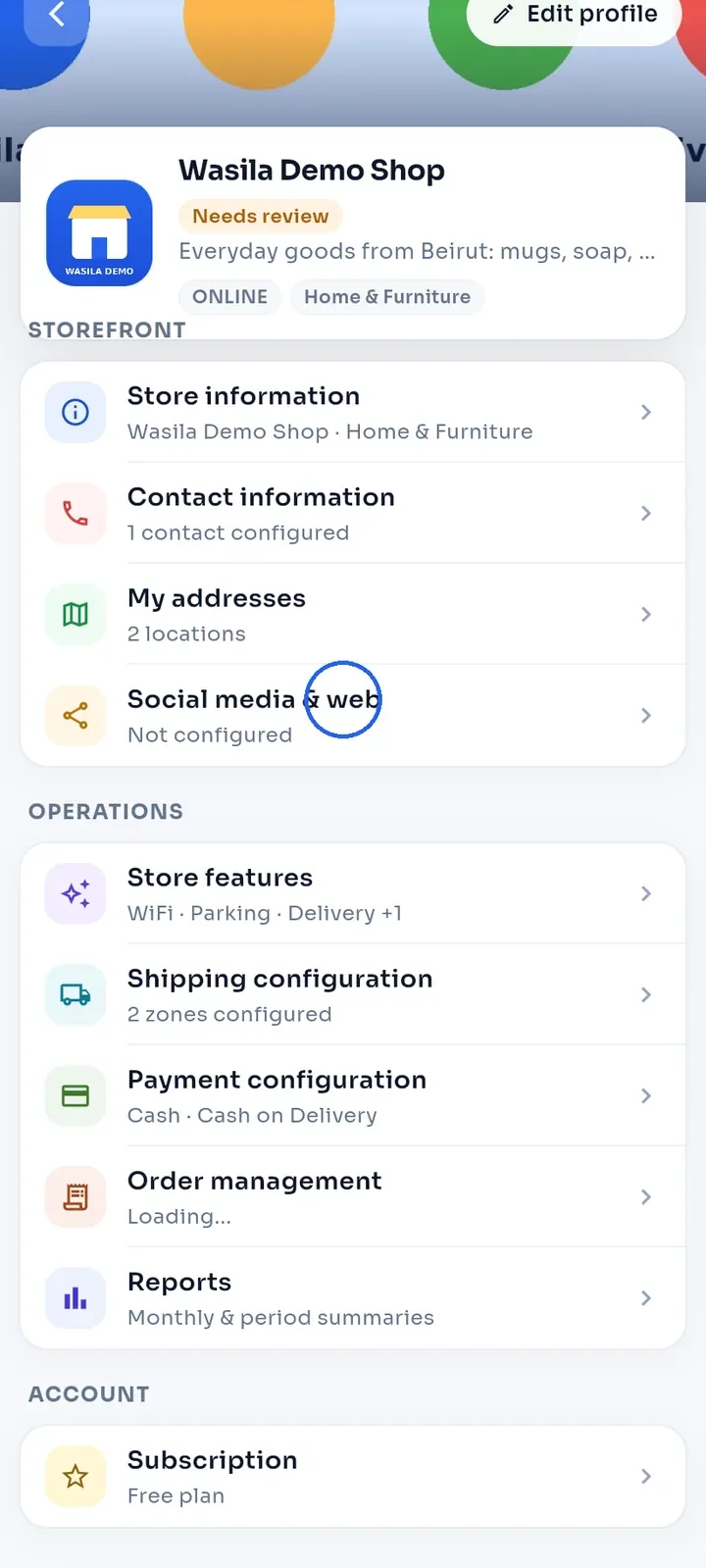
On the store dashboard, tap Social media & web.
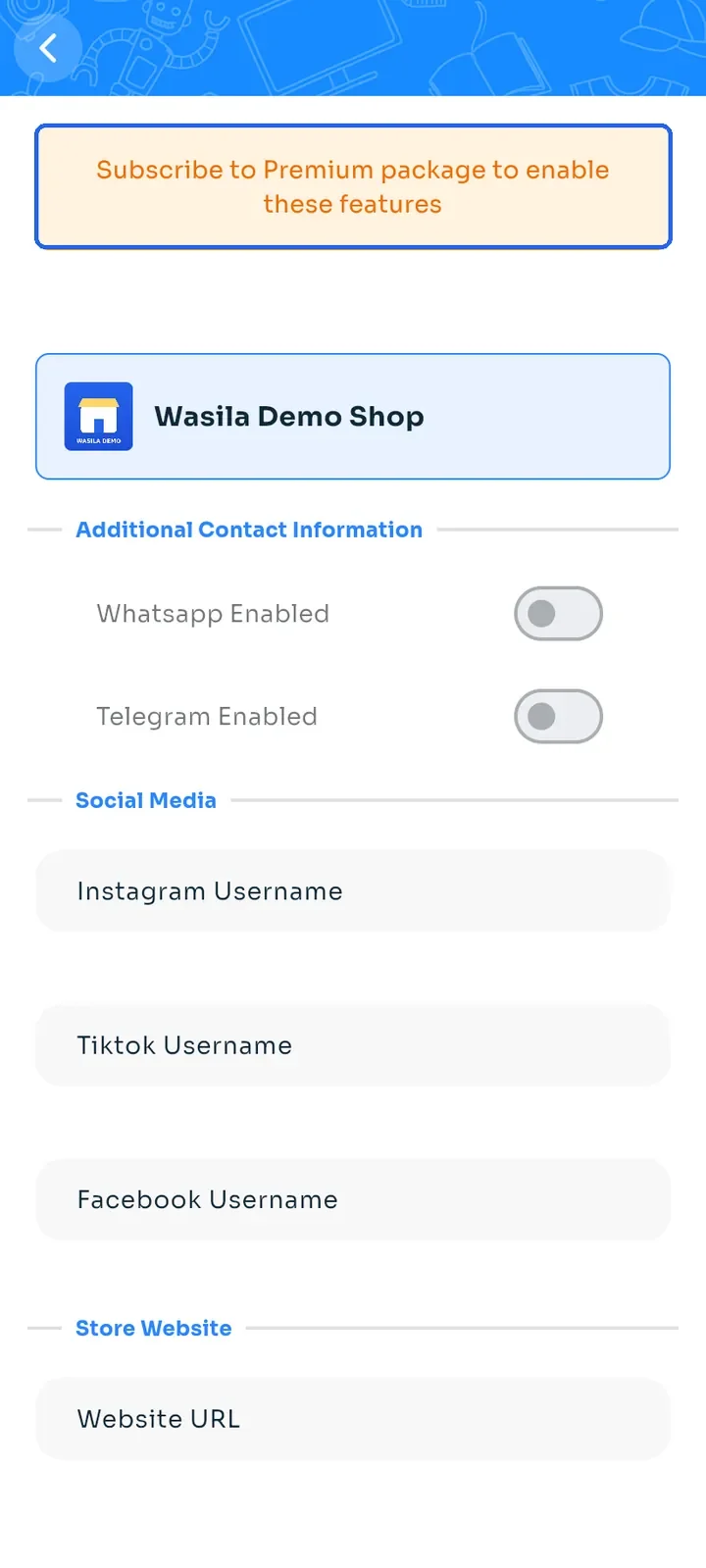
On the free plan, an orange banner says Subscribe to Premium package to enable these features, and the screen is read-only.
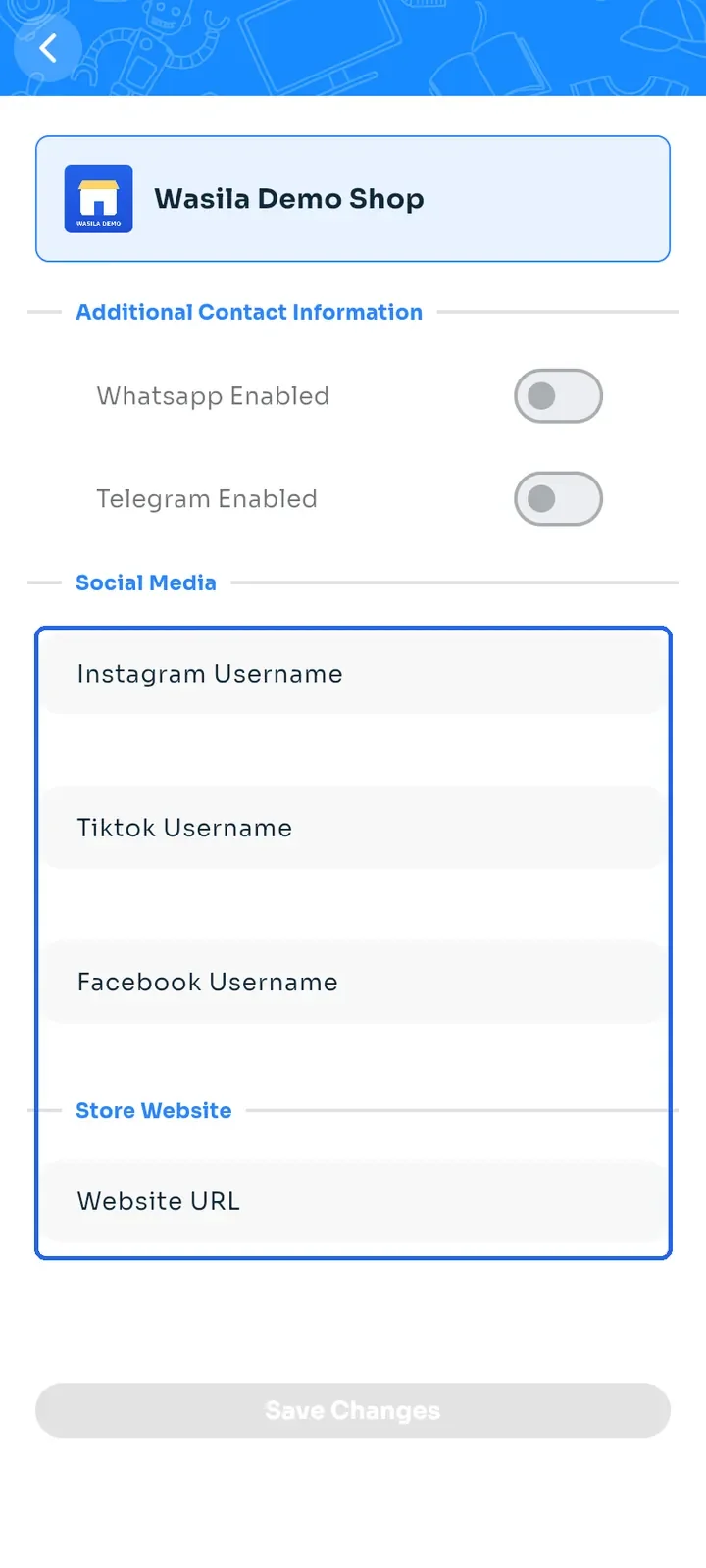
The Whatsapp Enabled and Telegram Enabled switches and the Instagram Username, Tiktok Username, Facebook Username and Website URL fields are greyed out.
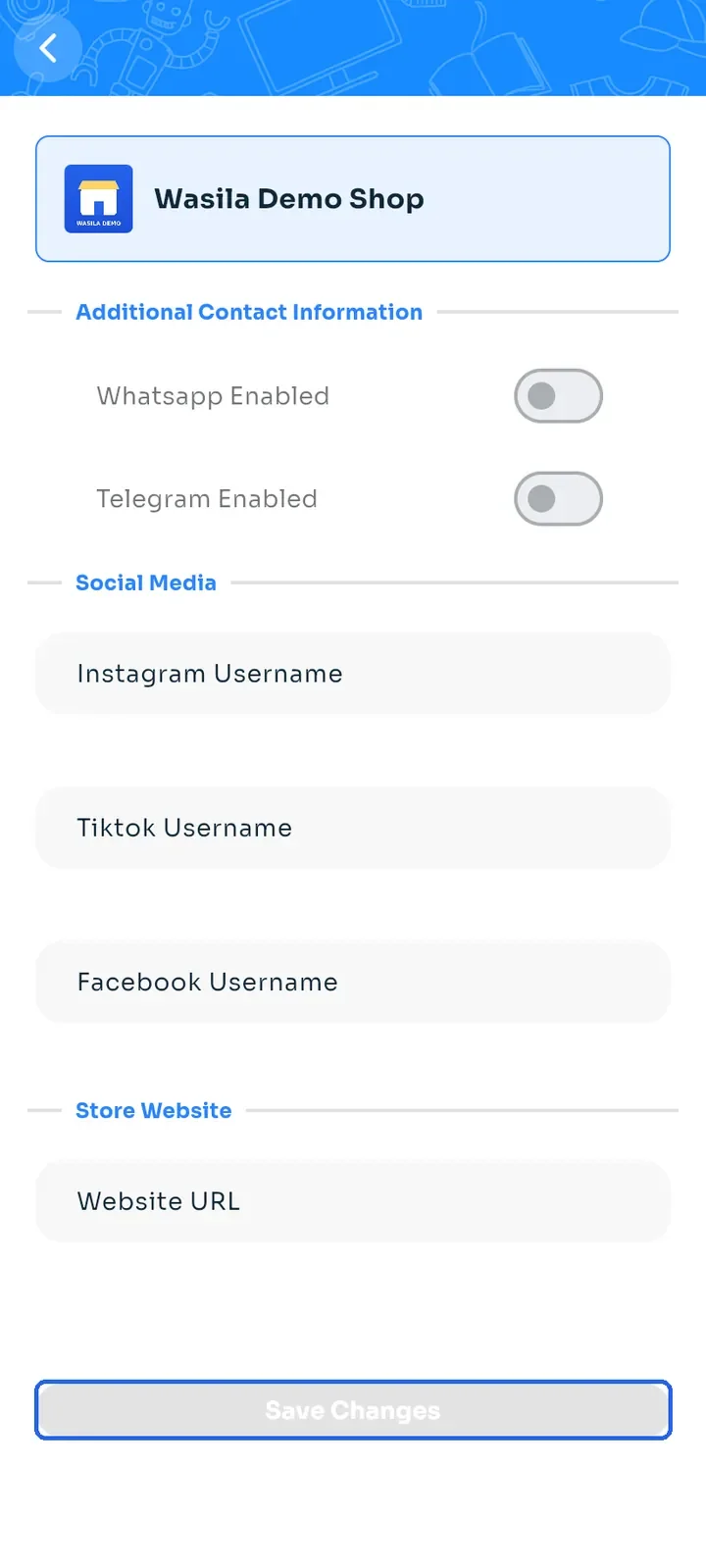
Save Changes is greyed out too. To unlock this screen, upgrade your store to the premium plan.
Tip: to subscribe, see "Upgrade your store plan".