Contact support and send feedback
Chat with E-Wasila support on WhatsApp, send feedback, and read the terms and privacy policy, all from Settings.
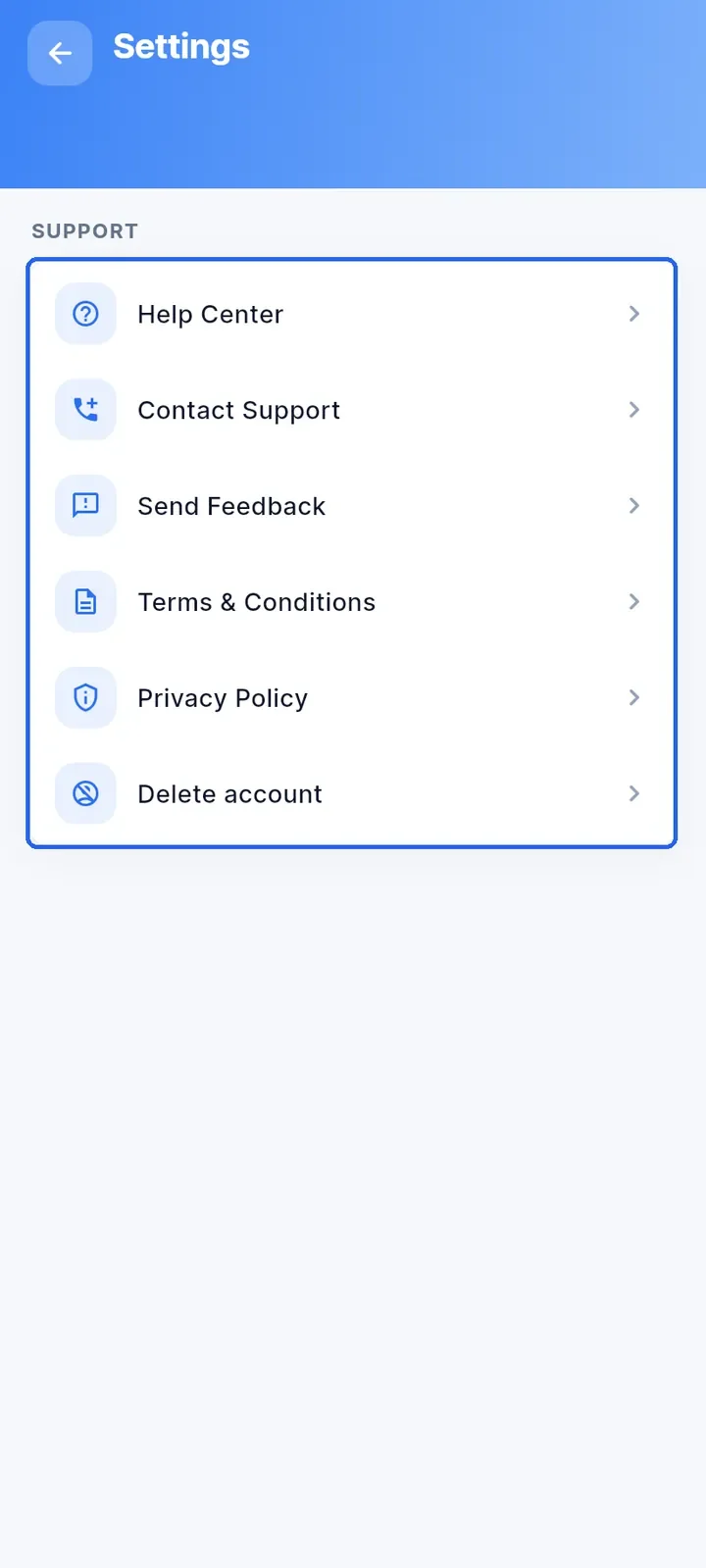
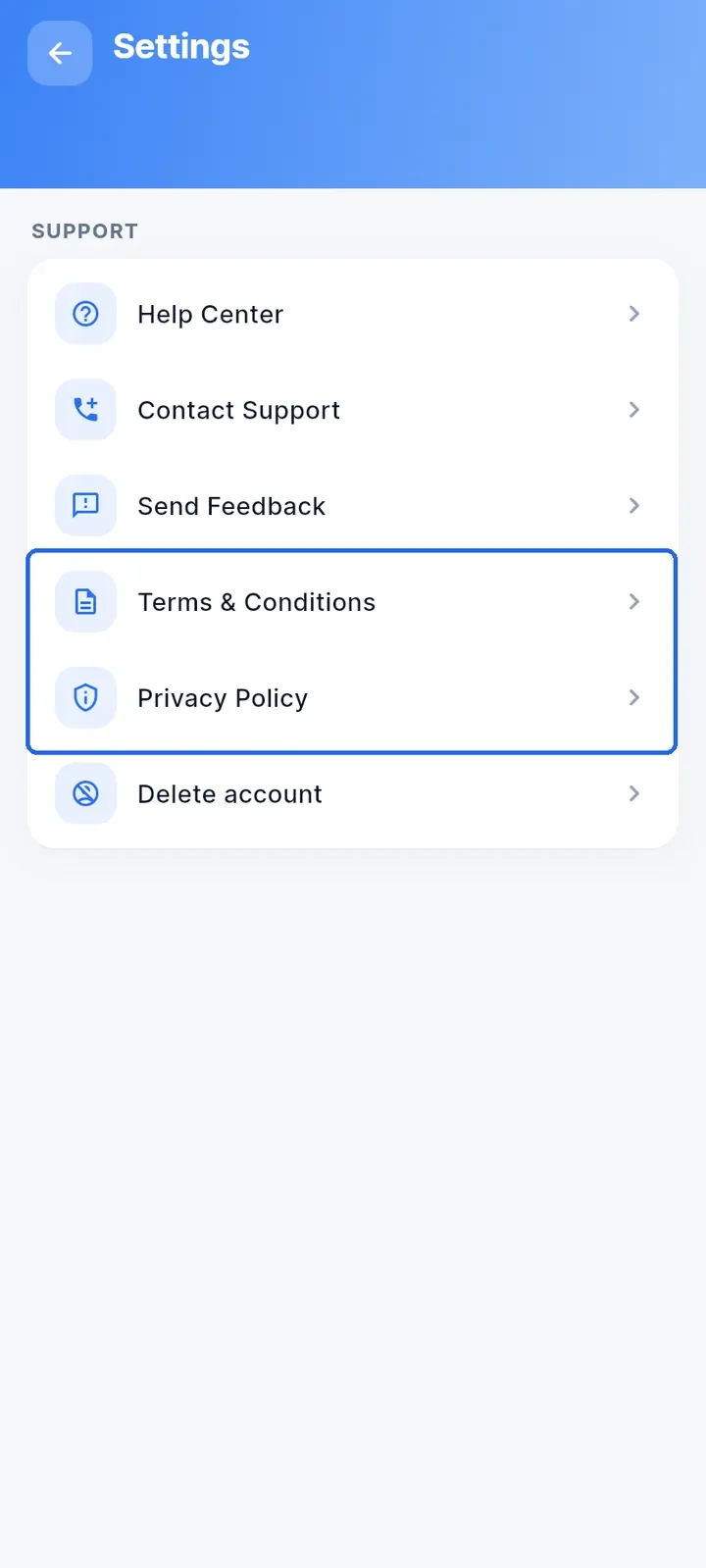
Open the menu and tap Settings. Everything you need is in the SUPPORT section.
Tap Help Center to read the guides inside the app (see "Use the Help Center").
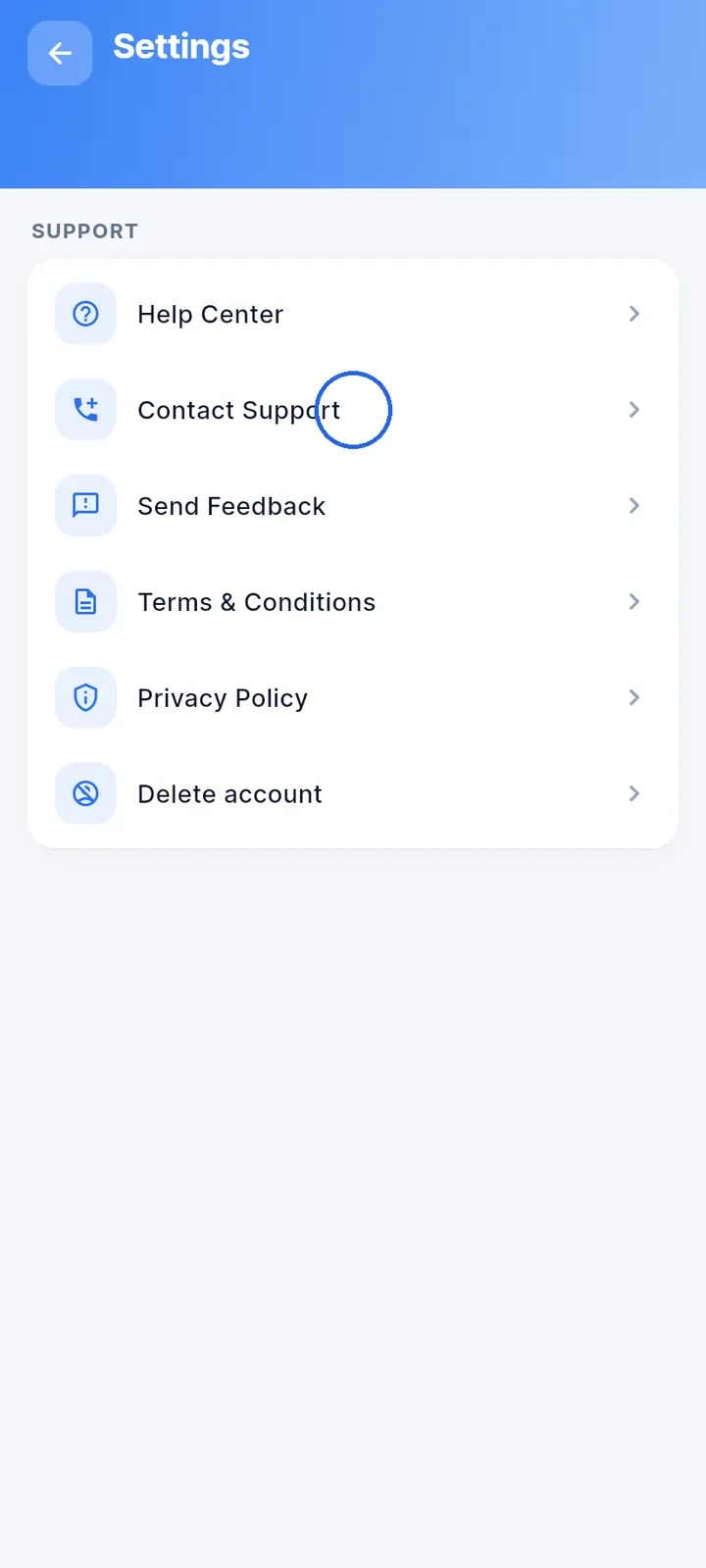
Tap Contact Support to chat with E-Wasila support on WhatsApp. A WhatsApp chat with the support number opens.
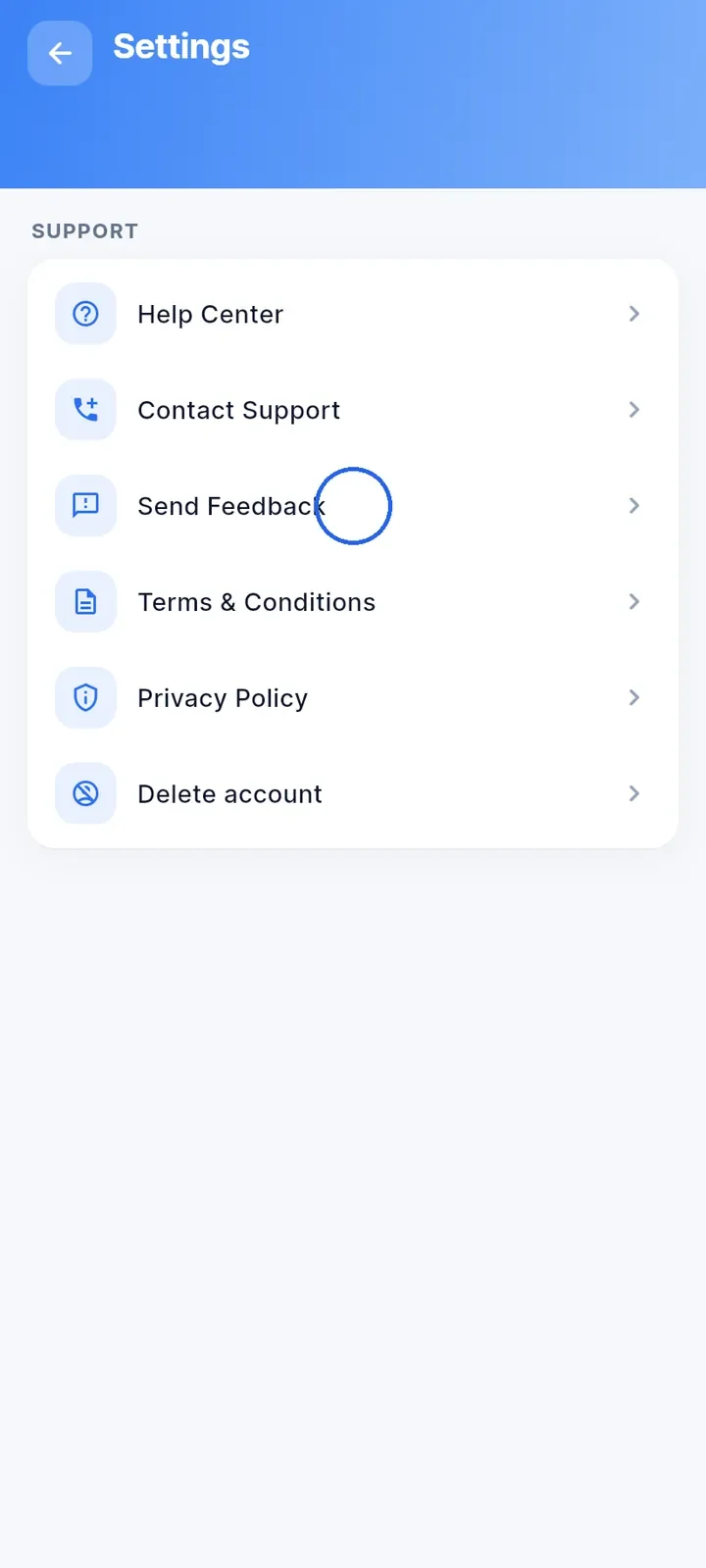
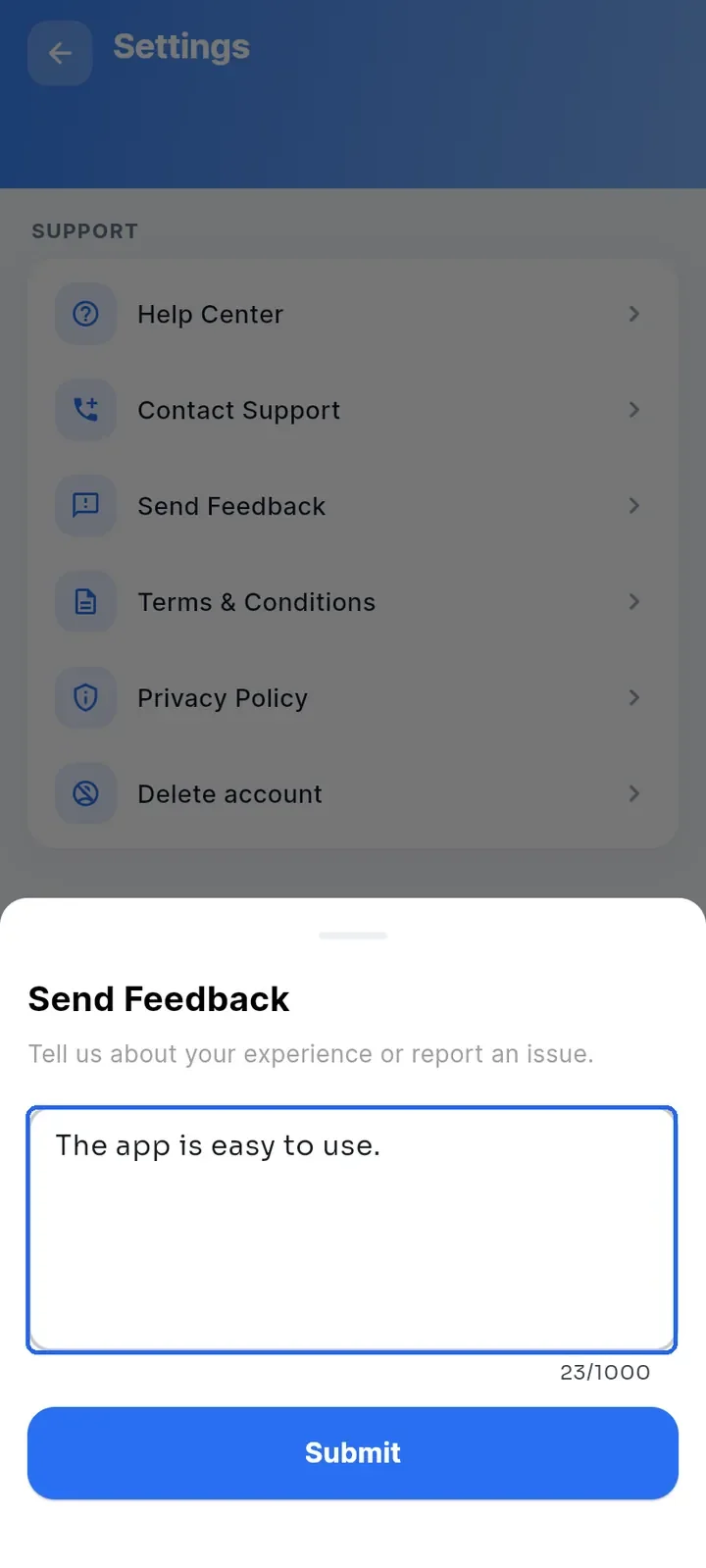
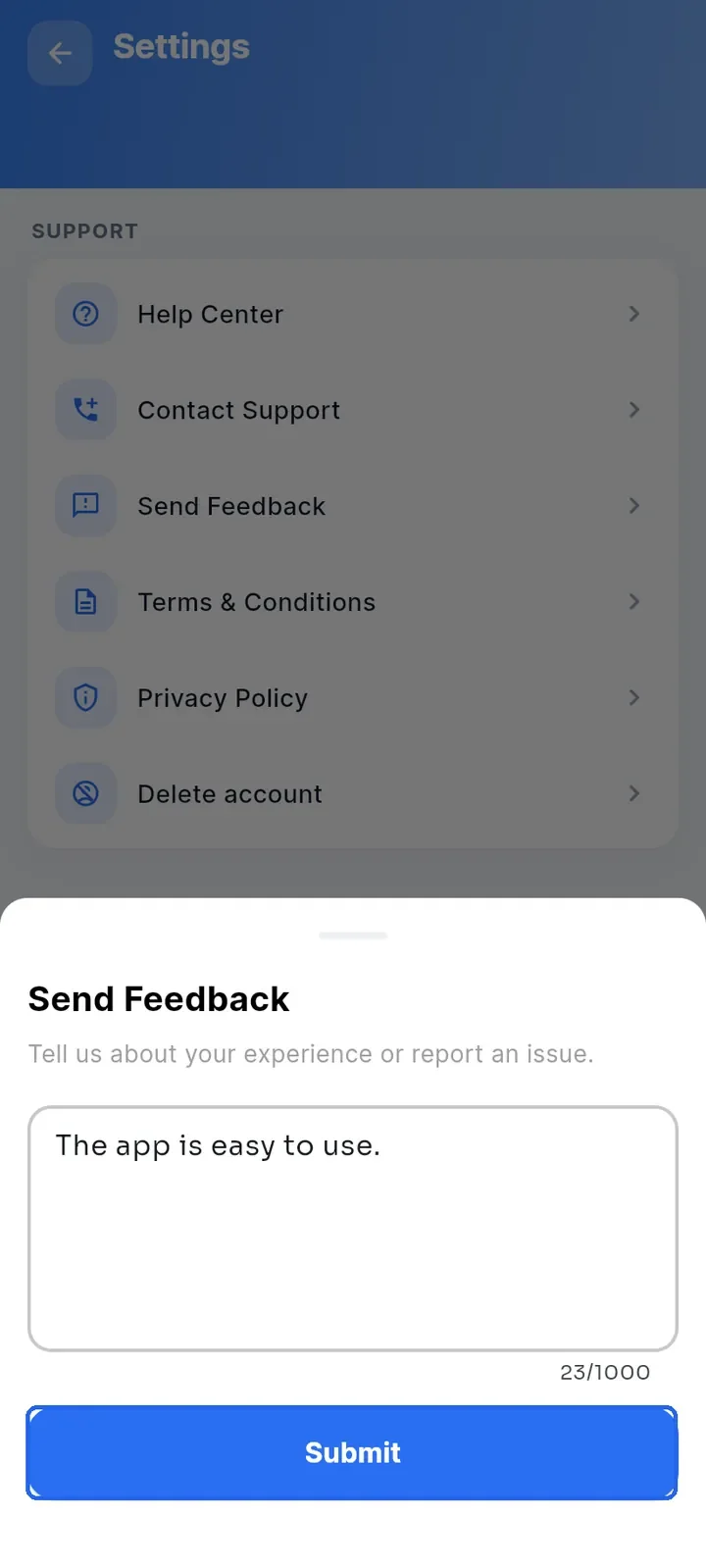
Tap Send Feedback to tell the team about your experience or report an issue.
Type your message in the box. You can write up to 1000 characters; the counter under the box shows how many you have used.
Tap Submit to send your feedback. The button stays grey until you type something.
Tap Terms & Conditions or Privacy Policy to read them inside the app.