Change your password
Set a new password for your account with your current password and an emailed code.
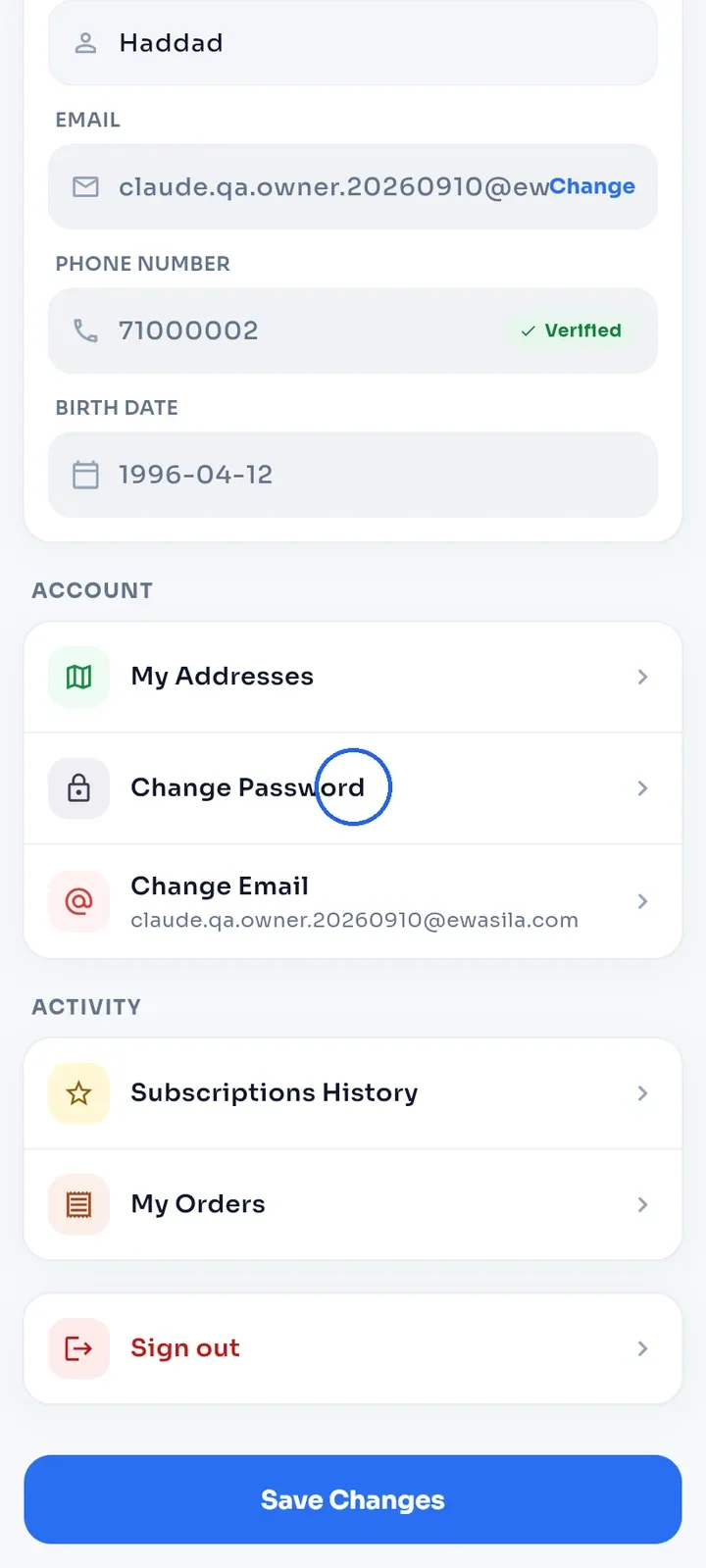
Open My Profile, scroll to Account and tap Change Password.
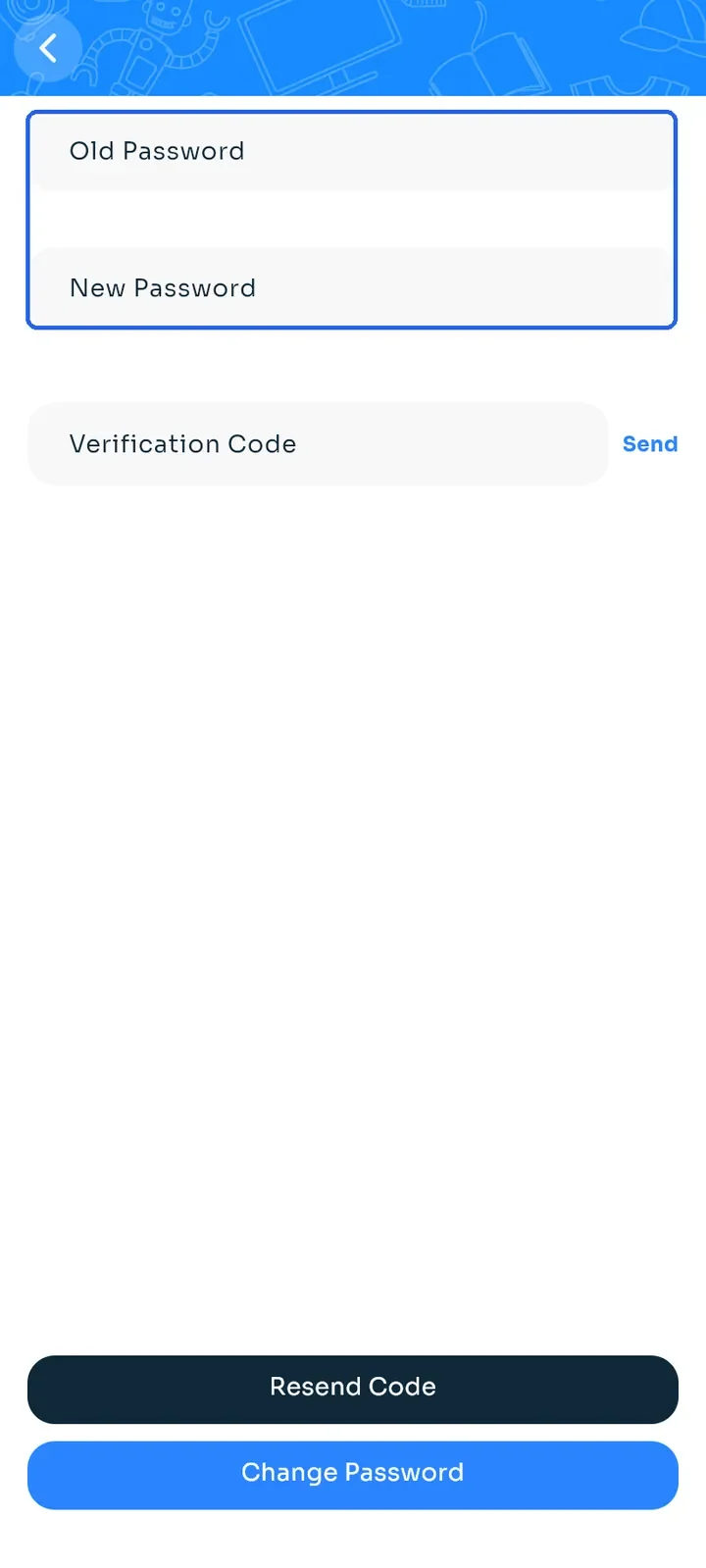
Enter your current password in Old Password and your new one in New Password. Use at least 8 characters.
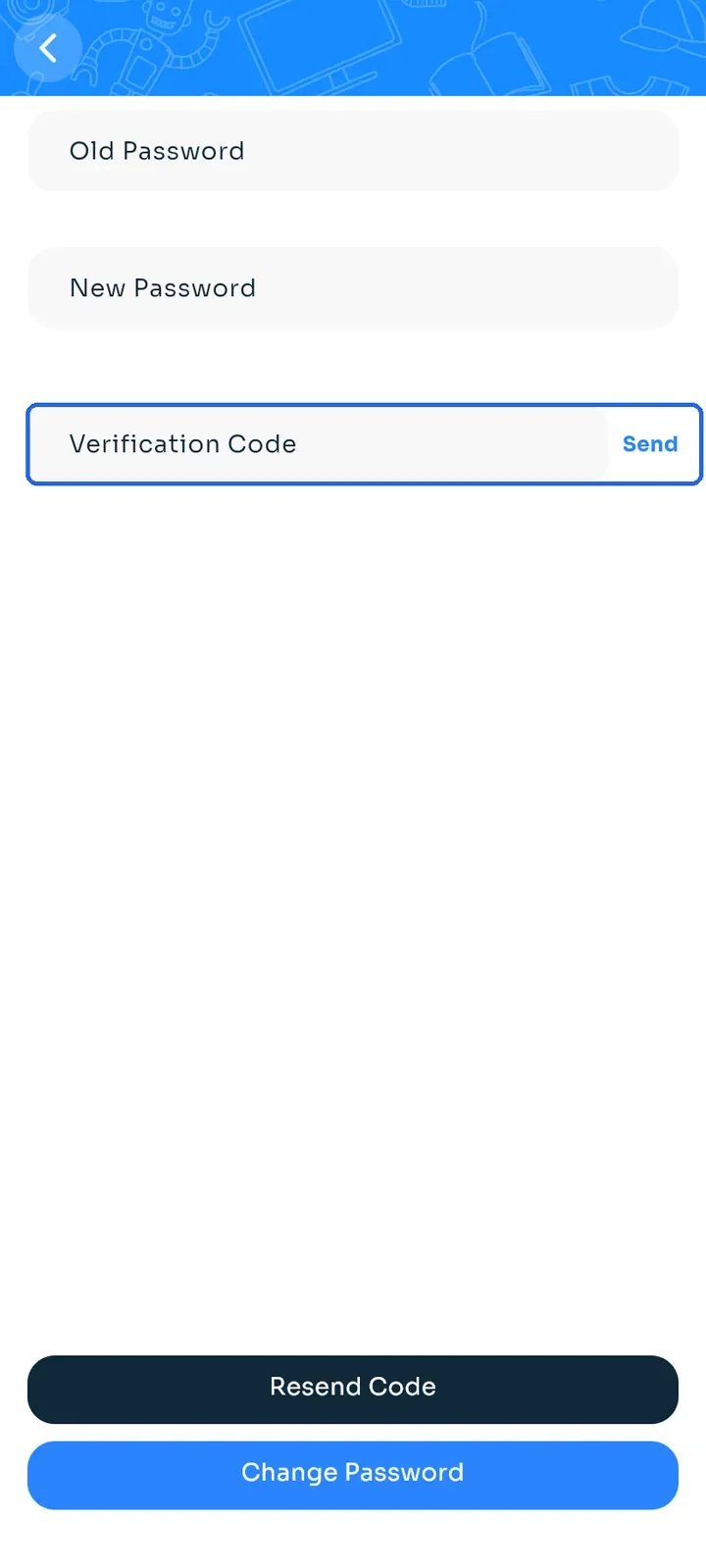
Tap Send next to Verification Code. We email a code to your account's email address.
Enter the code in Verification Code.
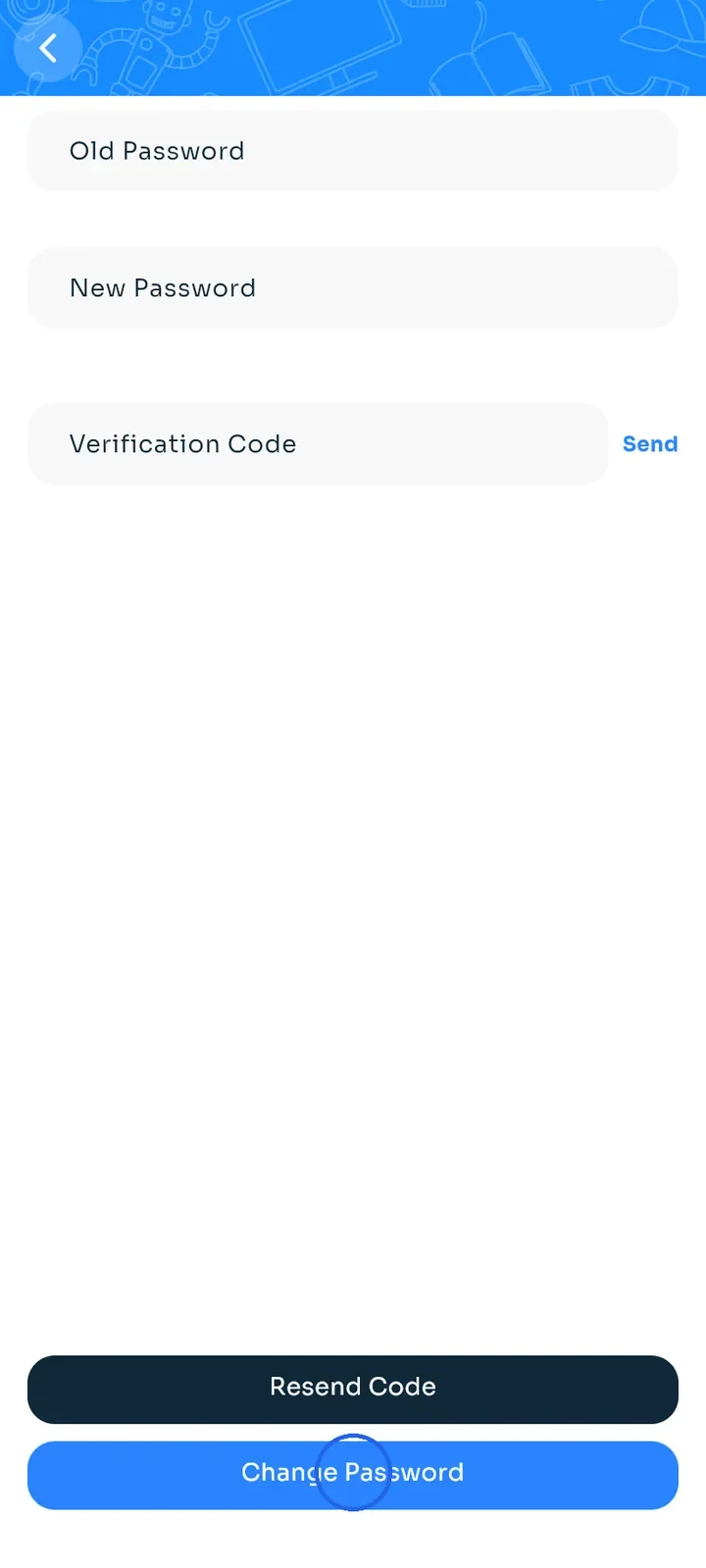
Tap Change Password. The app shows "Password changed successfully!".
Tip: if the code does not arrive, check your spam folder, then tap Resend Code.
Tip: if you forgot your current password, sign out and tap Forgot? on the sign-in screen instead (see "Reset a forgotten password").