Use the Help Center
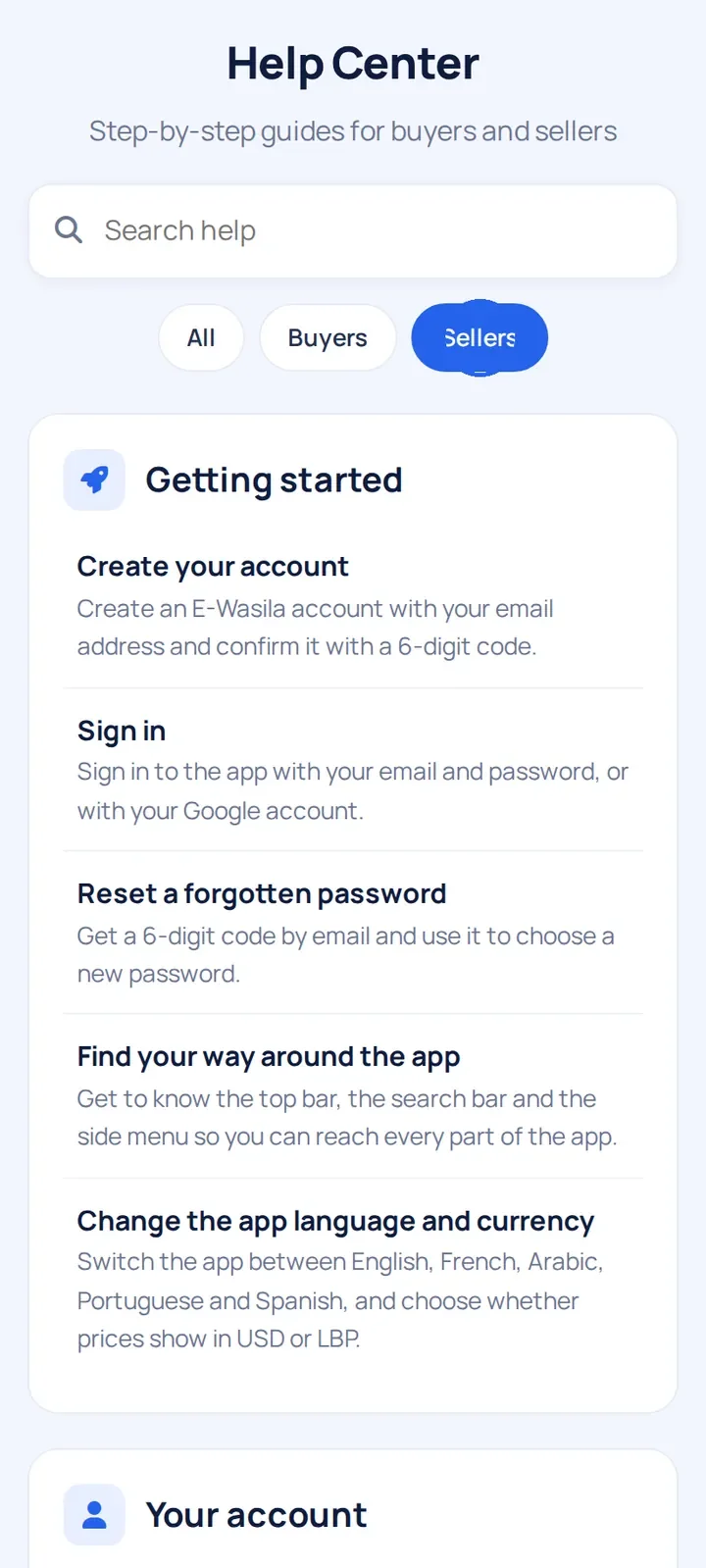
Open the Help Center in the app and quickly find a step-by-step guide for what you want to do.
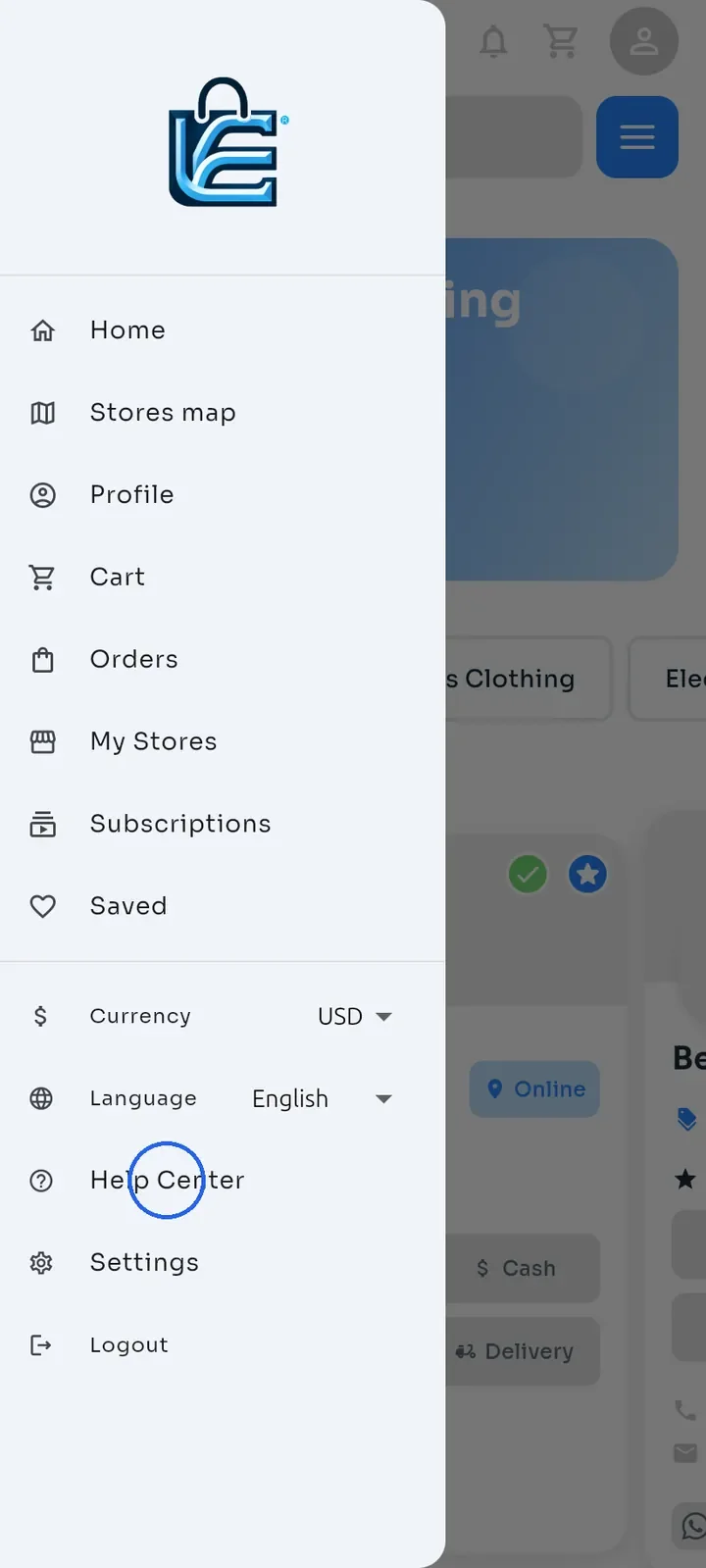
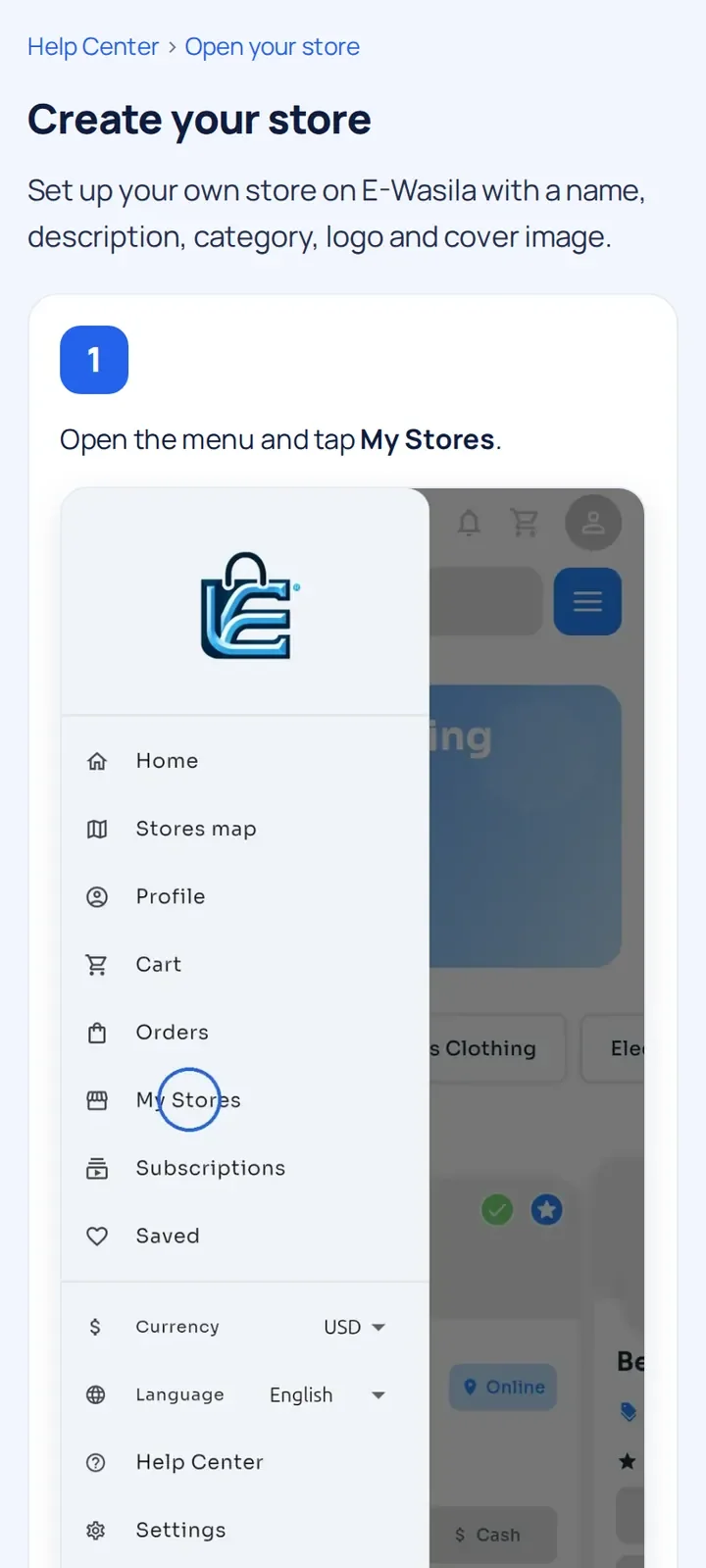
Open the menu and tap Help Center.
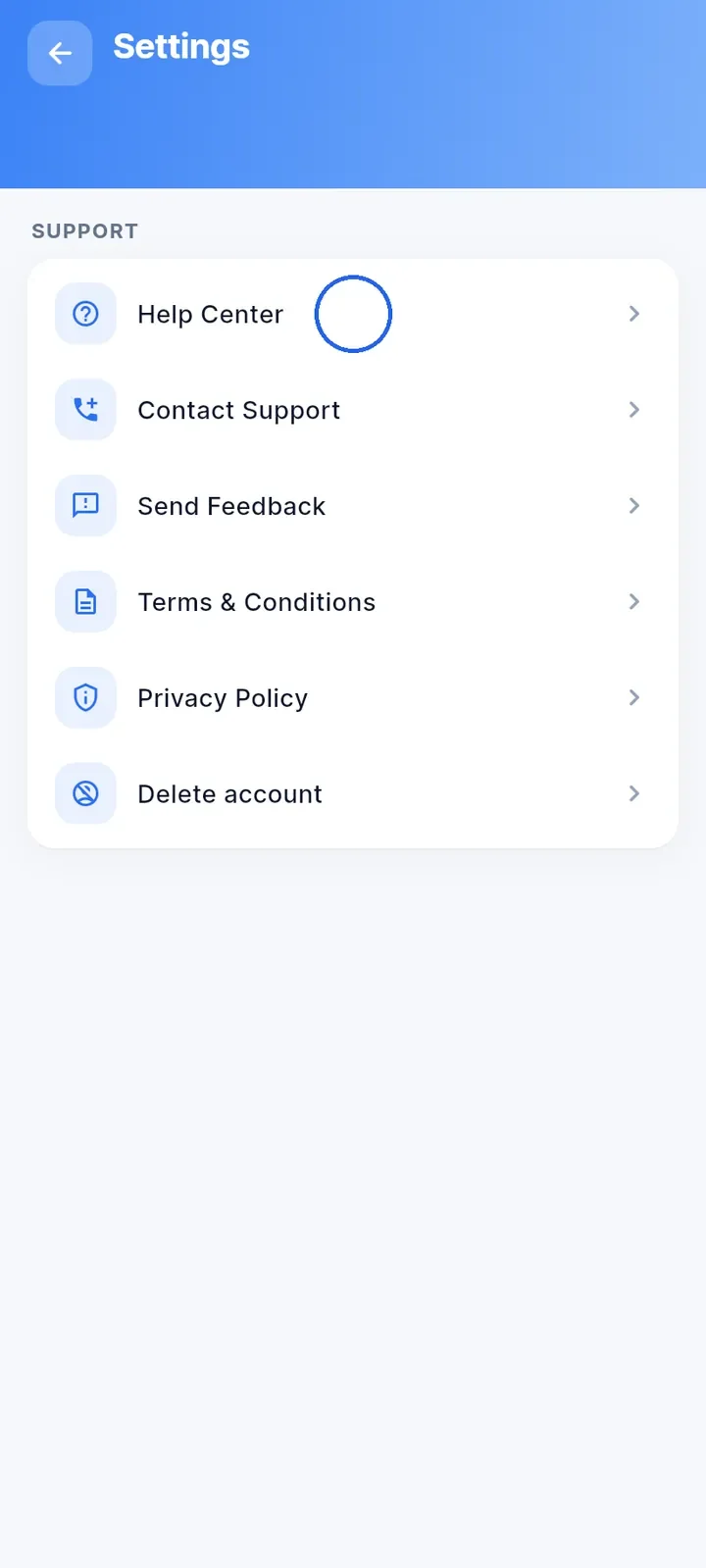
Or open Settings and tap Help Center at the top of the SUPPORT section.
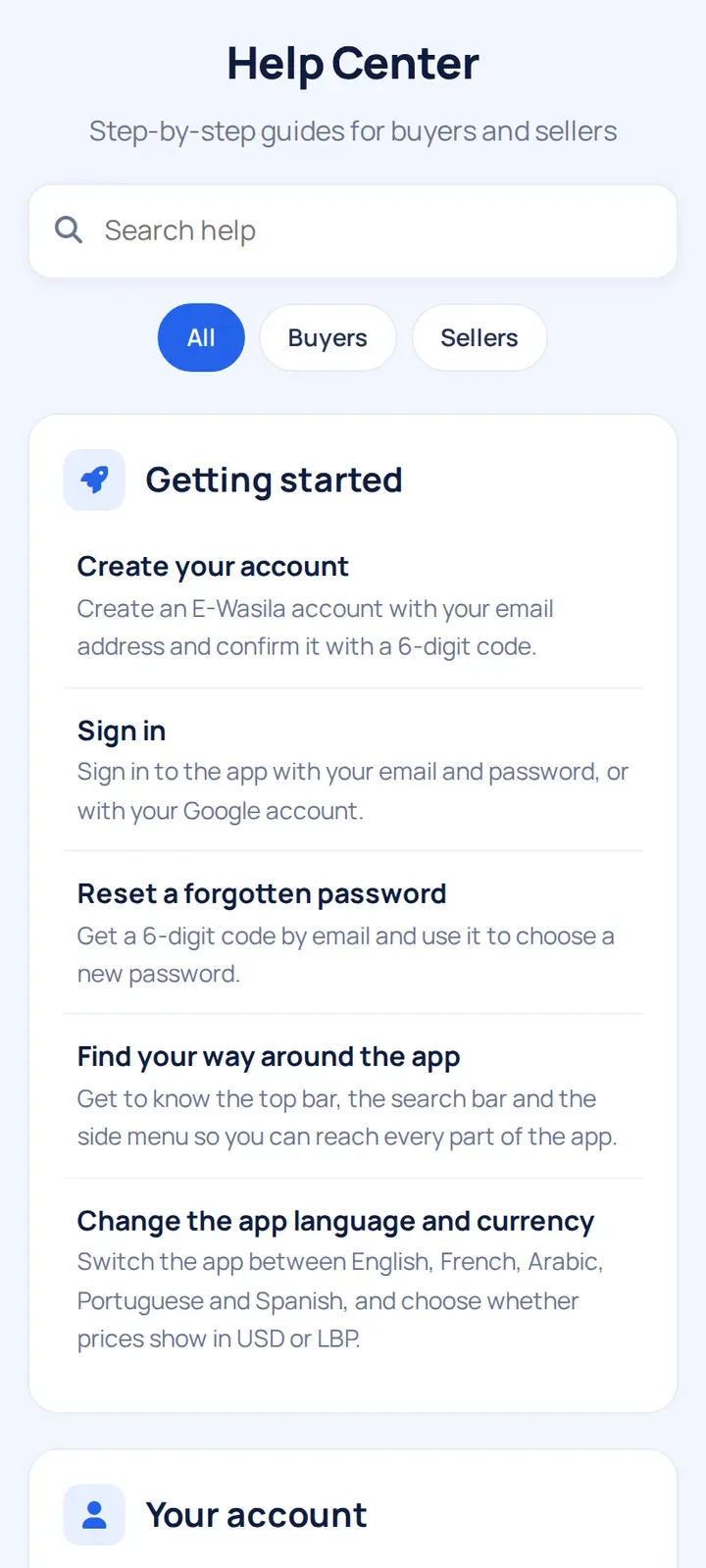
The Help Center opens inside the app. Scroll to browse the guides, grouped by topic.
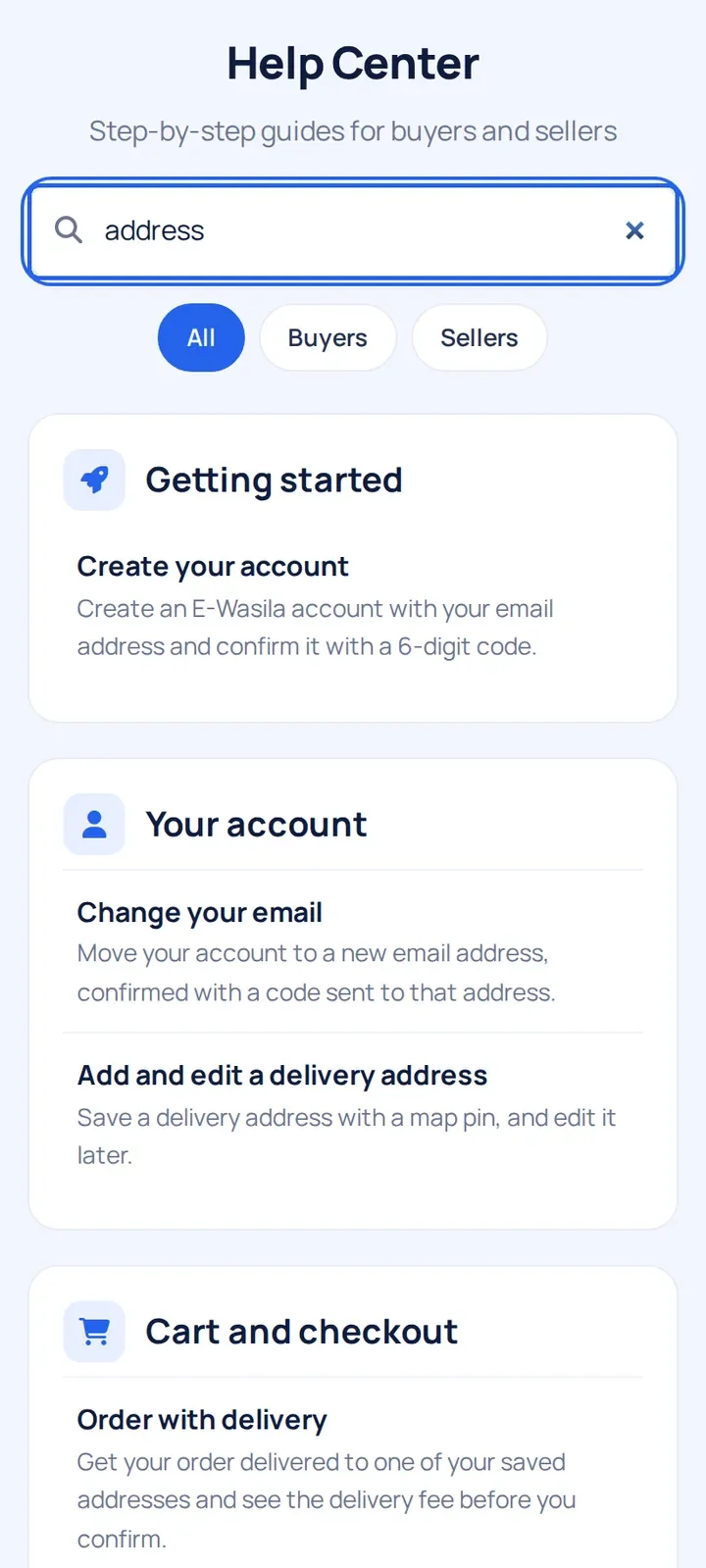
Type a word in the Search help box, such as "address" or "order", to find matching guides.
Tap Buyers or Sellers to see only the guides for you. Tap All to see every guide again.
Tap a guide to read its steps and screenshots.
Note: the Help Center uses the same language as the app. To change it, see "Change the app language and currency".