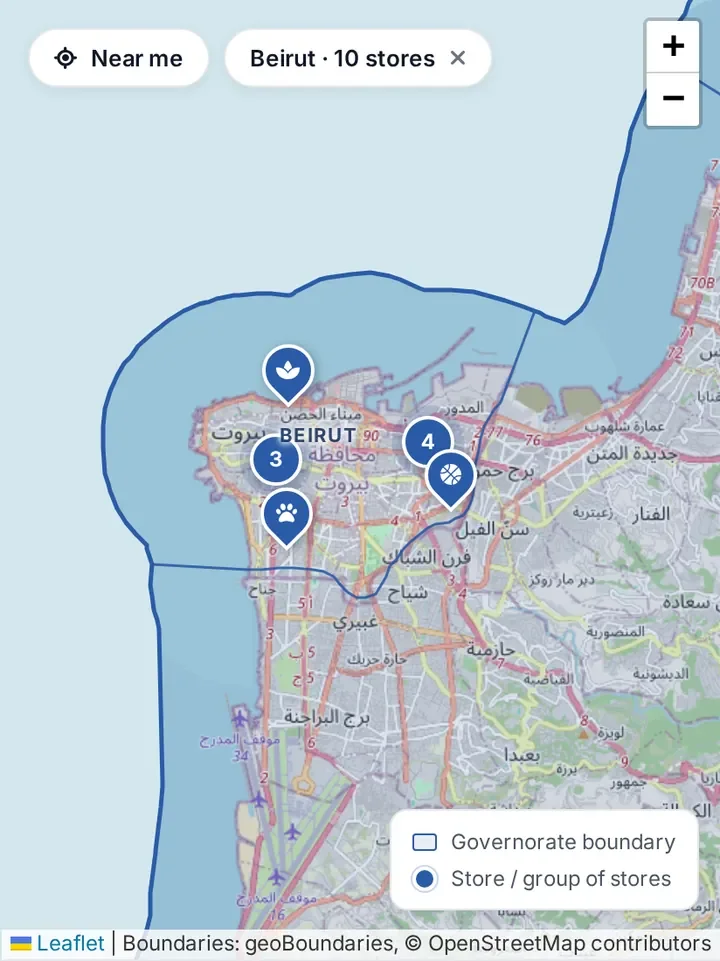
Browse the stores map
See stores across Lebanon on a map and filter them by category or governorate.
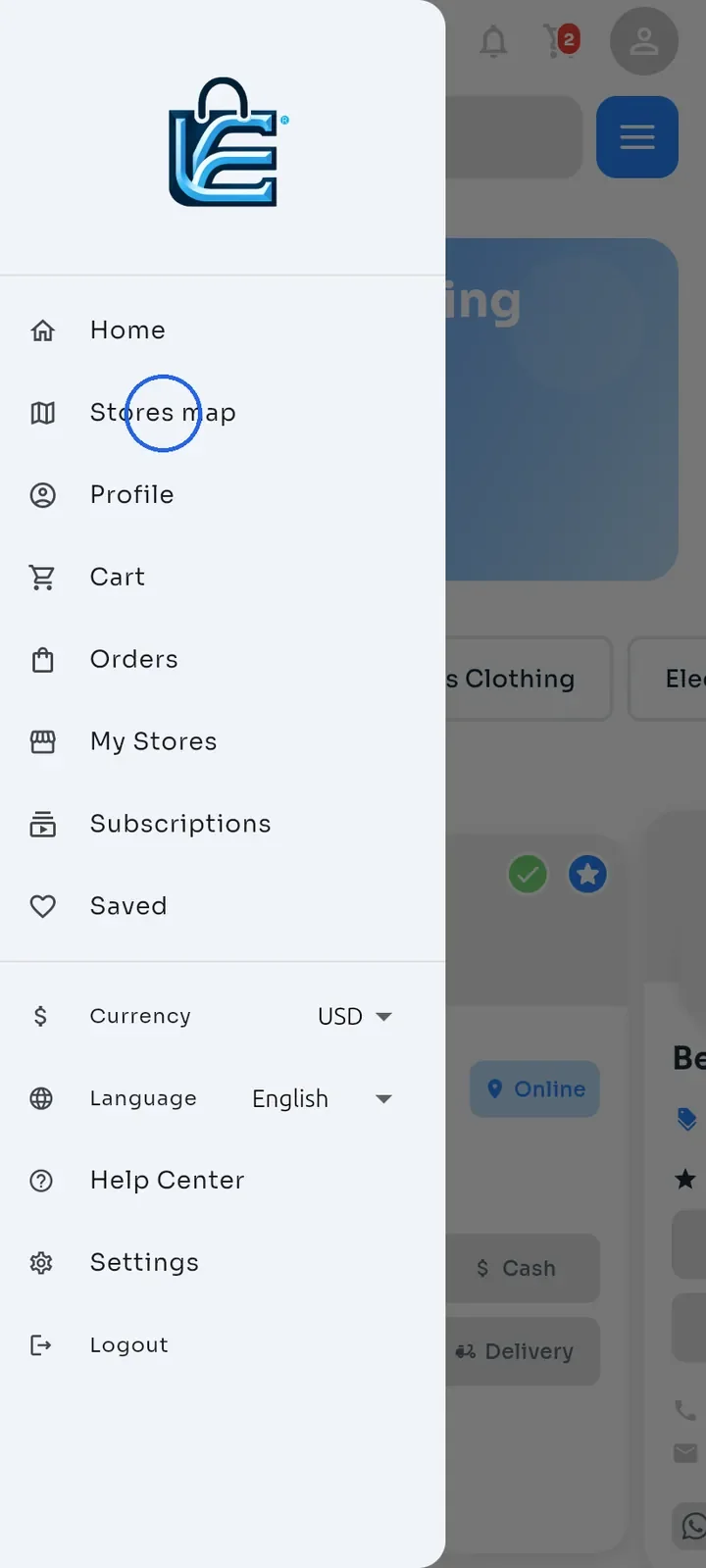
Tap the menu icon at the top left of Home to open the side menu, then tap Stores map.
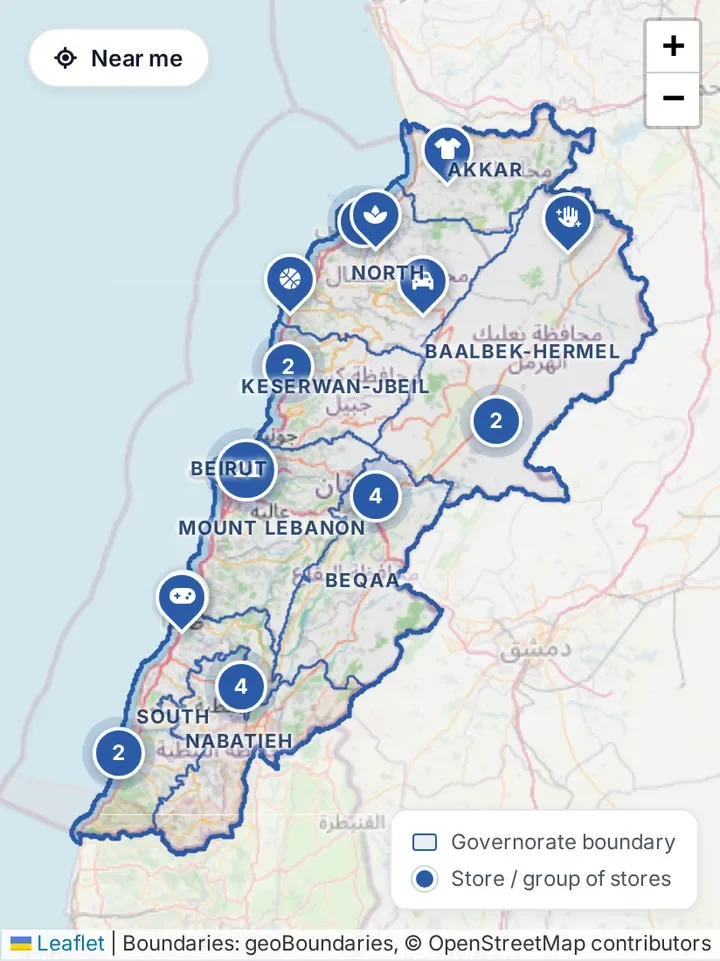
The map shows stores across Lebanon. Numbered circles group nearby stores; zoom in to see them one by one. Use the + and - buttons at the top right to zoom.
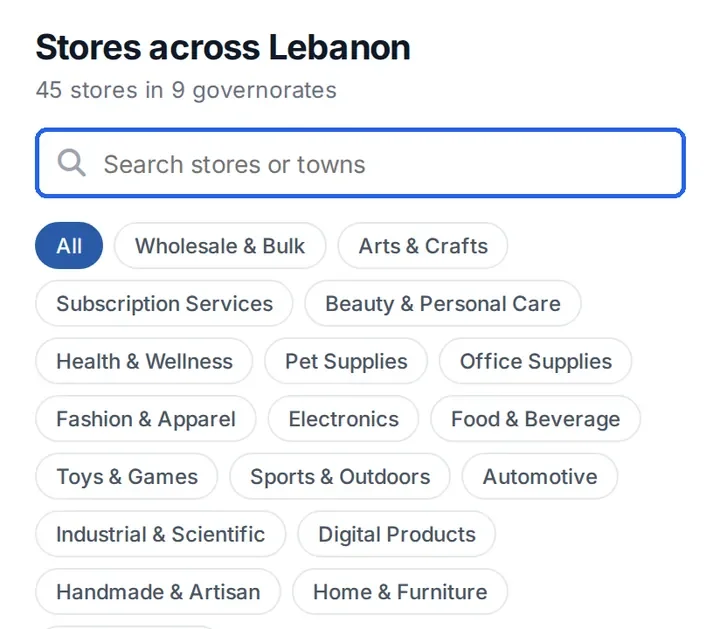
Below the map, type in Search stores or towns to find a store or a town. Tap a category chip, such as Home & Furniture, to show only that kind of store, or tap All to show every category.
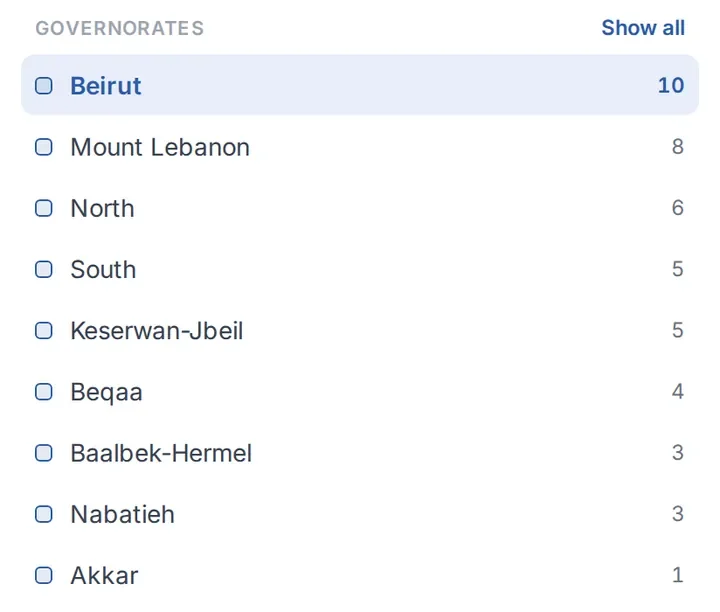
Under GOVERNORATES, tap a governorate such as Beirut. The number on the right is how many stores it has.
The map zooms in on that governorate, and a chip such as Beirut · 10 stores appears at the top. Tap the x on the chip to see all of Lebanon again.
Tip: tap Near me at the top left to center the map on you and sort the stores by distance. You are asked for permission to use your location. If you refuse, the map still works and shows Location permission denied.
Note: the map only shows physical stores that have set a location. If you cannot find a store on the map, search for it from Home instead.