Show your store features
Show badges such as Wifi, Parking, Cash on Delivery and Delivery on your store page.
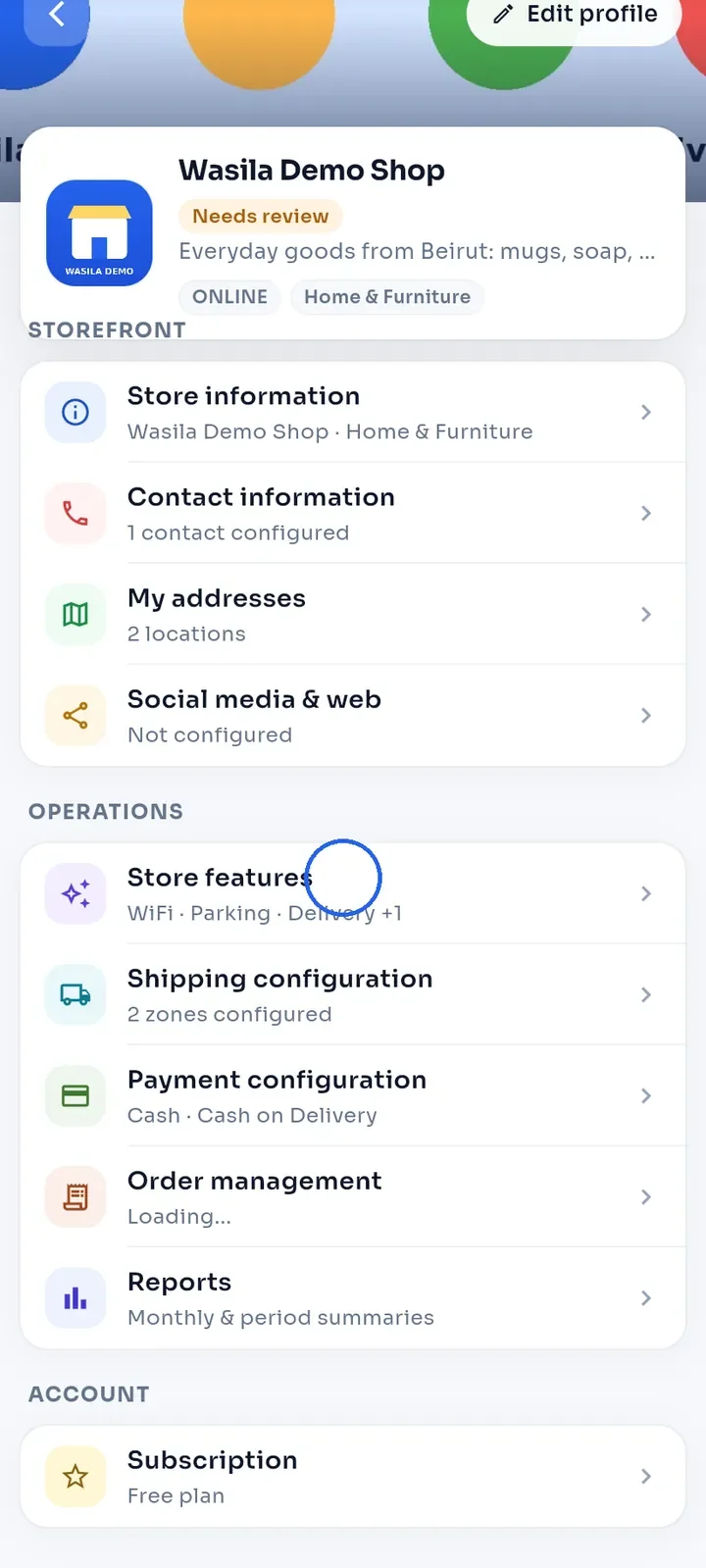
On the store dashboard, tap Store features.
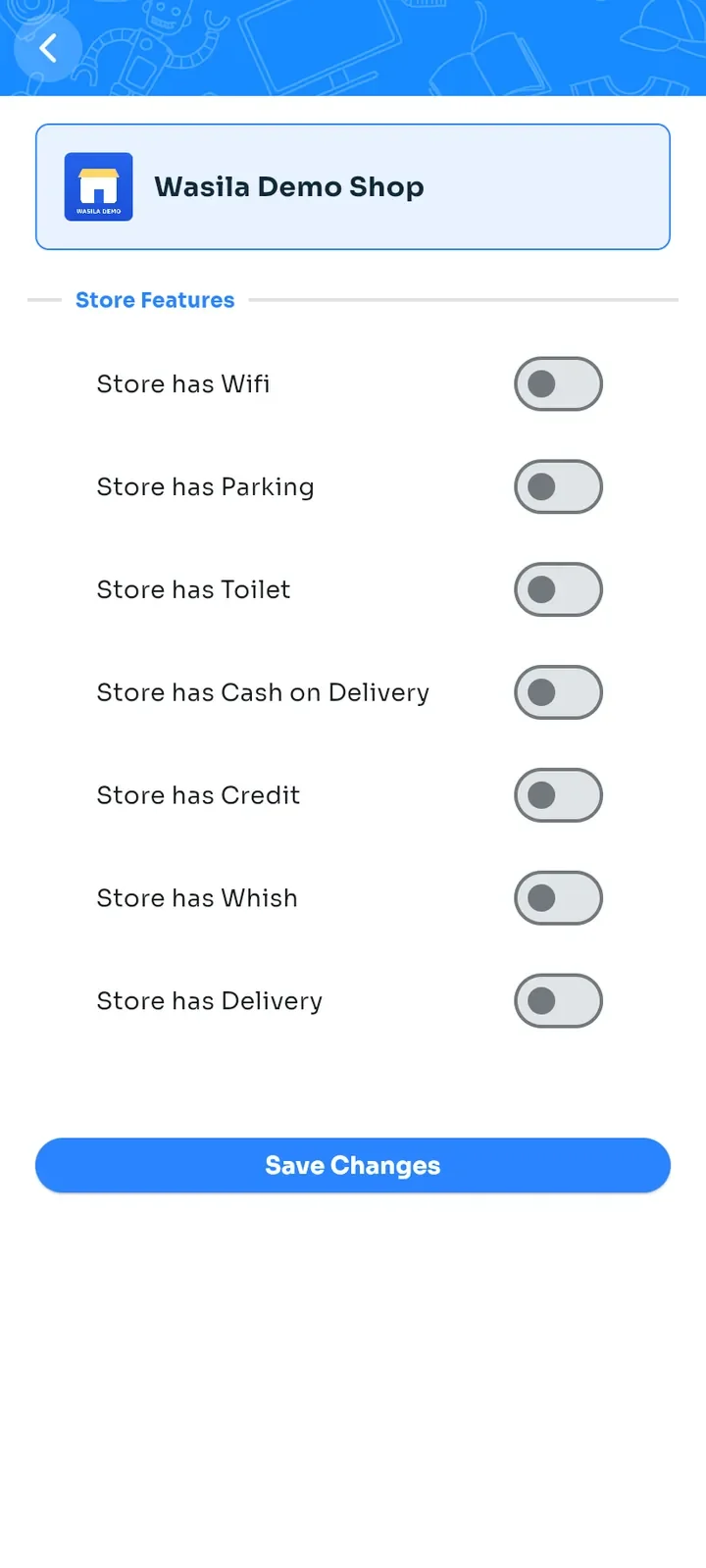
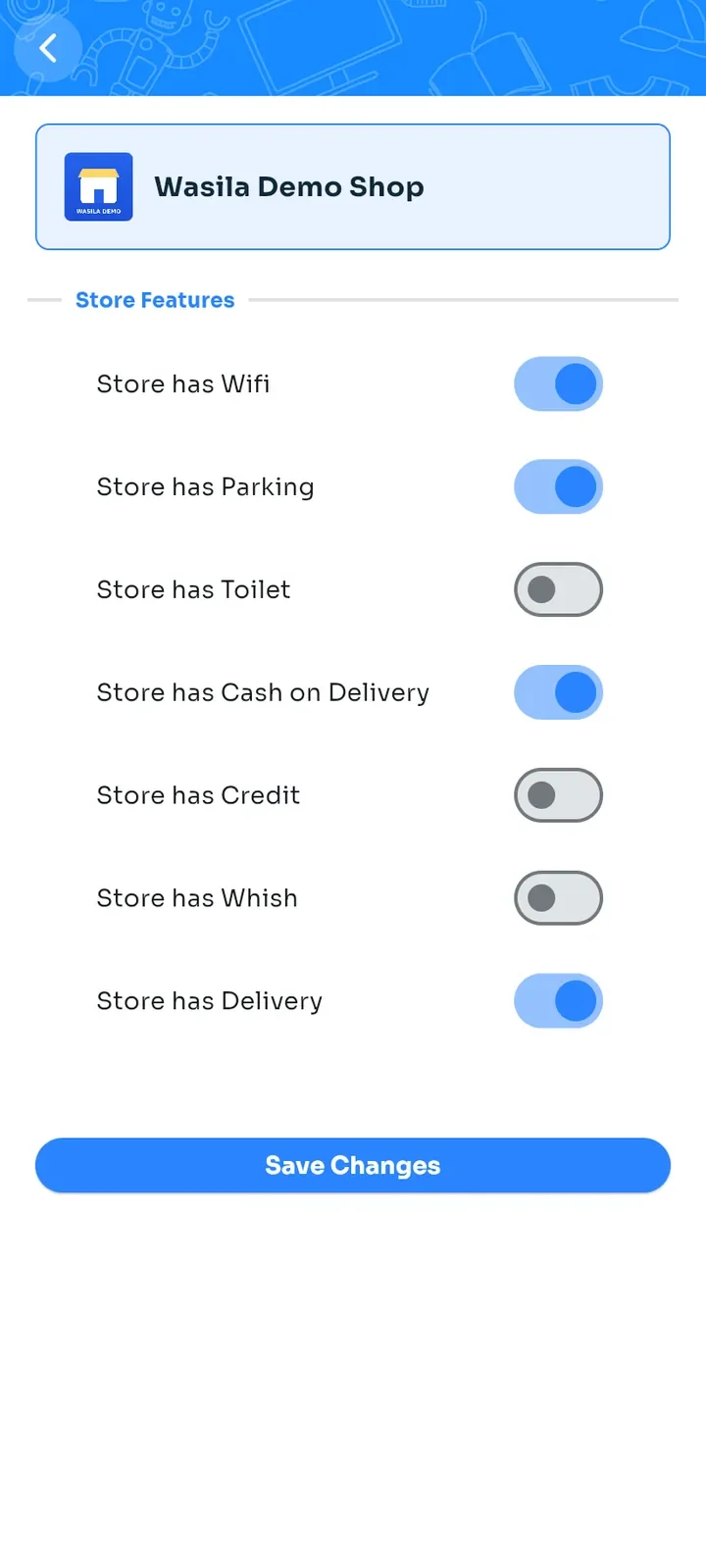
The Store Features list opens. All switches are off at first.
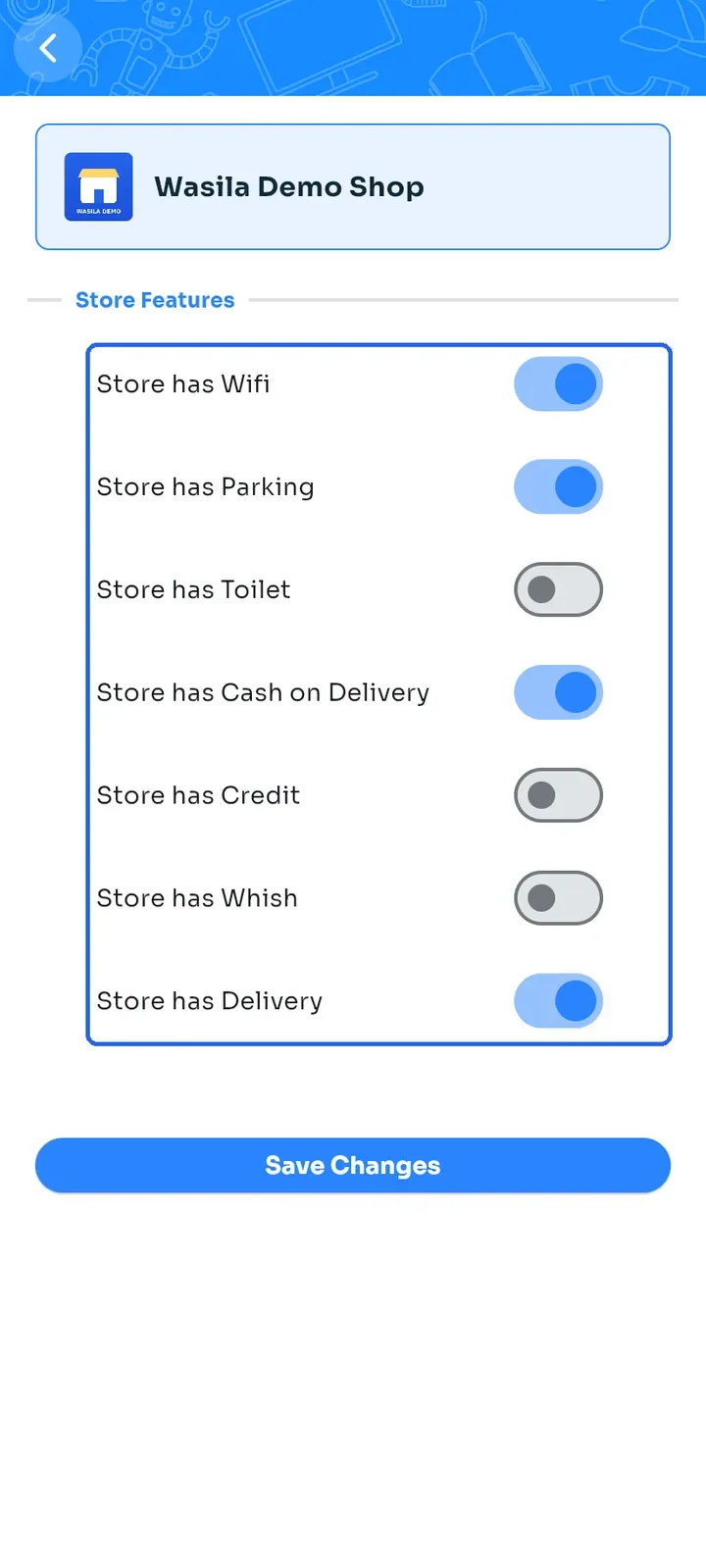
Switch on the features your store offers, for example Store has Wifi, Store has Parking, Store has Cash on Delivery and Store has Delivery.
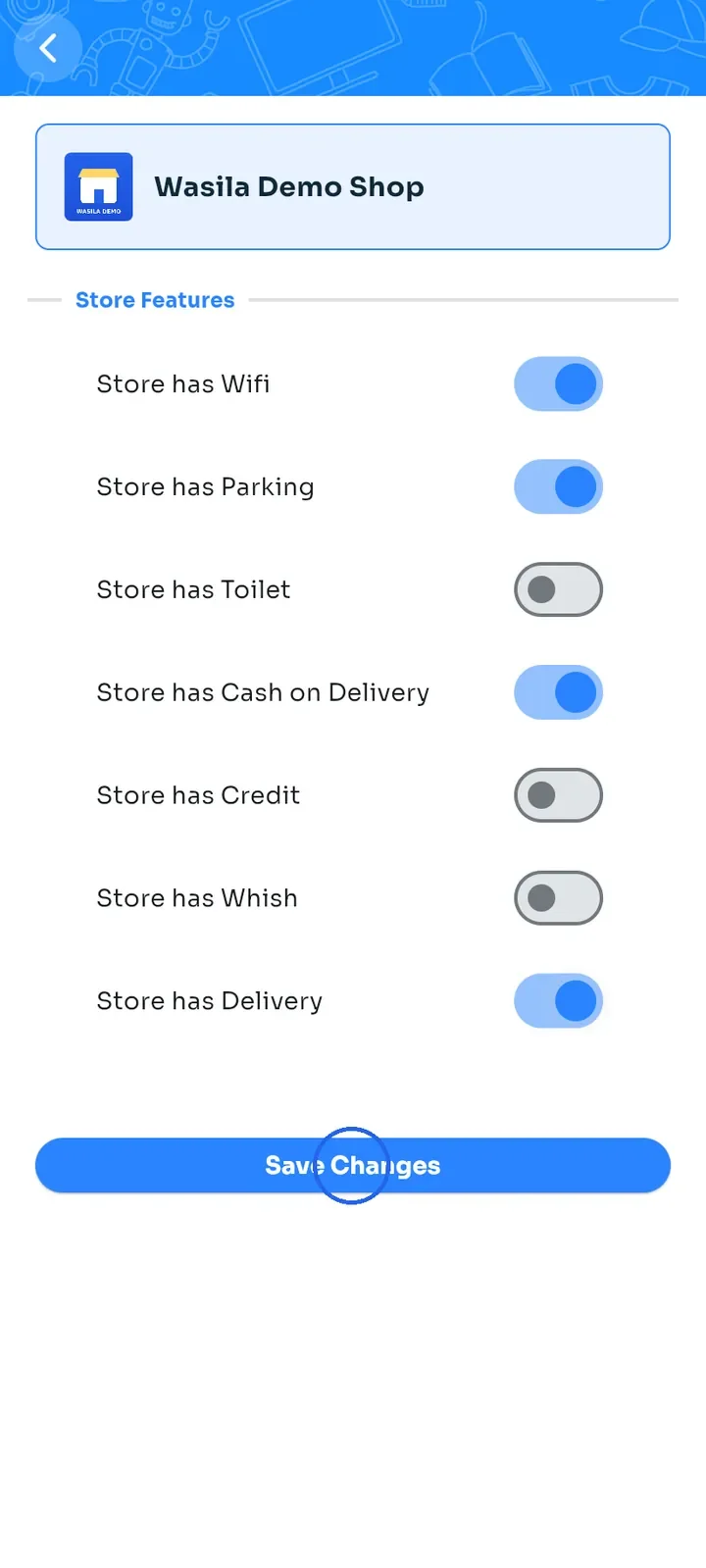
Tap Save Changes.
To check, open Store features again. Your choices are kept. The Store features row on the dashboard lists them once you open your store again from My Stores.
Note: these switches only add badges to your store page. They do not turn on delivery or payments. Set those up in Shipping configuration and Payment configuration.