Sign in
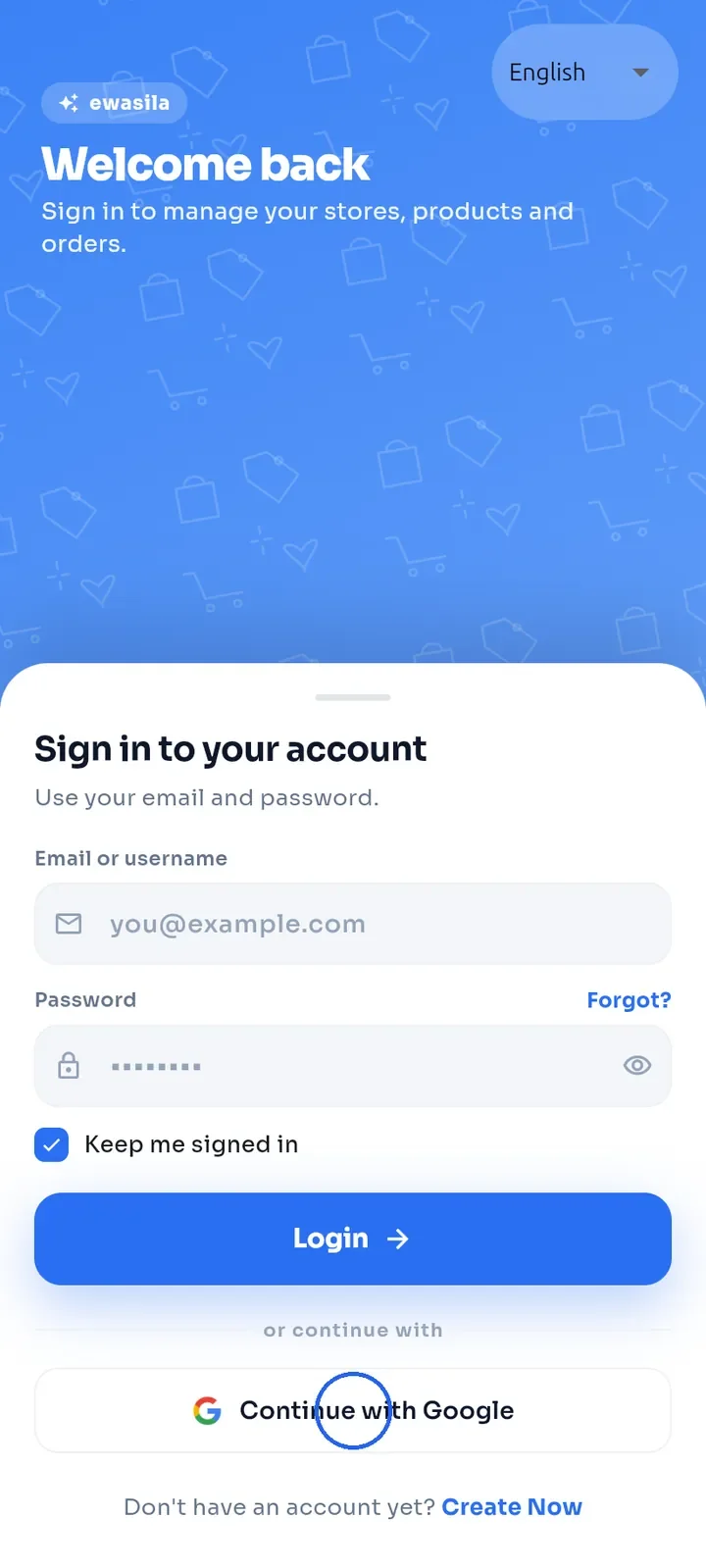
Sign in to the app with your email and password, or with your Google account.
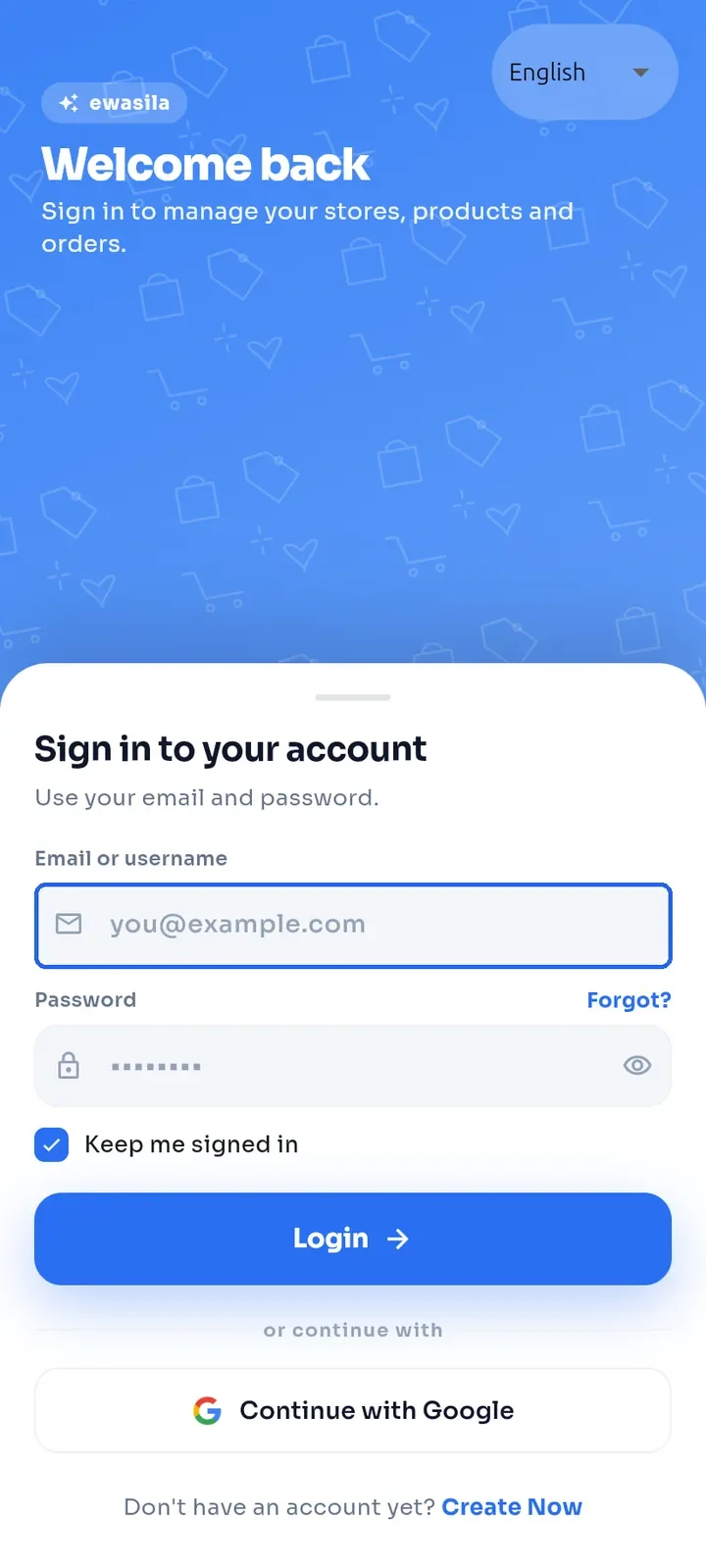
Open the app. If you are not signed in, the sign-in screen opens.
Enter your email address or username in Email or username.
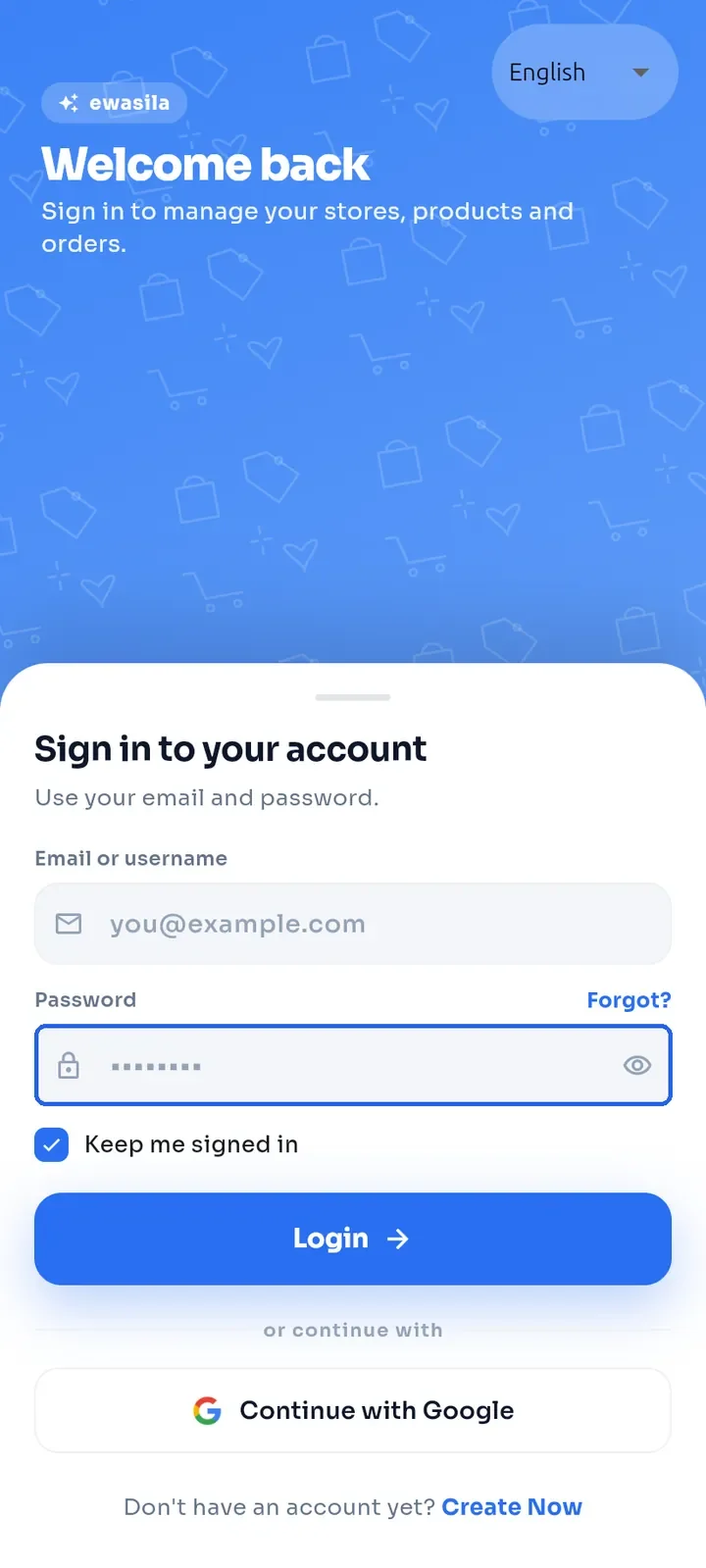
Enter your password in Password. Tap the eye icon on the right to show or hide it.
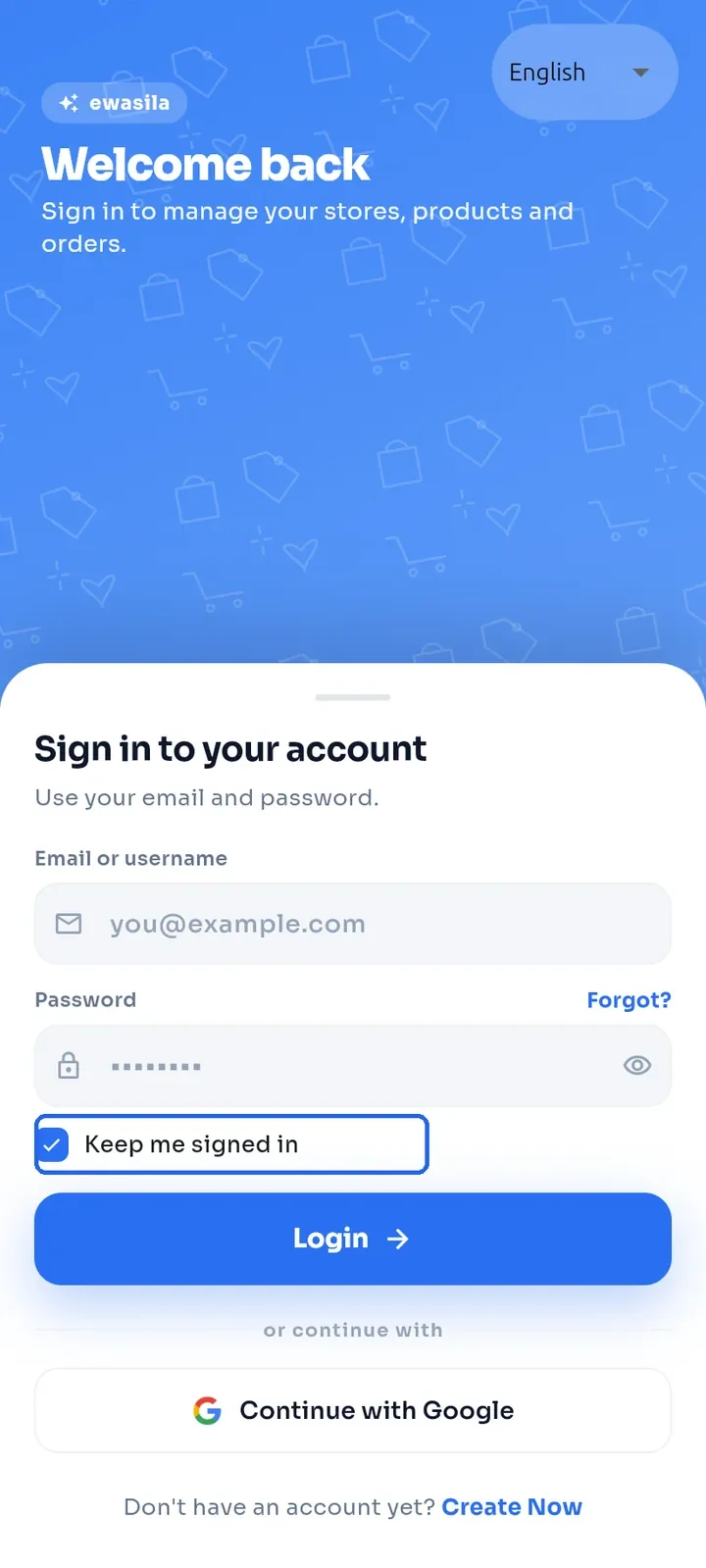
You stay signed in on this device whether or not Keep me signed in is ticked. On a shared device, tap Logout in the menu when you are done.
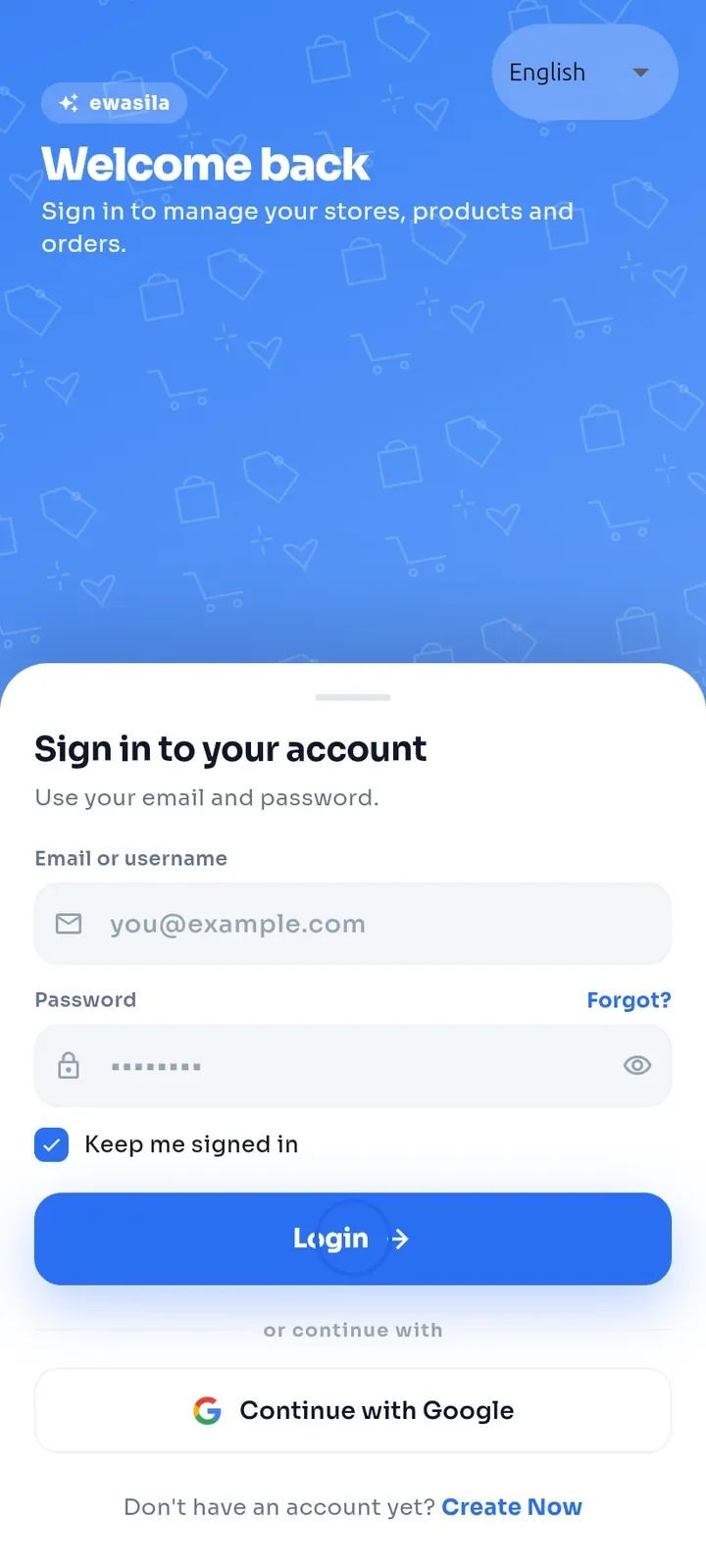
Tap Login.
To use Google instead, tap Continue with Google and choose your Google account.
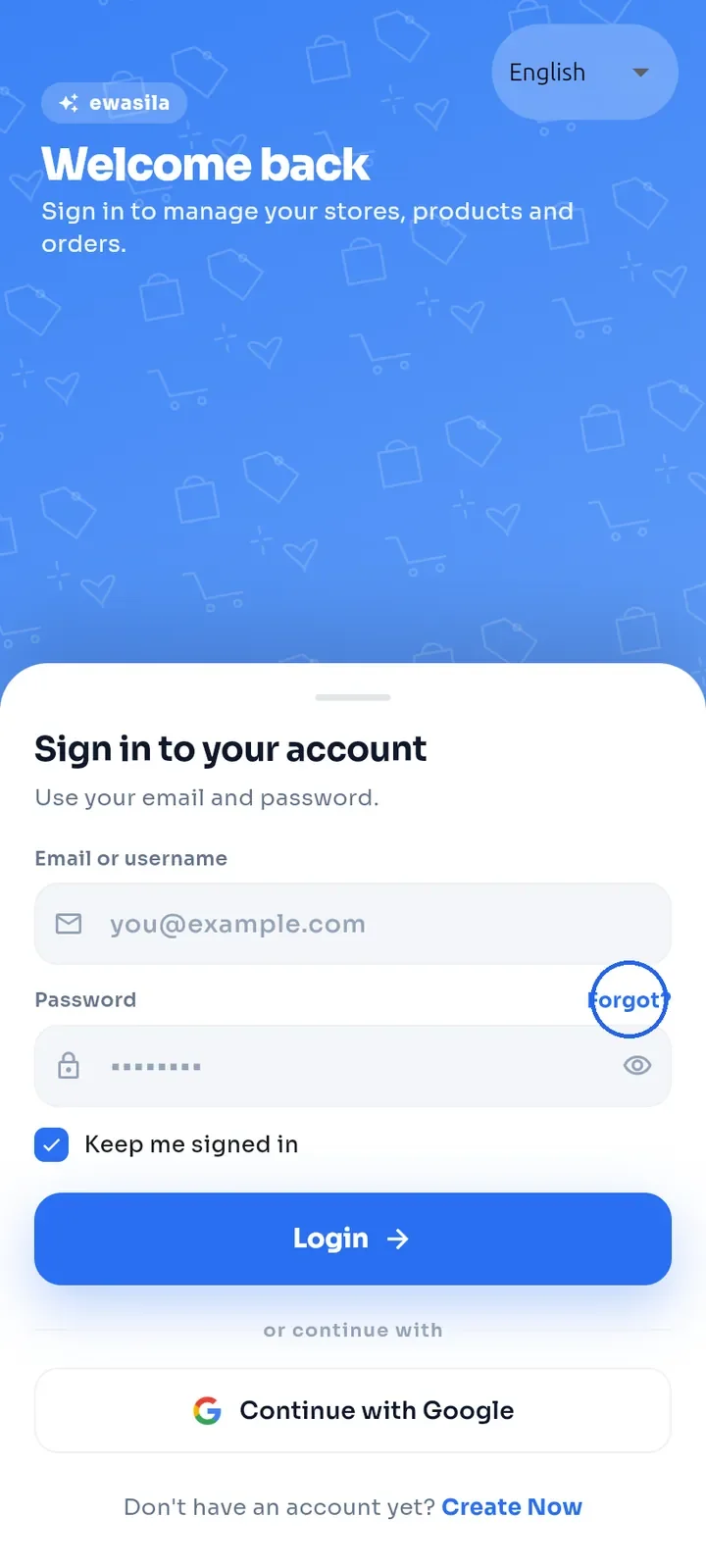
Forgot your password? Tap Forgot? above the password field, on the right (see "Reset a forgotten password").
Note: you need an account to use the app; there is no guest access. New here? Tap Create Now at the bottom of the screen (see "Create your account").