Share or report a store or product
Send a store or product to a friend, or tell us about a problem with it.
On a store page, tap the share button. It is the first of the three buttons at the top right.
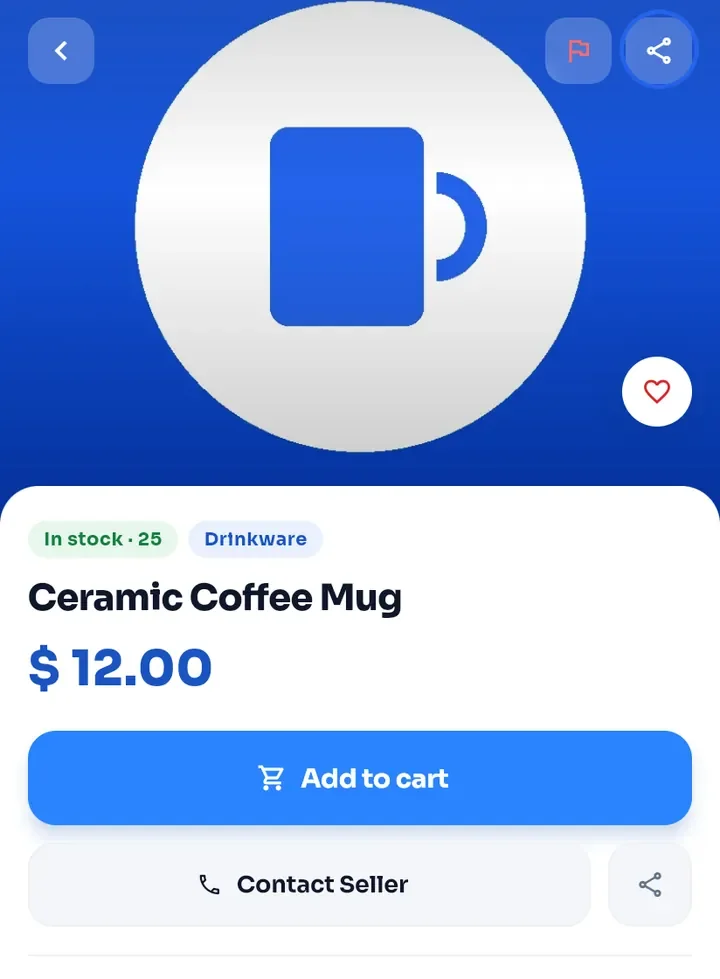
On a product page, tap the share button at the top right of the photo, or the one next to Contact Seller. In both cases, your phone's share menu opens so you can choose an app or a contact.
Note: a shared store comes with a short message and a link to its page on ewasila.com. A shared product comes with its name, its price and a link. Anyone who opens the link can see the page.
To report a problem, tap the flag button. On a store page it is the third button at the top right; on a product page it is the first one.
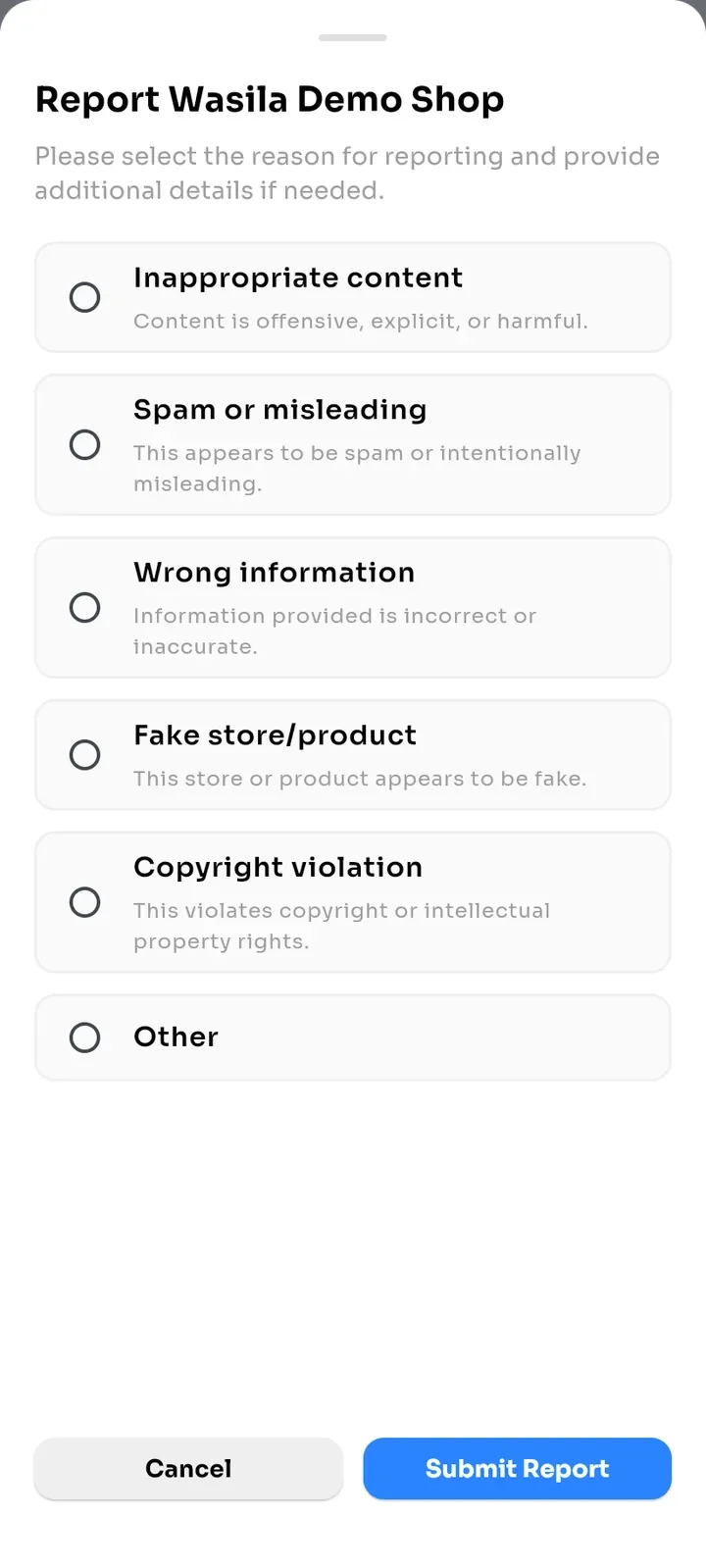
A sheet opens with the store or product name, for example Report Wasila Demo Shop. Choose a reason: Inappropriate content, Spam or misleading, Wrong information, Fake store/product, Copyright violation or Other.
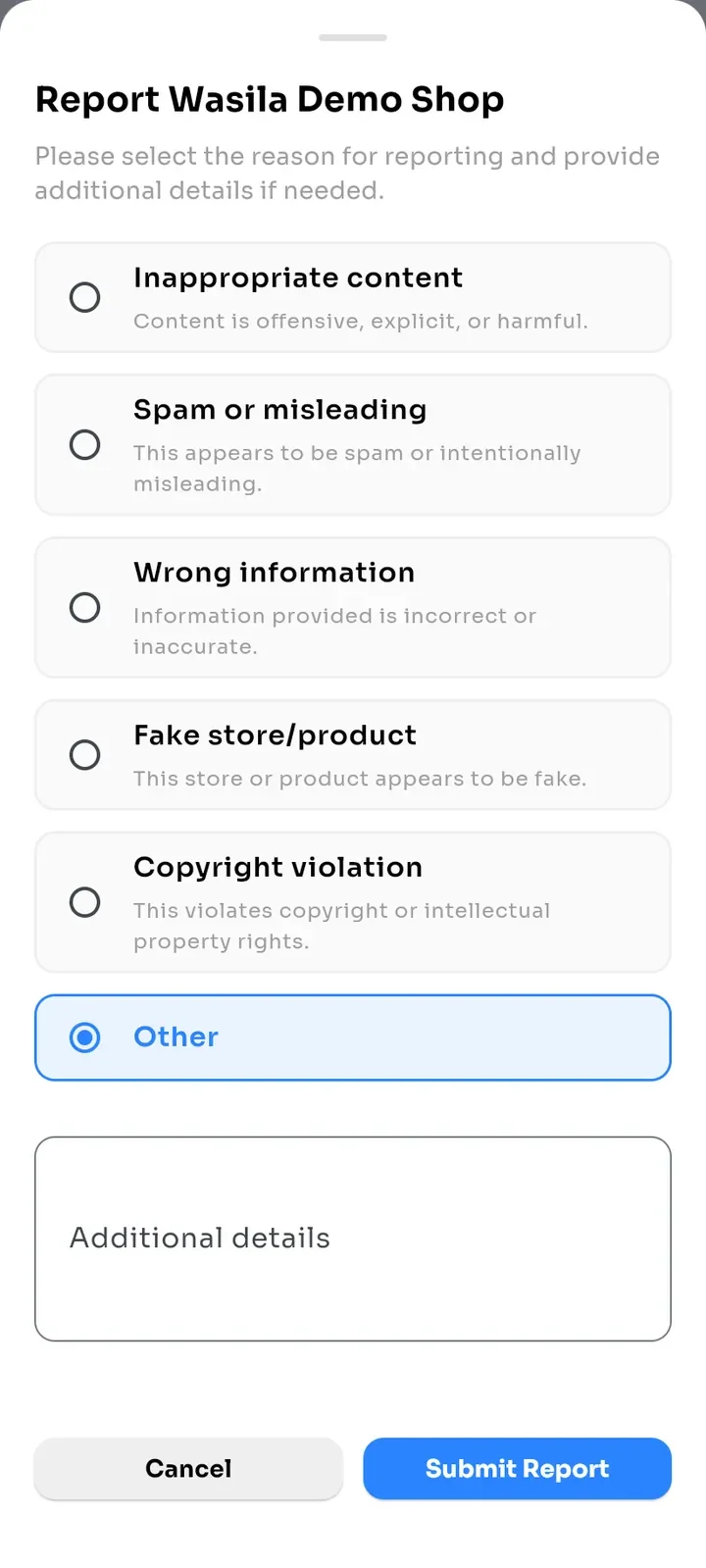
If you choose Other, an Additional details box appears. Type what is wrong.
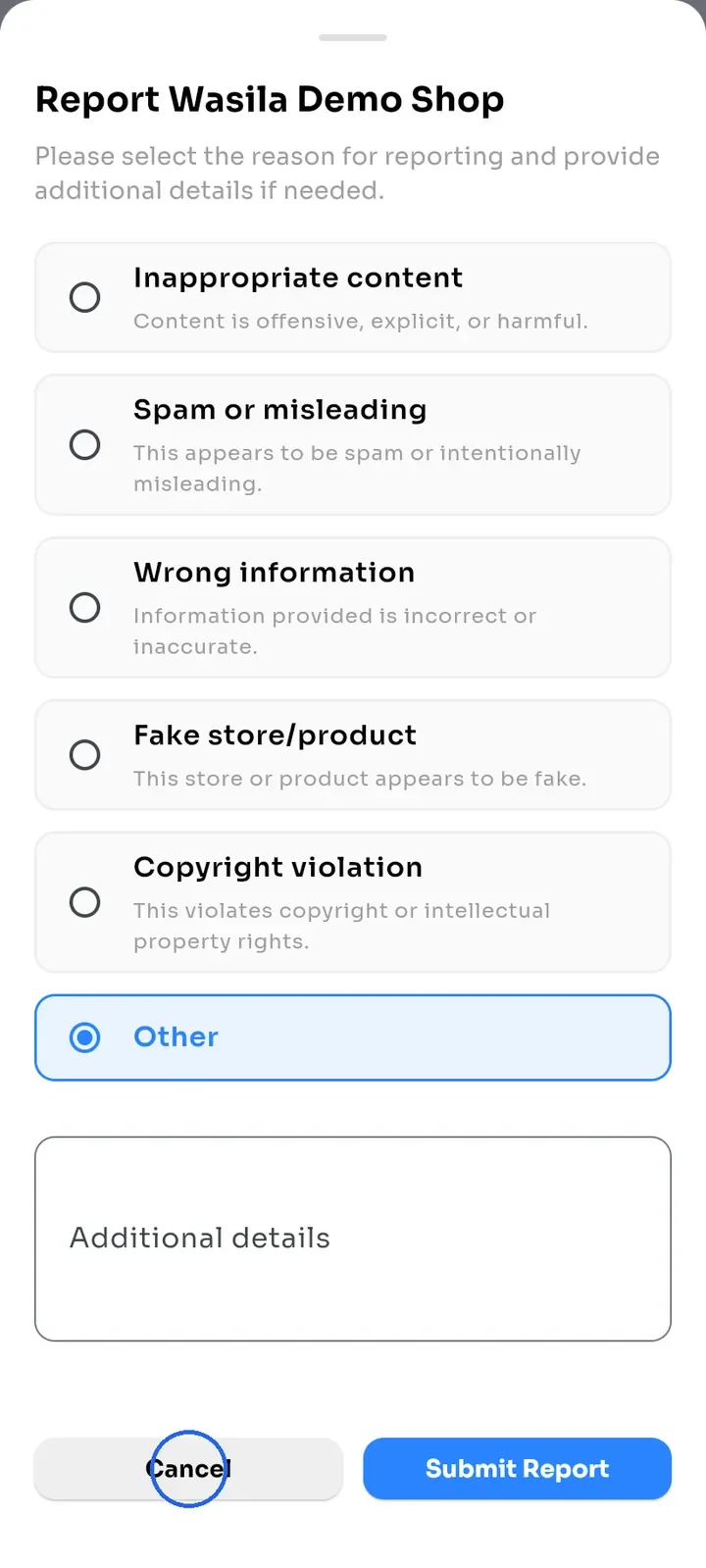
Tap Submit Report to send the report. To close the sheet without sending anything, tap Cancel.