Search for products and stores
Find products and stores by name, and narrow the results with filters.
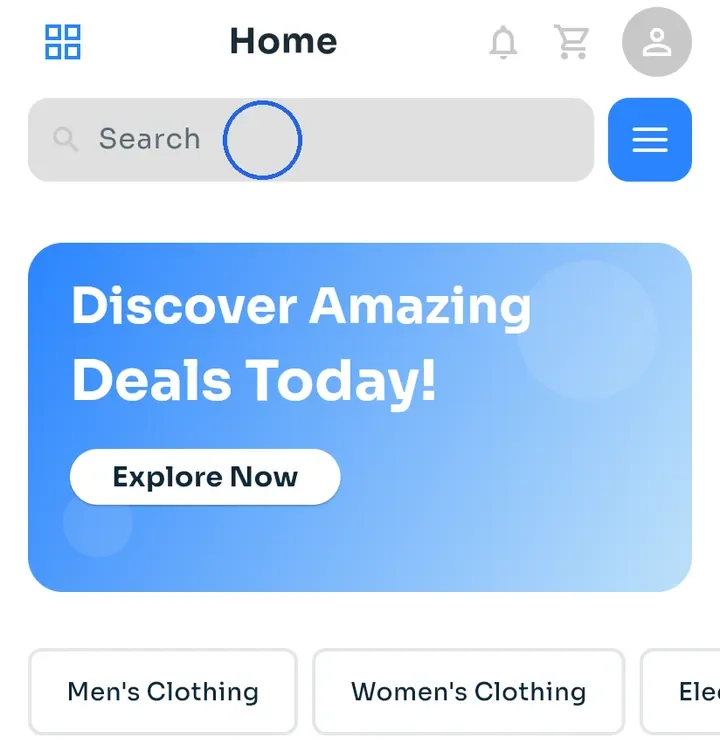
On Home, tap the Search bar at the top.
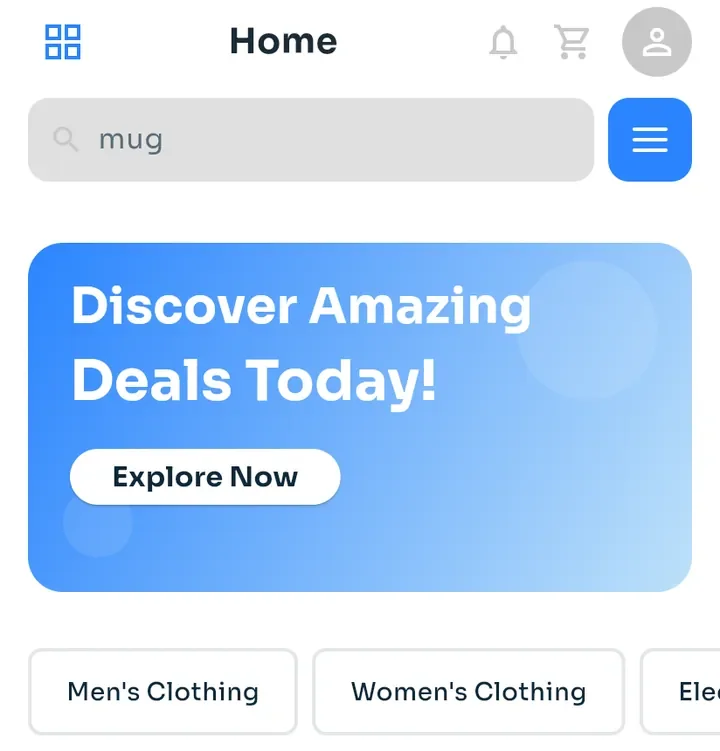
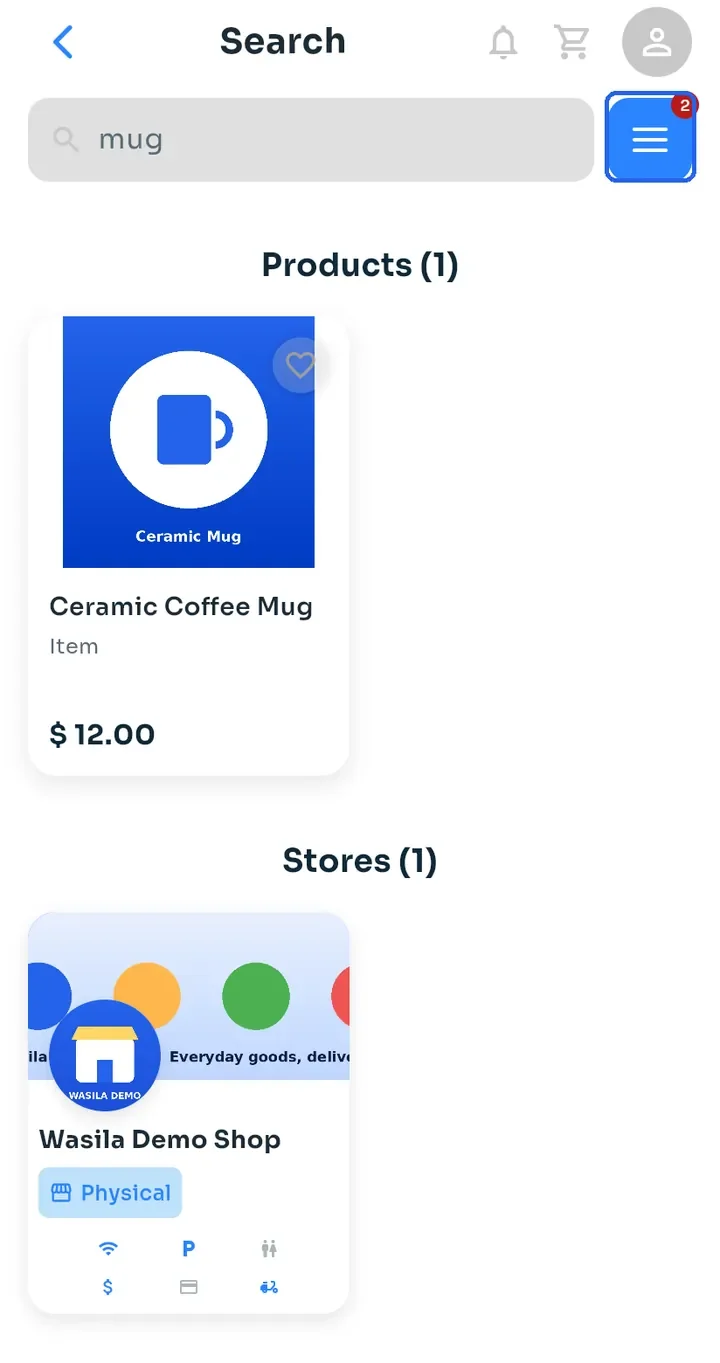
Type what you are looking for, for example "mug", then press the search key on your keyboard.
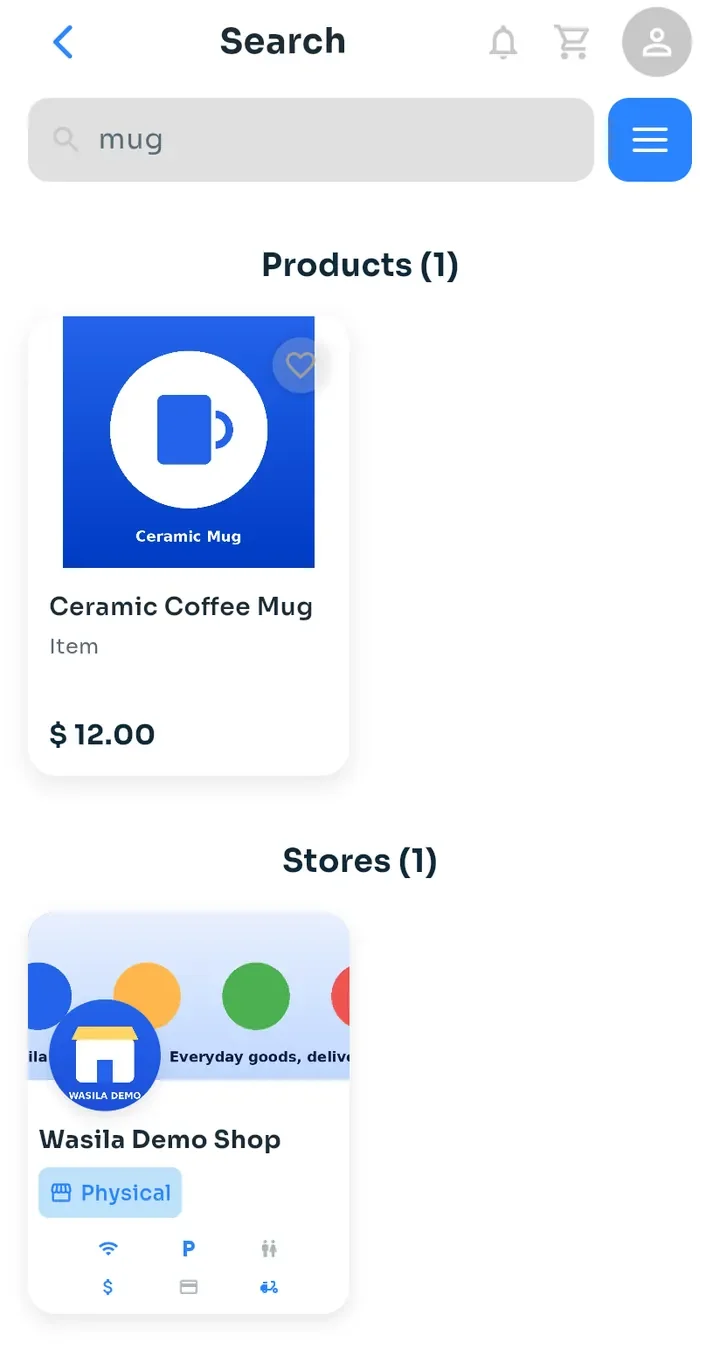
The results list the matching Products and Stores, each with a count. Tap a card to open it.
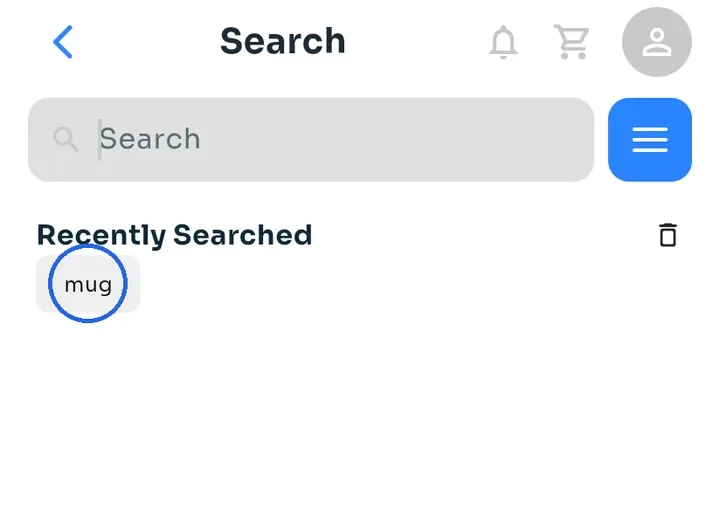
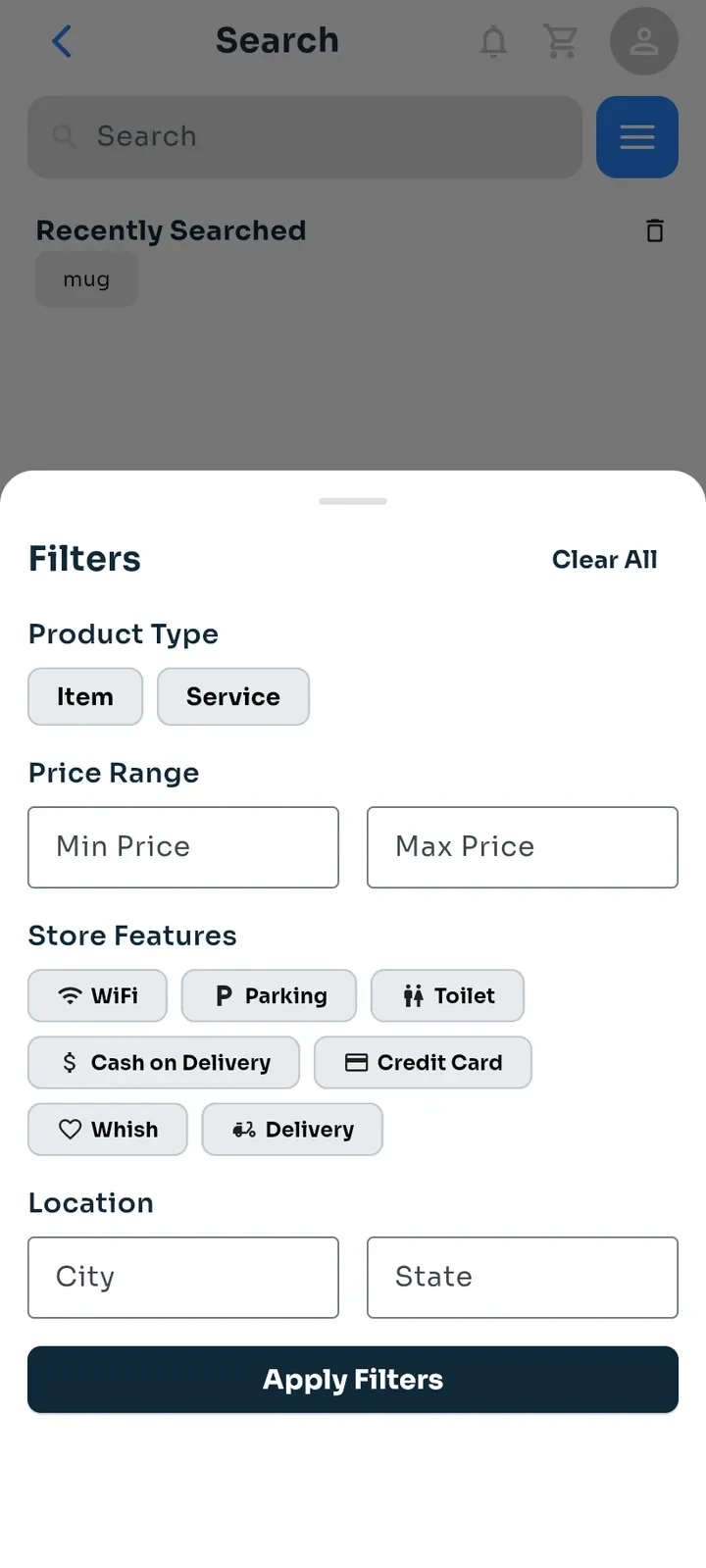
Tap the search bar again. While it is empty, Recently Searched shows your last searches. Tap one to search for it again, or tap the bin icon to clear the list.
Tap the blue button next to the search bar to open Filters. You can filter by Product Type, Price Range, Store Features and Location (city and state).
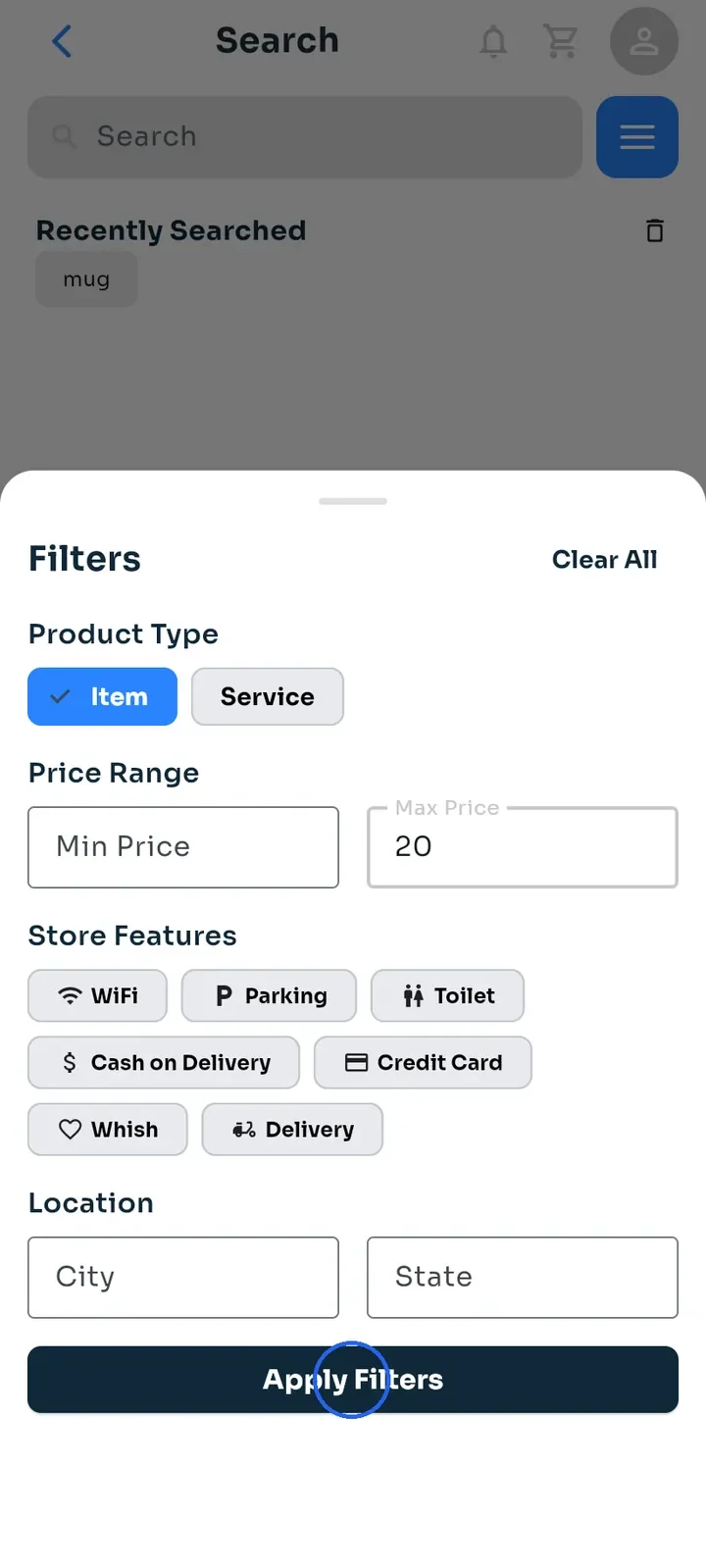
Choose your filters, then tap Apply Filters. In this example, Item is selected and Max Price is 20.
The results update, and a small red number on the filter button shows how many filters are active. To remove them, open Filters again and tap Clear All.
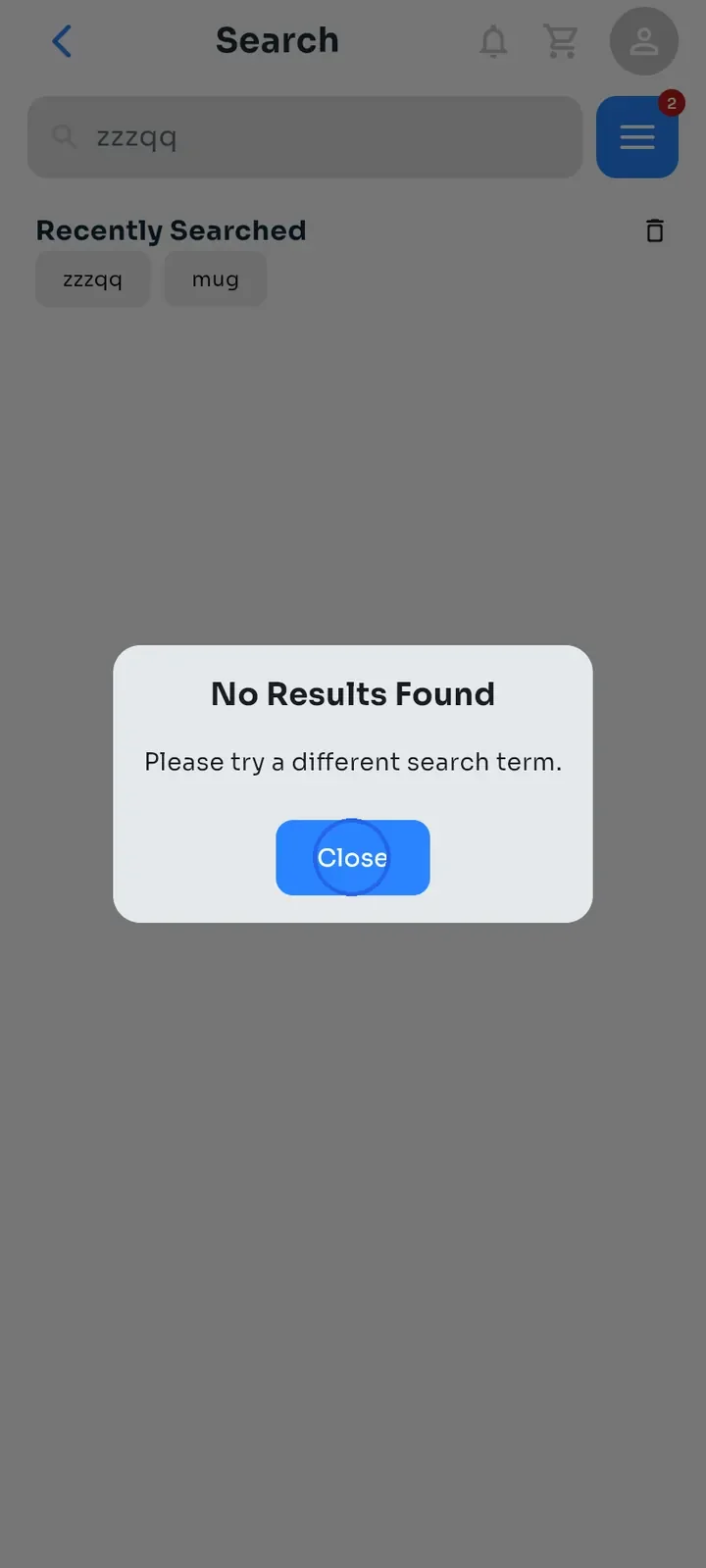
If nothing matches, No Results Found appears. Tap Close, then try another word or fewer filters.