Add a pickup location
Let customers collect their orders from your store and see when you are open for pickup.
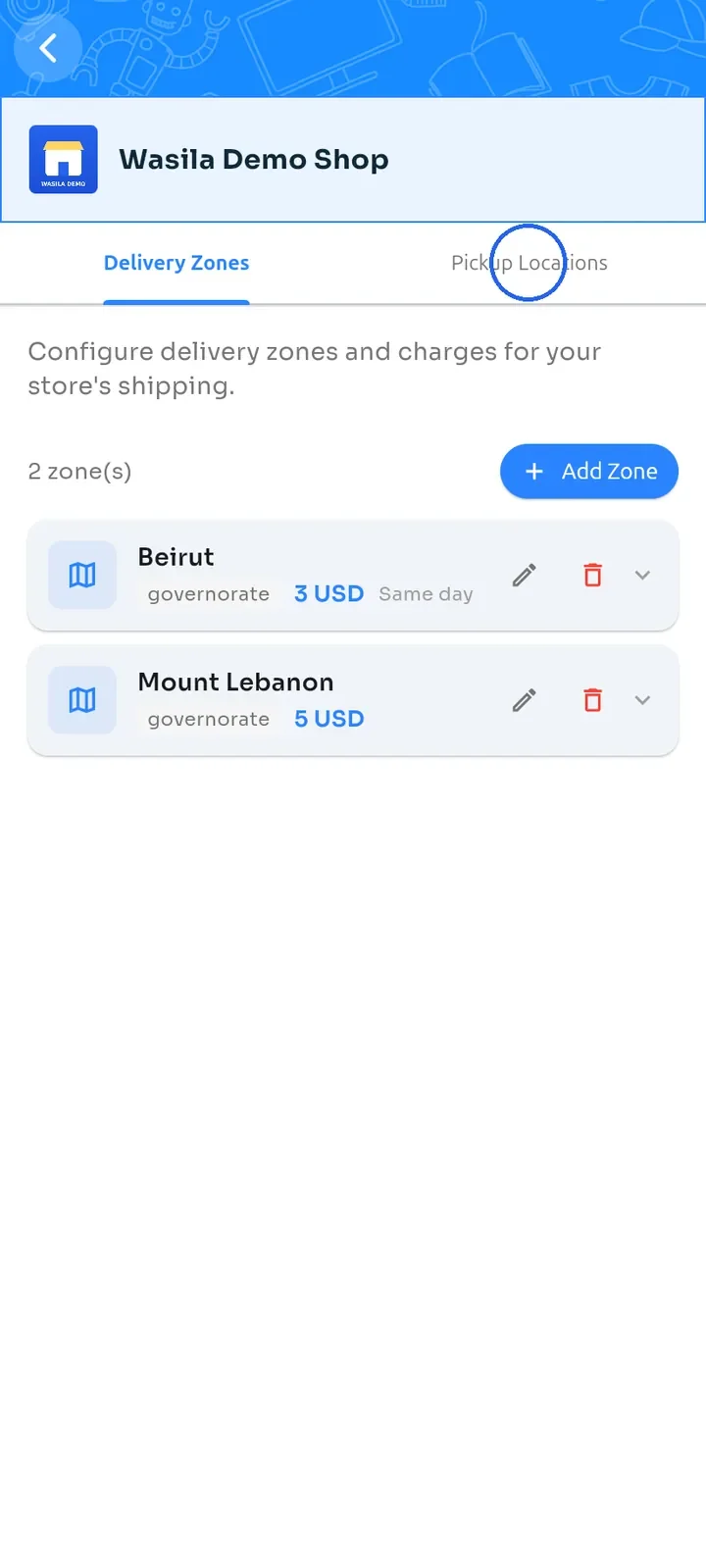
On the store dashboard, tap Shipping configuration, then tap the Pickup Locations tab.
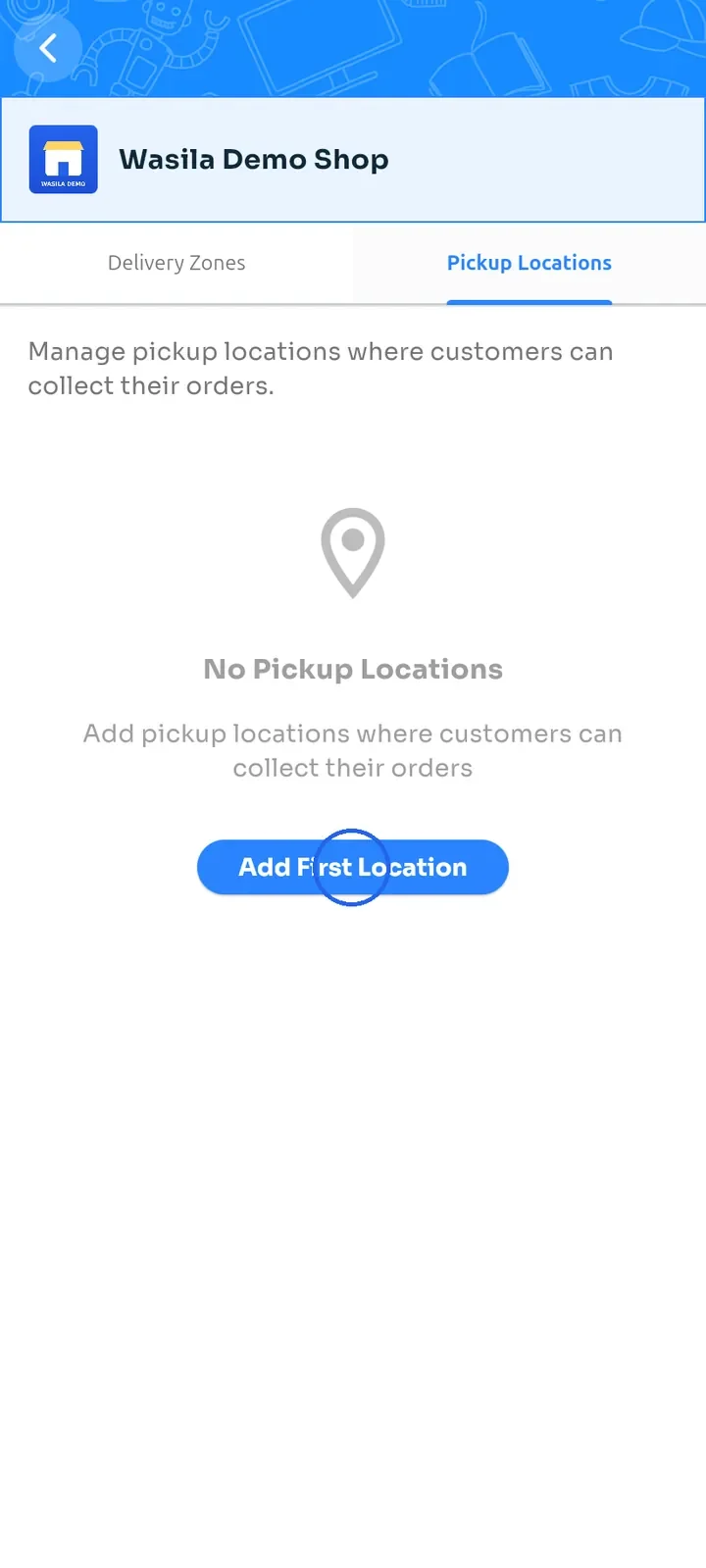
Tap Add First Location. Once you have a location, this button is called Add Location.
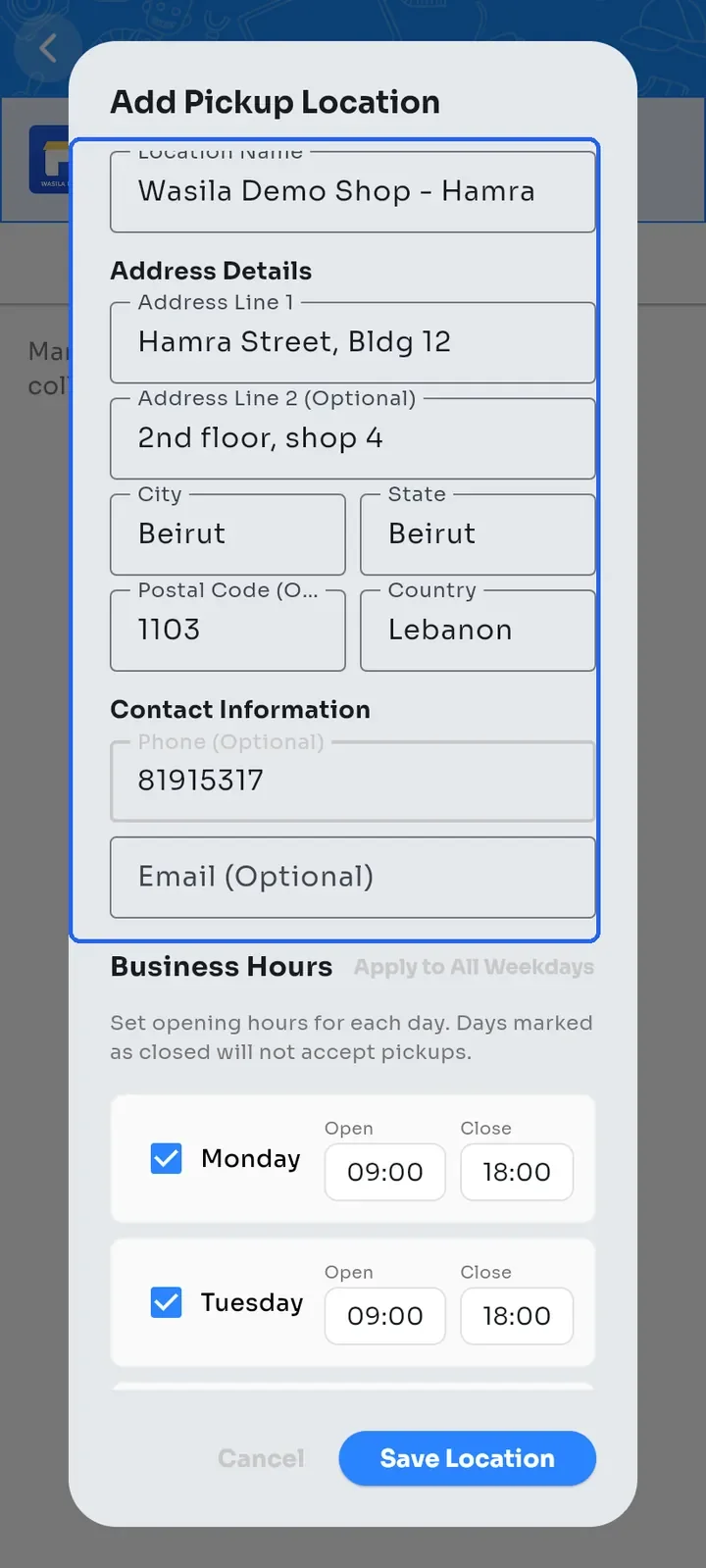
Enter the Location Name, Address Line 1, City and State. Country is already set to Lebanon. Address Line 2, Postal Code, Phone and Email are optional.
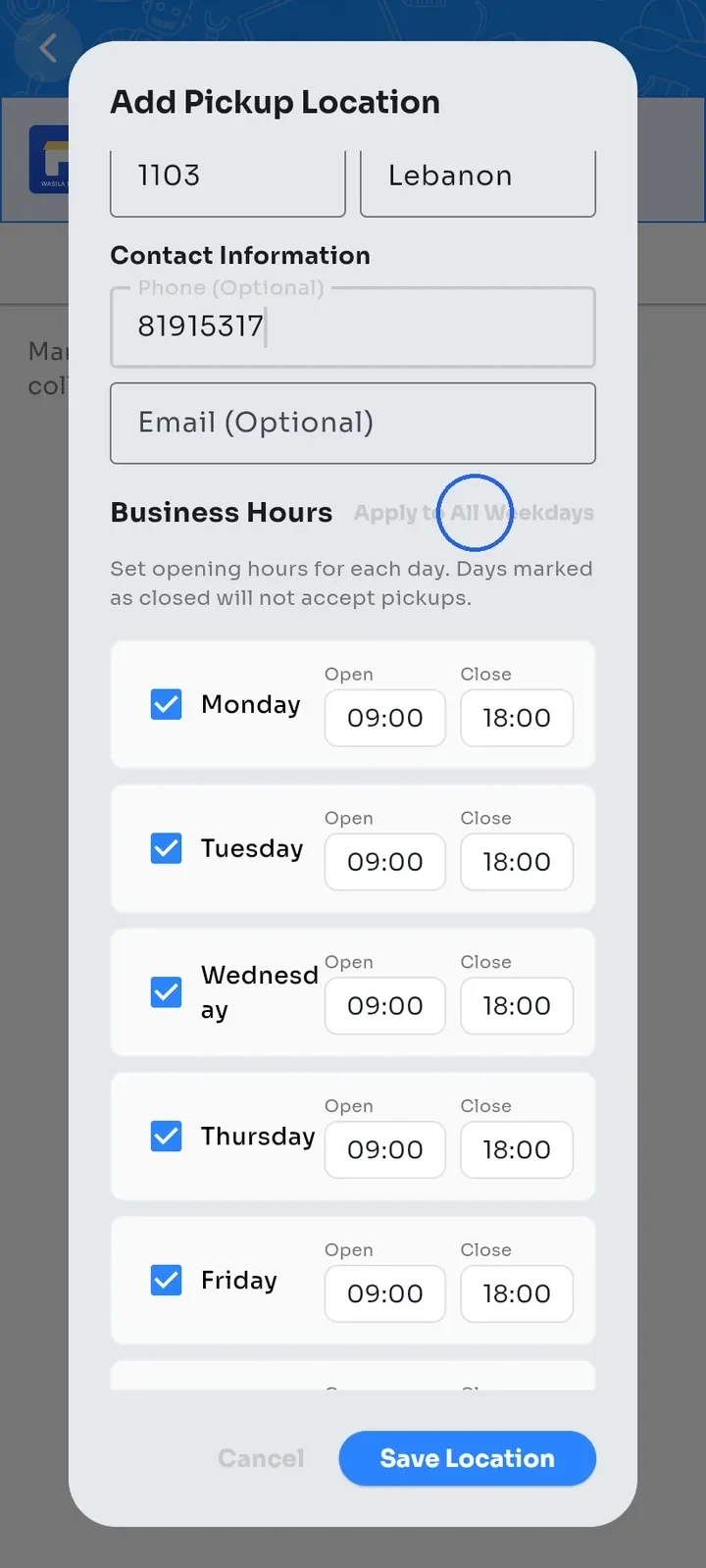
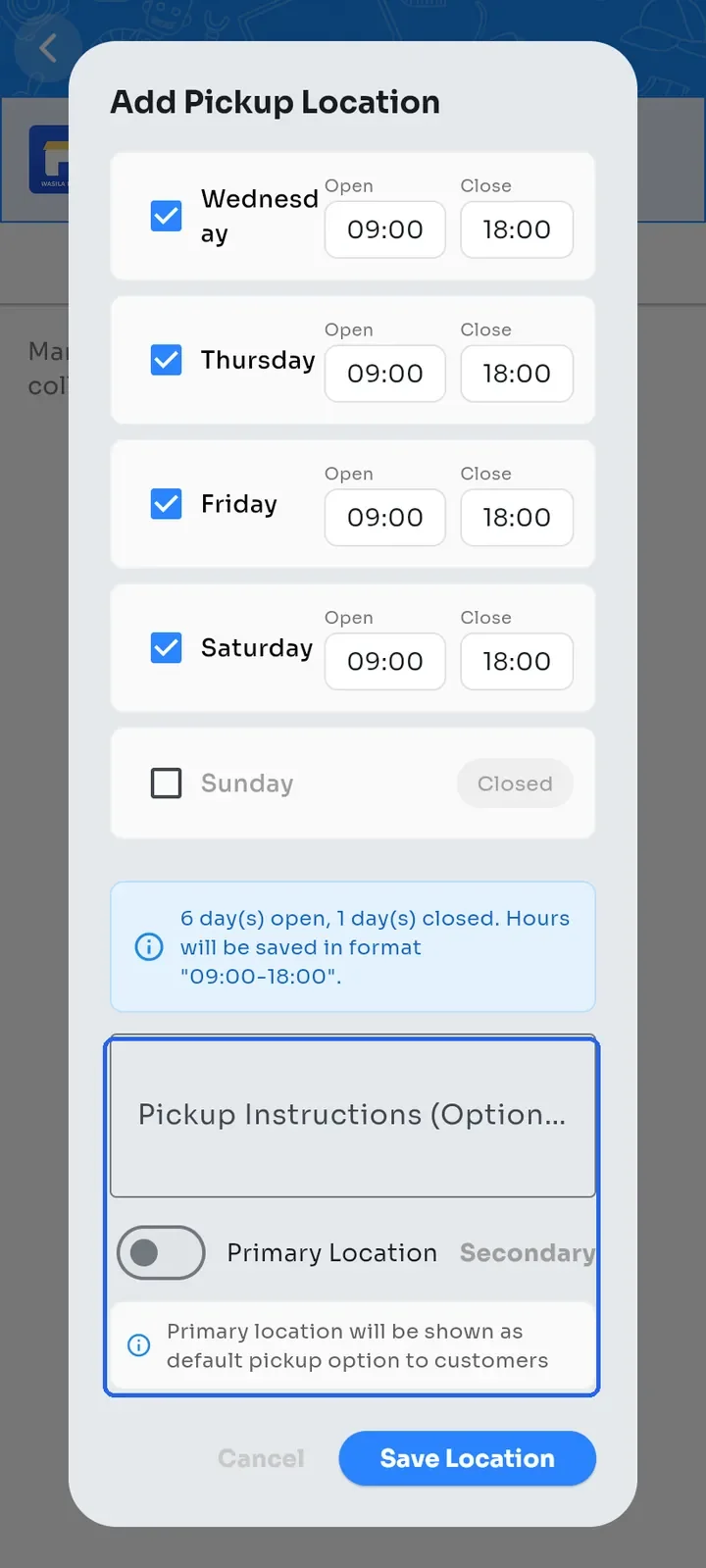
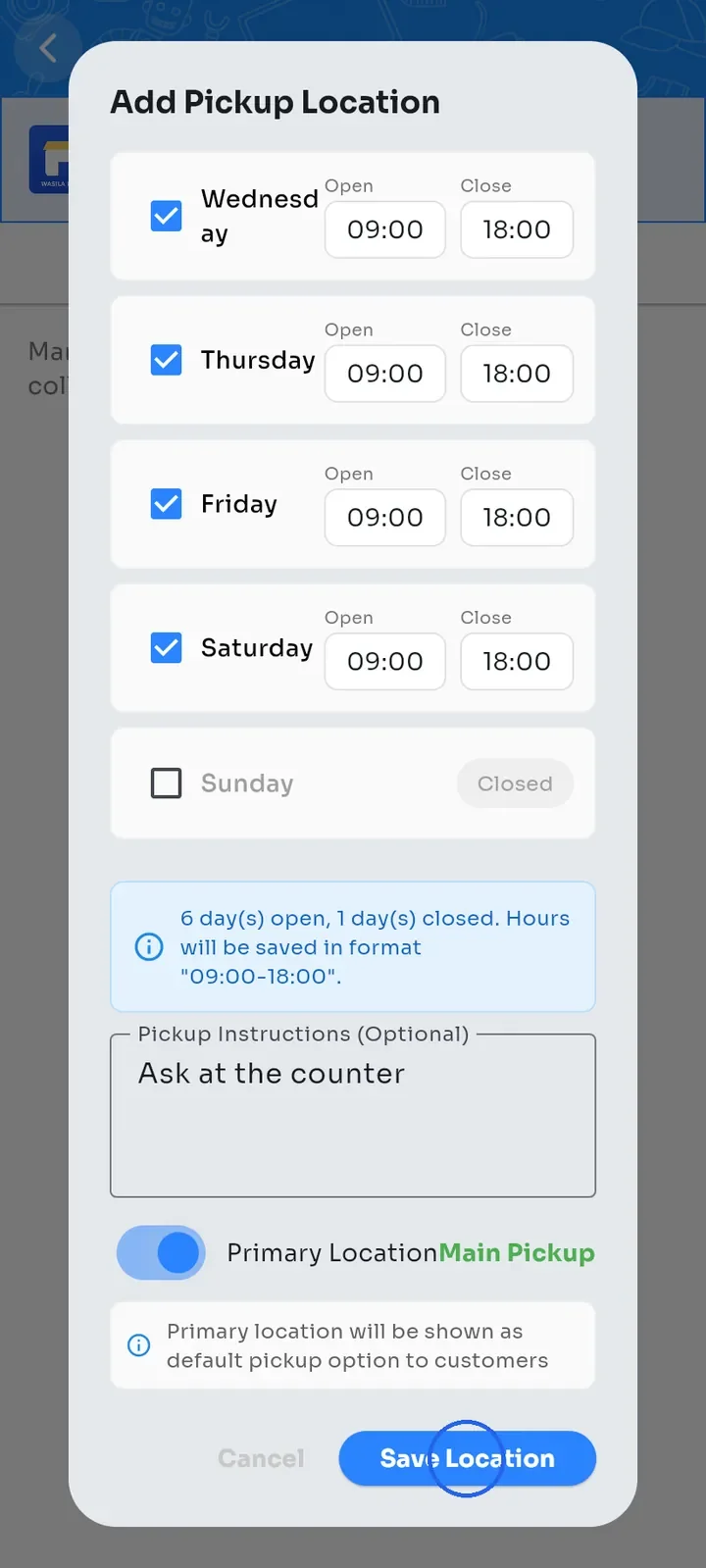
Under Business Hours, set the Open and Close times. Every day starts at 09:00 to 18:00. Tap Apply to All Weekdays to copy Monday's hours to Tuesday through Saturday.
Untick each day you are closed. Sunday is closed at first. Add Pickup Instructions if customers need them, for example Ask at the counter.
Switch on Primary Location to show this location to customers as the default pickup option. Then tap Save Location.
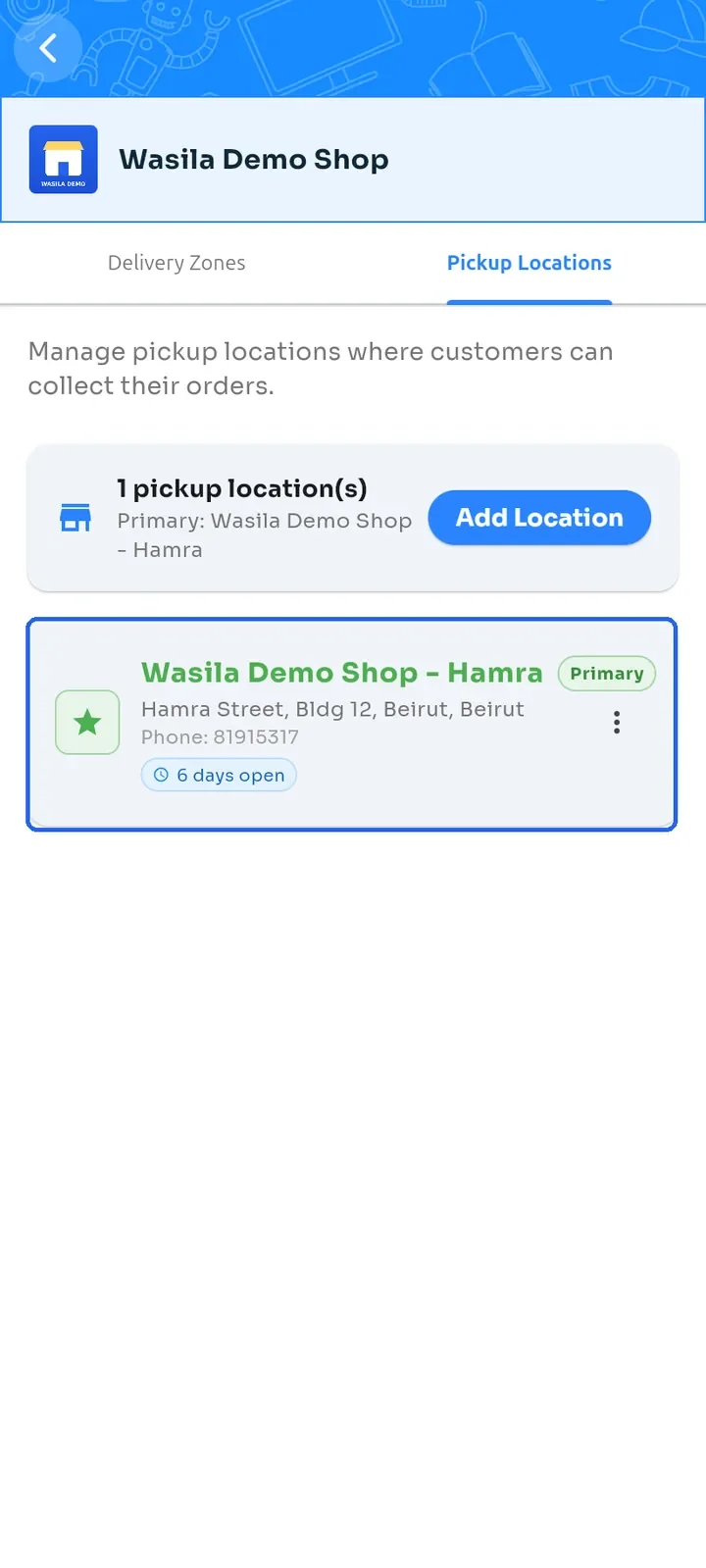
The location appears with a Primary badge, its address and the number of days it is open.