Create your account
Create an E-Wasila account with your email address and confirm it with a 6-digit code.
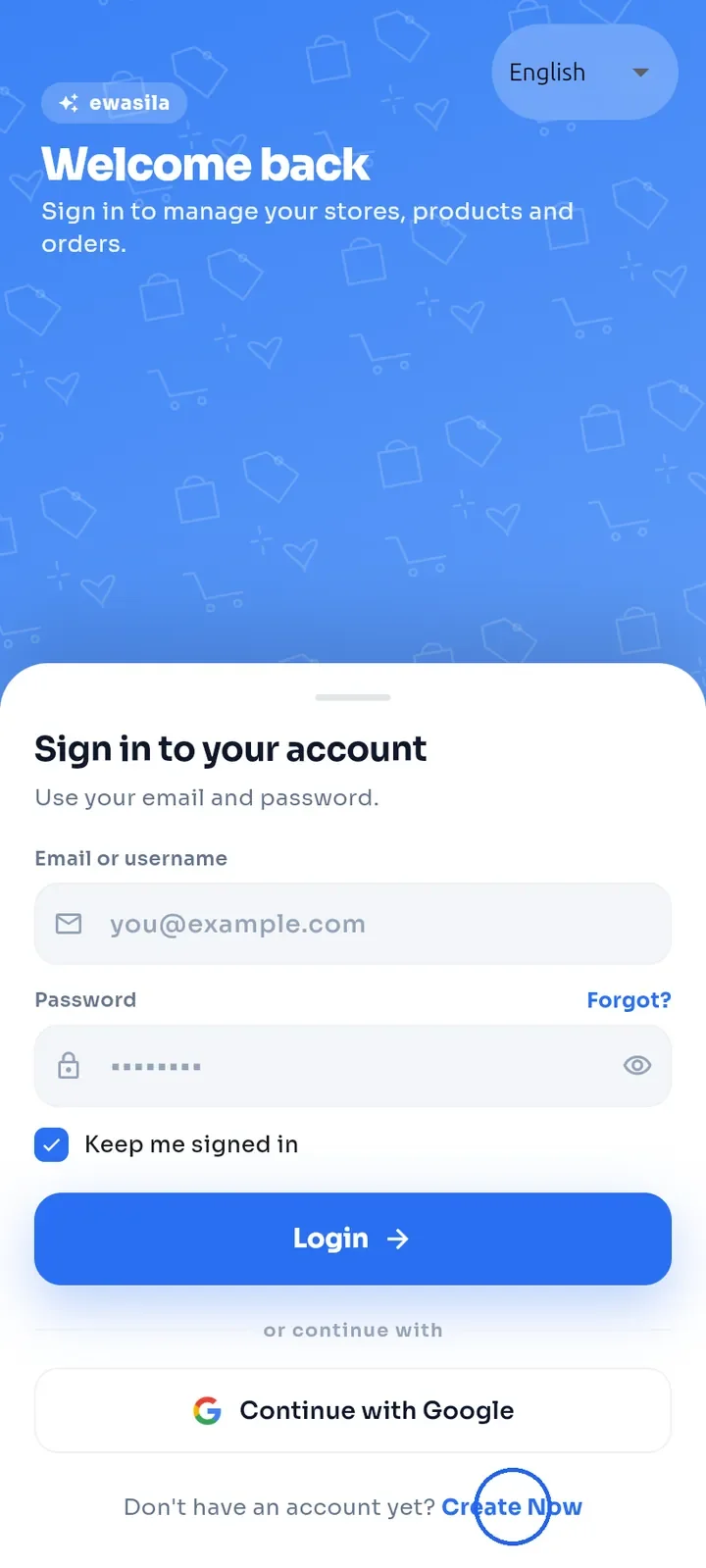
On the sign-in screen, tap Create Now at the bottom.
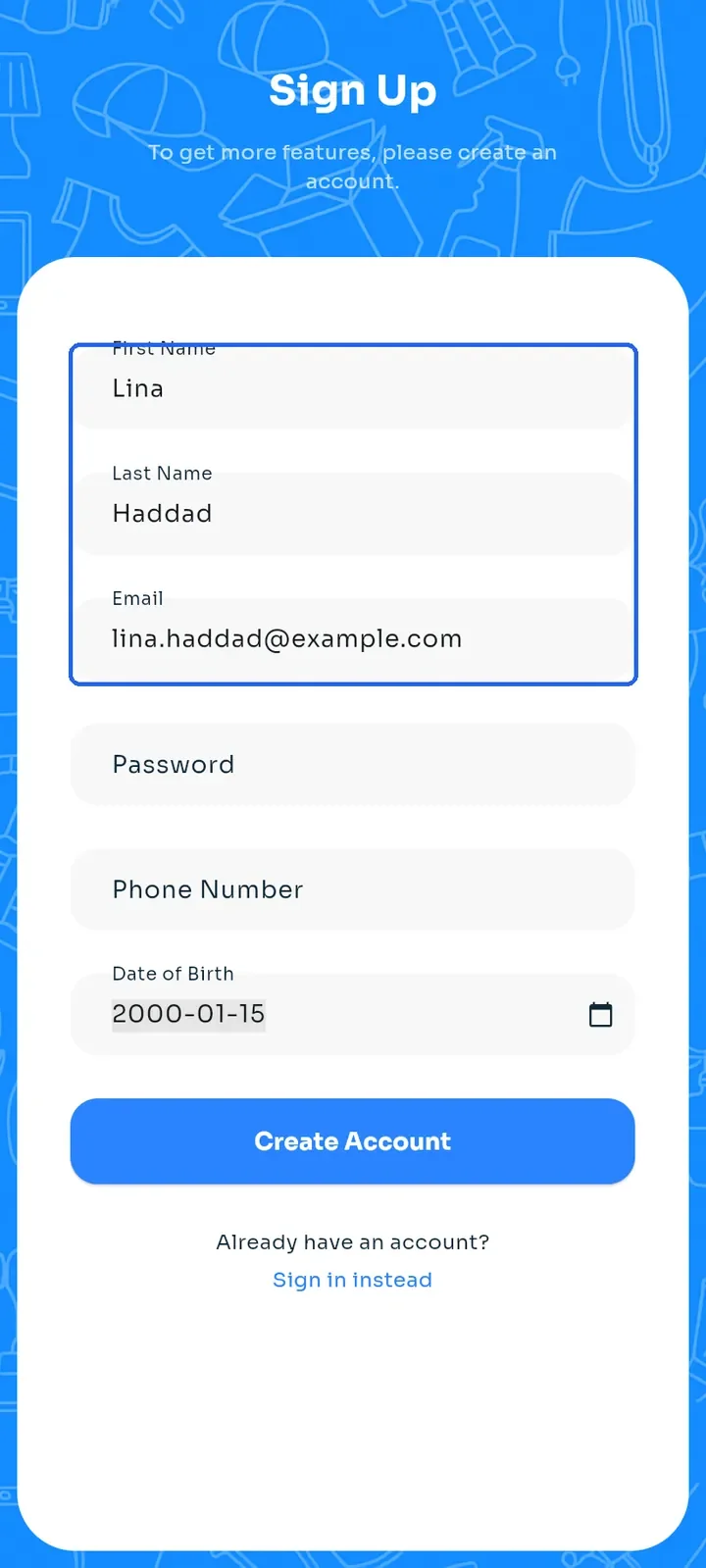
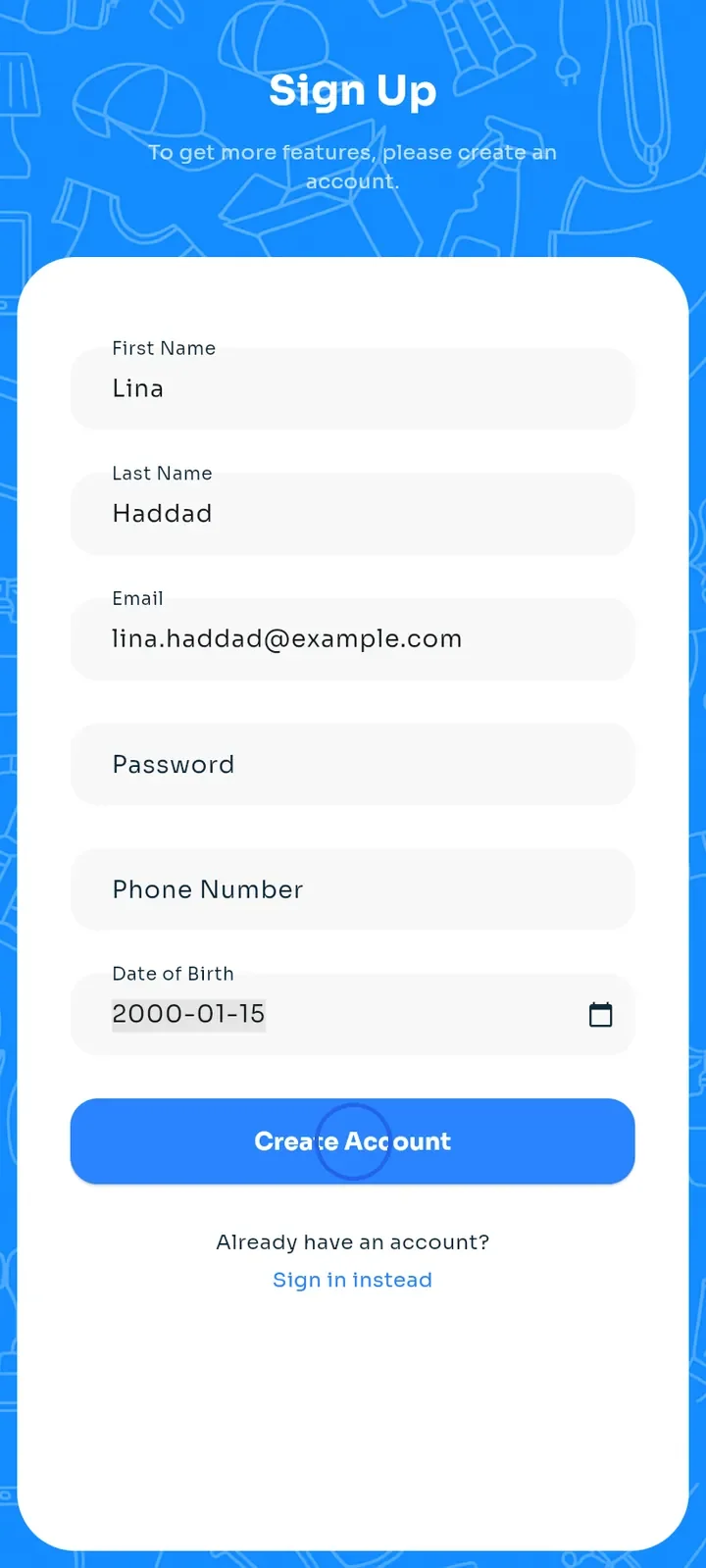
Enter your First Name, Last Name and Email. Use an email address you can open, because we send a code to it.
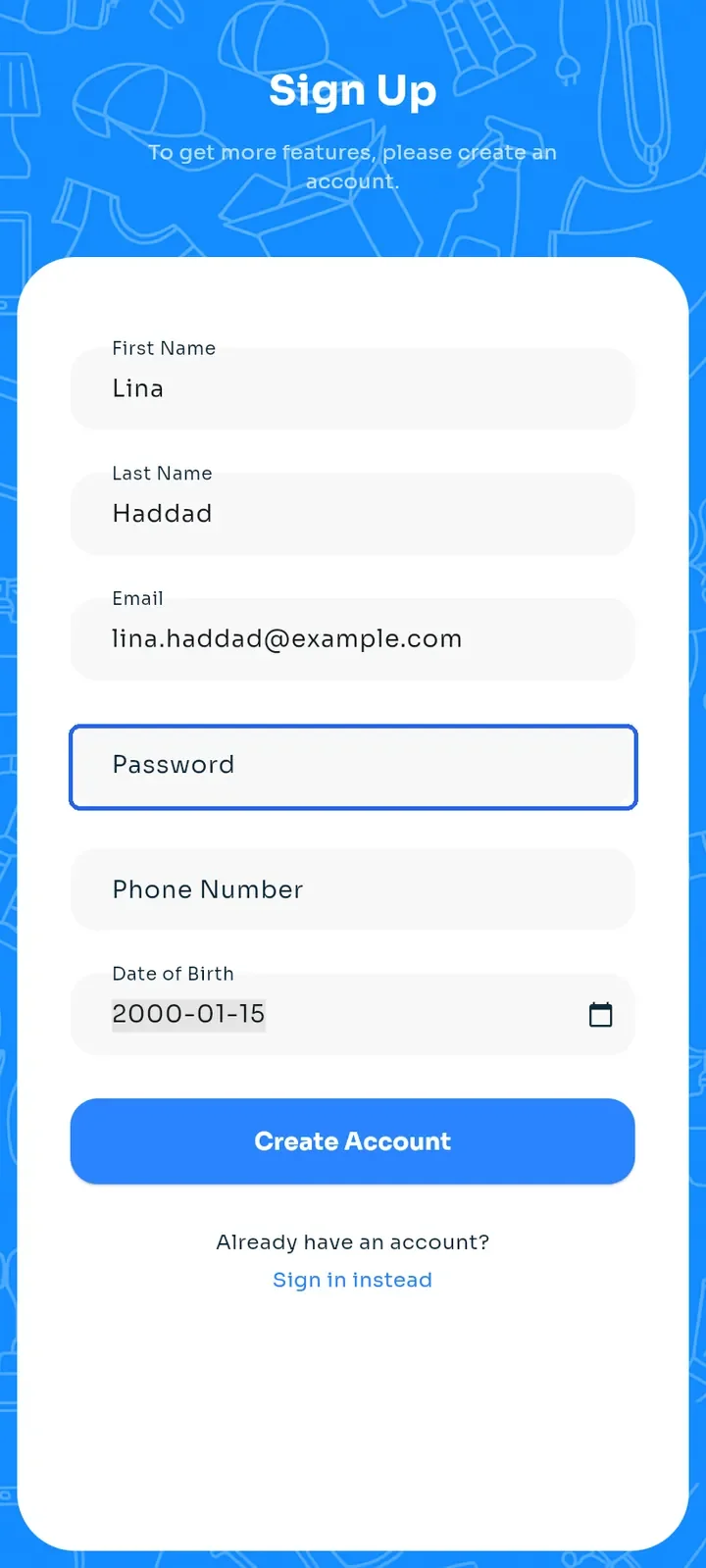
Enter a Password of at least 8 characters.
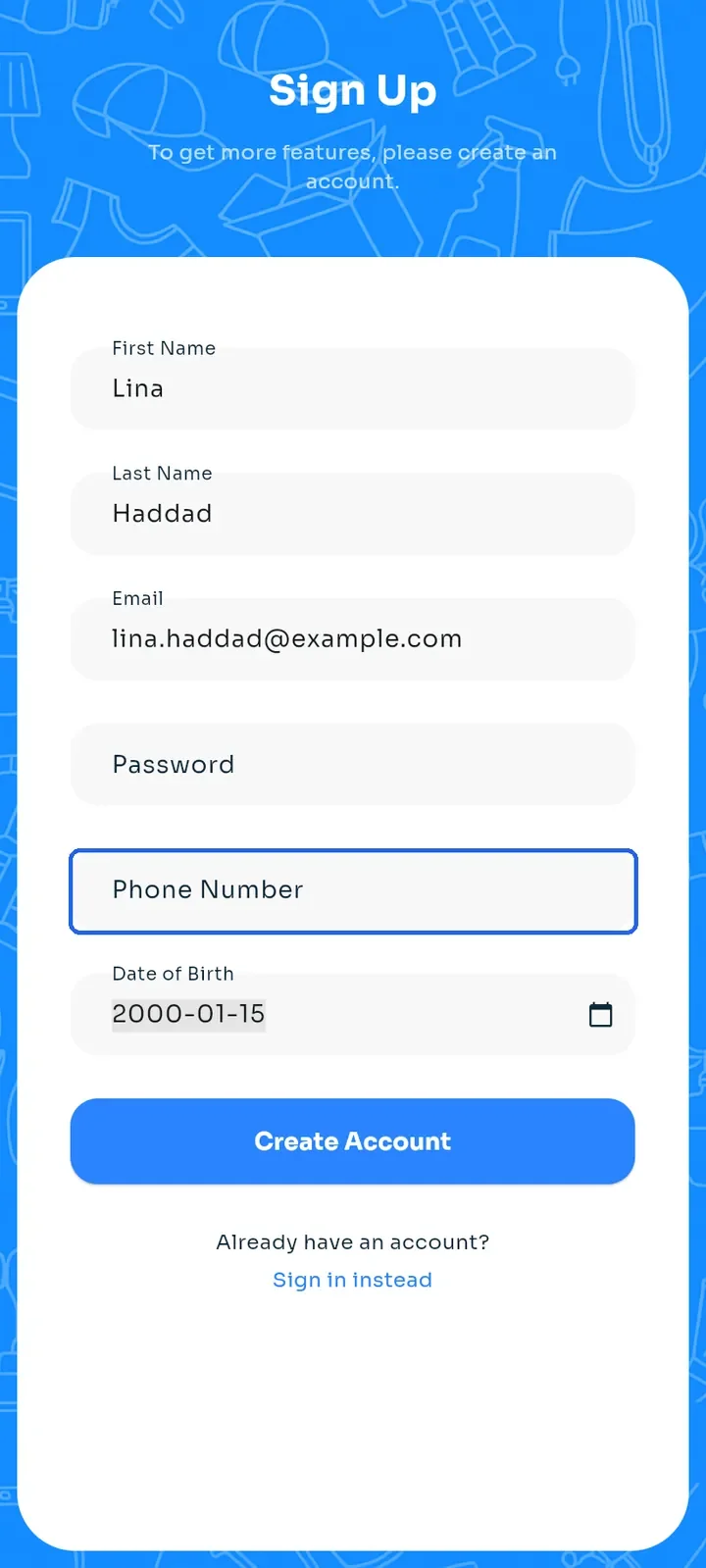
Optional: enter your Phone Number, or leave it empty. If you add one, use a Lebanese number. You verify it later through WhatsApp (see "Verify your phone number").
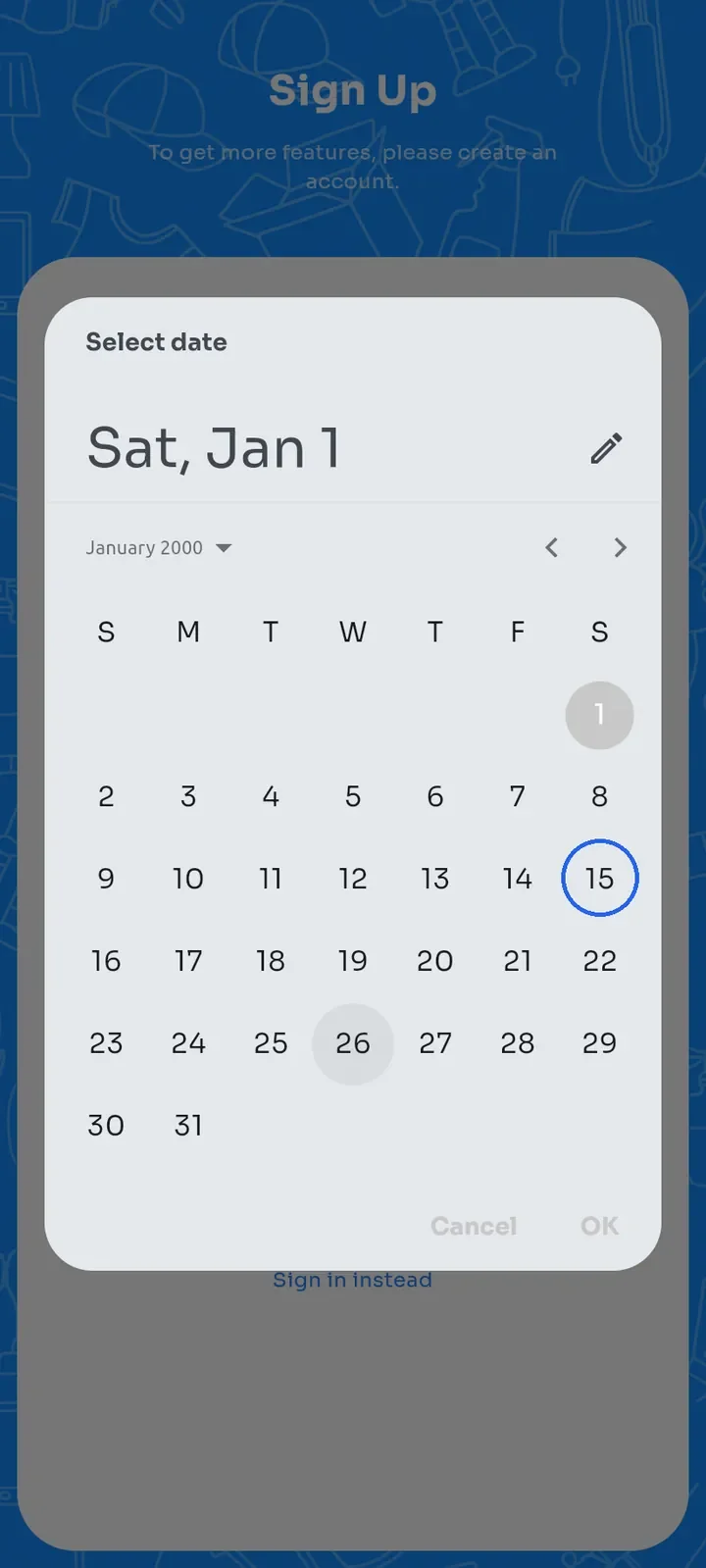
Tap Date of Birth, pick your date in the calendar and tap OK. This field is required.
Tap Create Account. If a required field is empty, the app shows "Please fill in all fields".
The Verify Account screen opens and we send a 6-digit code to your email. Type the code in the boxes. When the code is accepted, the sign-in screen opens and you can sign in.
Note: you do not need to tap Verify. The app checks the code as soon as you type the 6th digit. The code screen only appears right after you sign up, so keep it open until you have entered the code.
Note: you need a verified email to open a store, place an order, buy a paid plan and verify your phone number.