Connect Whish payments
Let customers pay online with Whish by adding your Whish merchant details to your store.
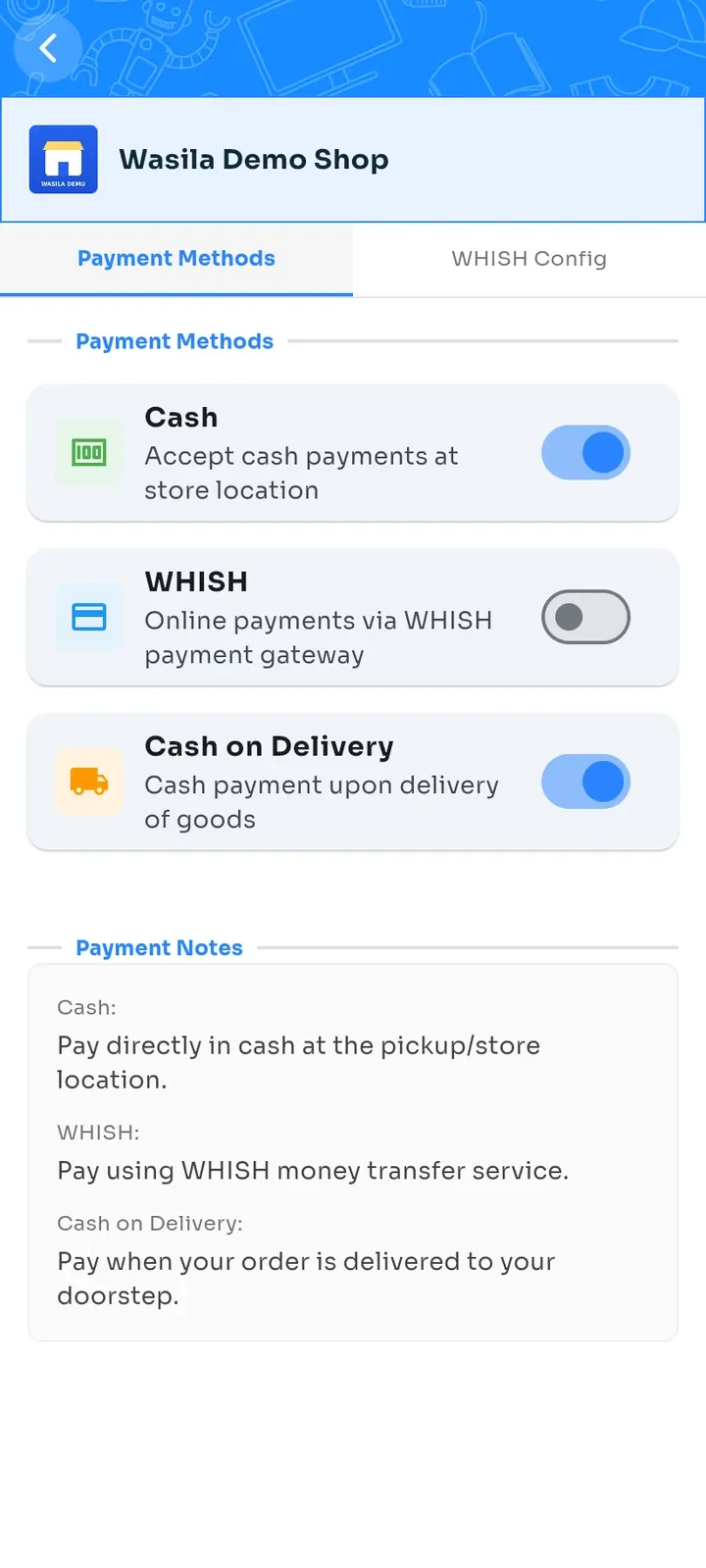
On the store dashboard, tap Payment configuration. On the Payment Methods tab, WHISH stays off until you connect it.
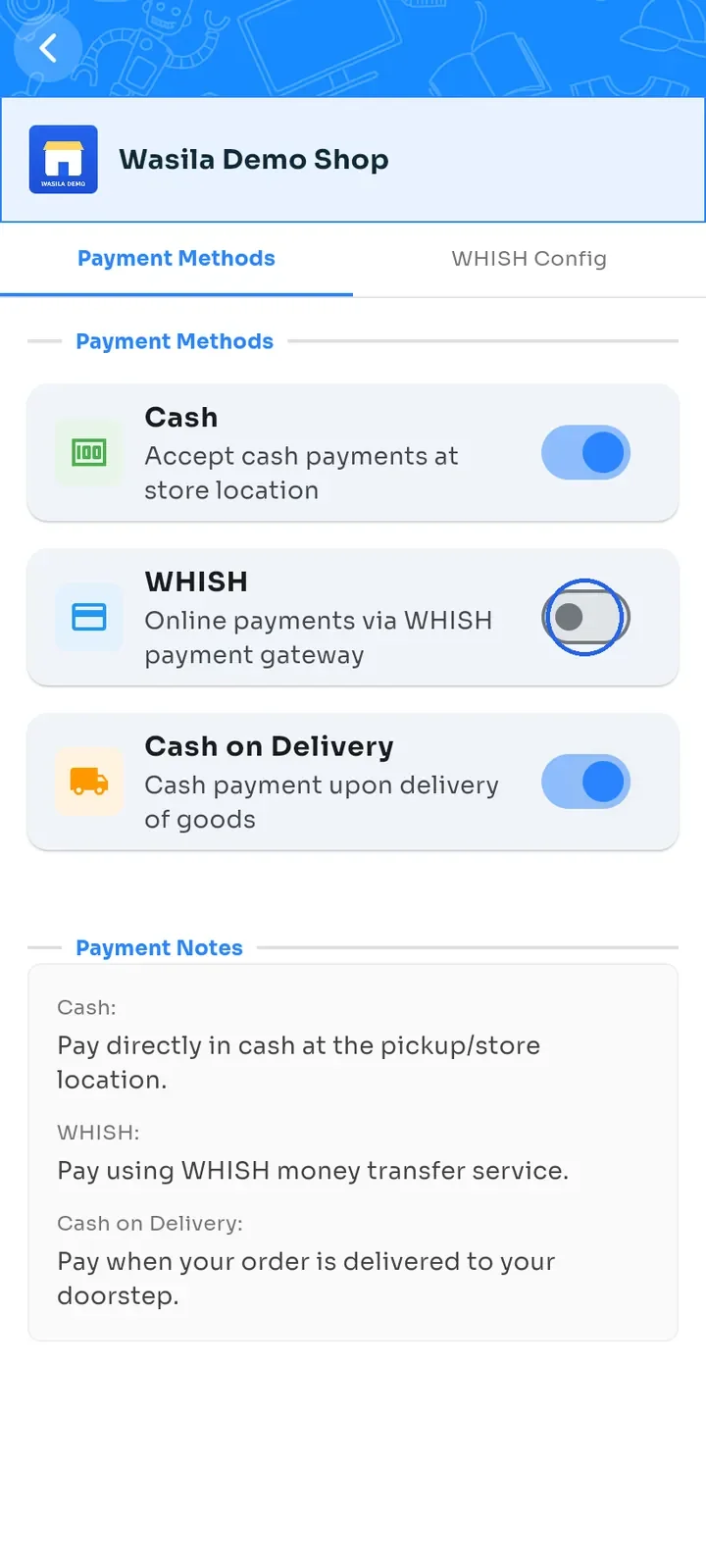
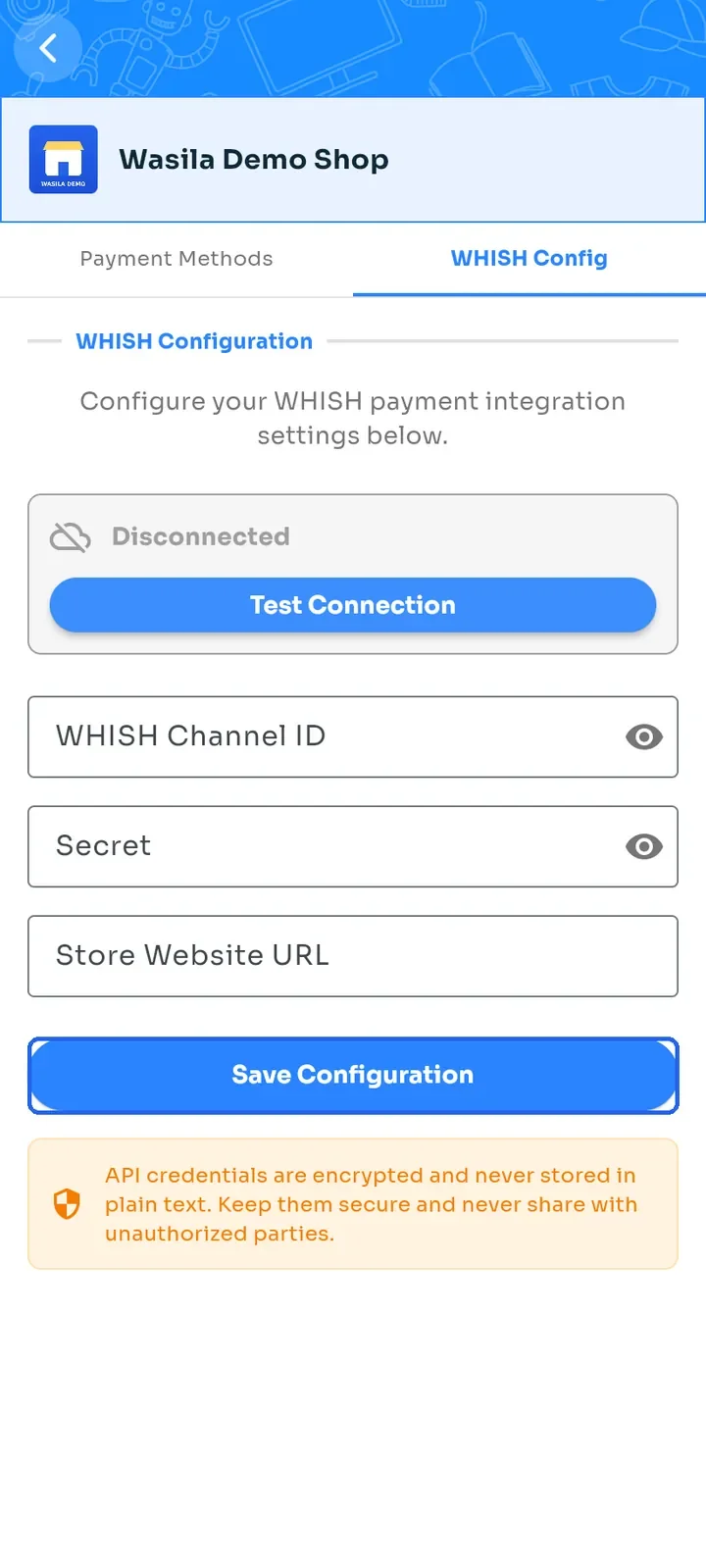
Switch WHISH on. The WHISH Config tab opens and shows the status Disconnected.
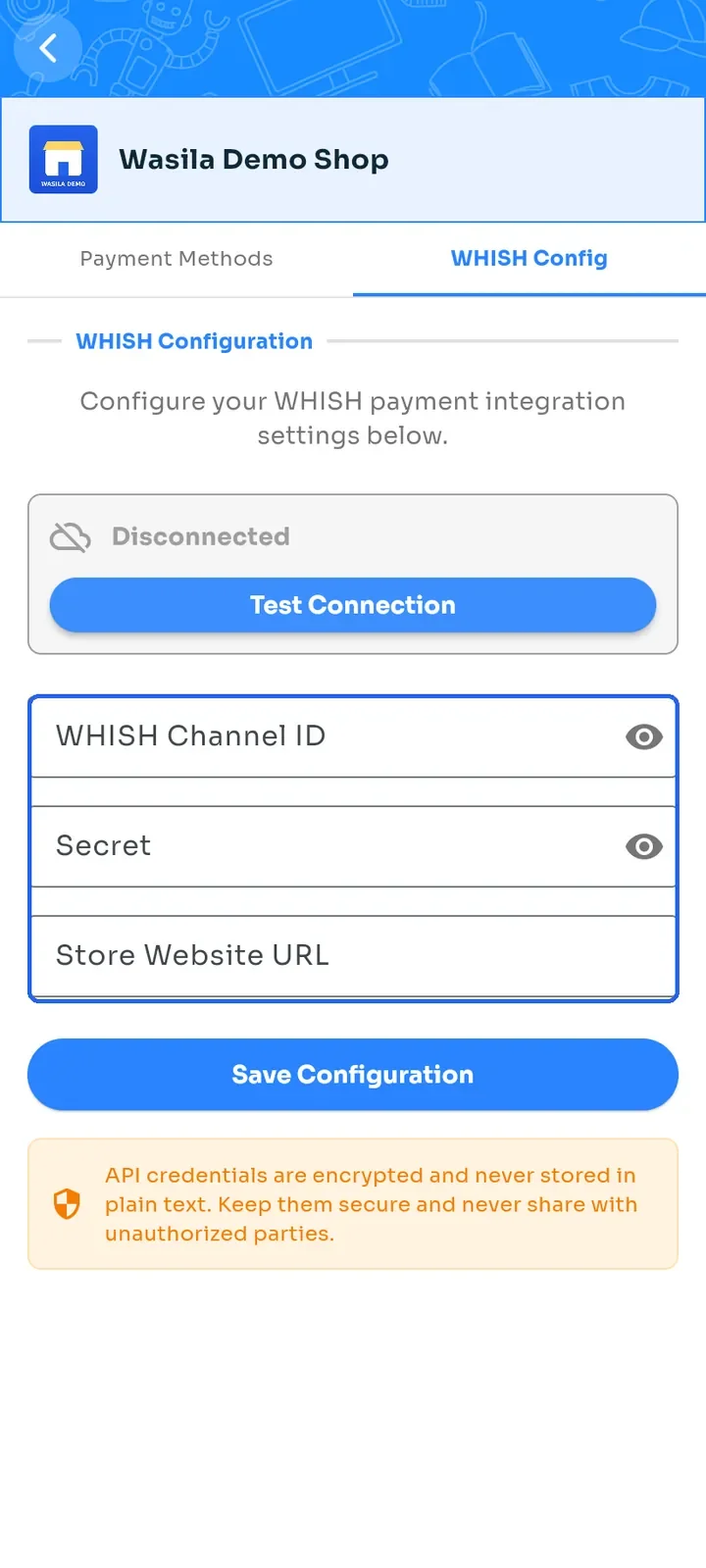
Enter your WHISH Channel ID, Secret and Store Website URL from your Whish merchant account. The website address must start with https:// or http://.
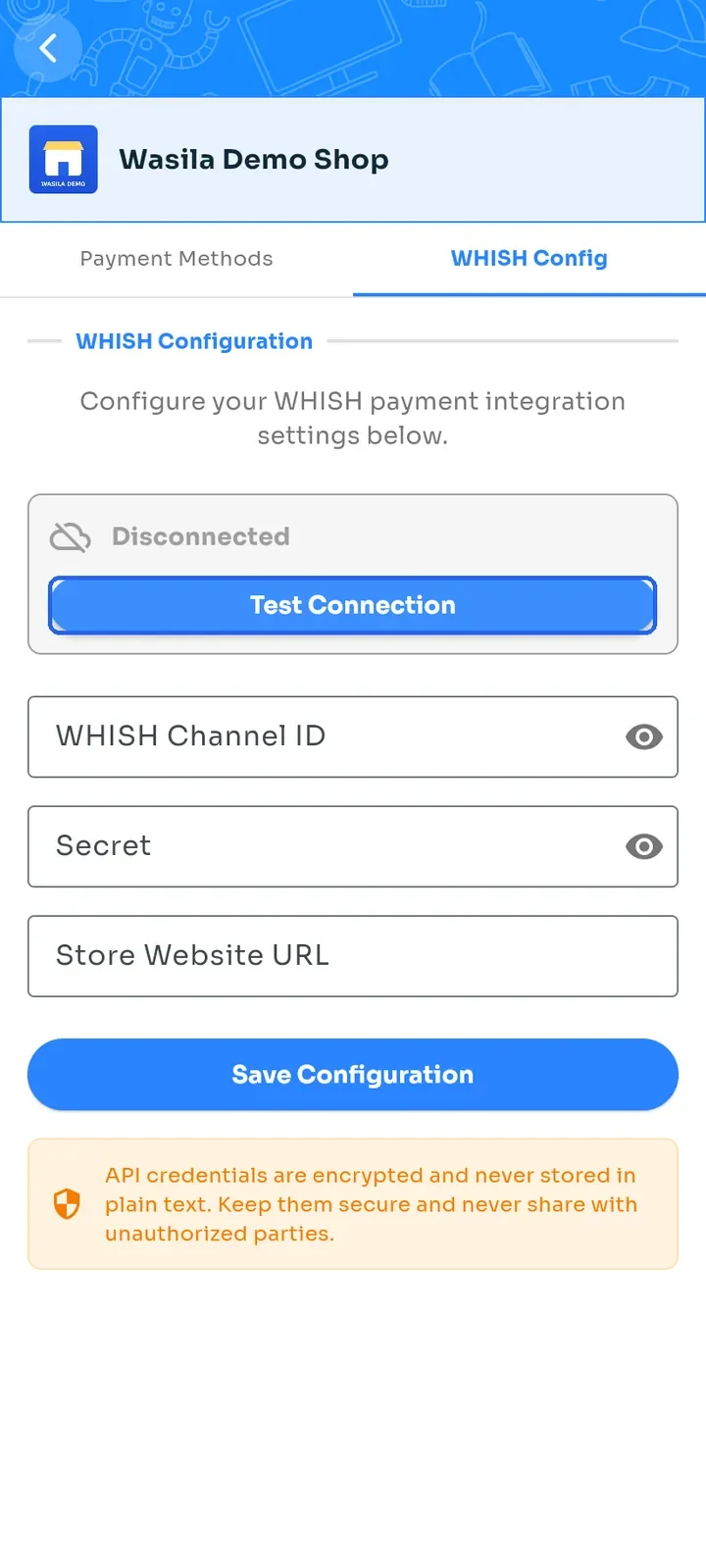
Tap Test Connection to check the details you typed. All three fields must be filled in.
Tap Save Configuration. Your details are stored encrypted and WHISH is switched on.
Tap the Payment Methods tab and check that WHISH is on.
Note: saved details come back hidden. To test or change them later, clear the fields and type all three again.
Note: you need a Whish merchant account to connect Whish. Keep your Channel ID and Secret private.