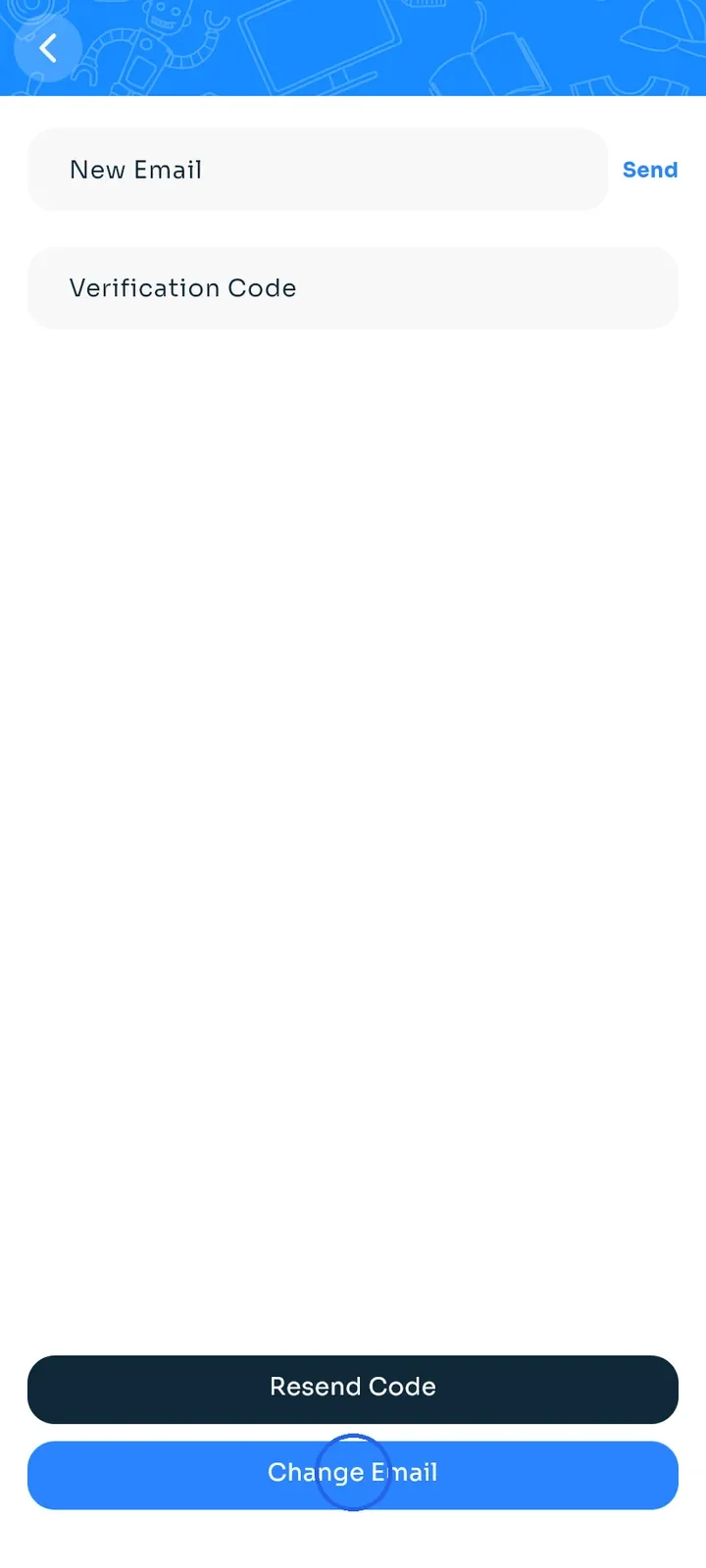
Change your email
Move your account to a new email address, confirmed with a code sent to that address.
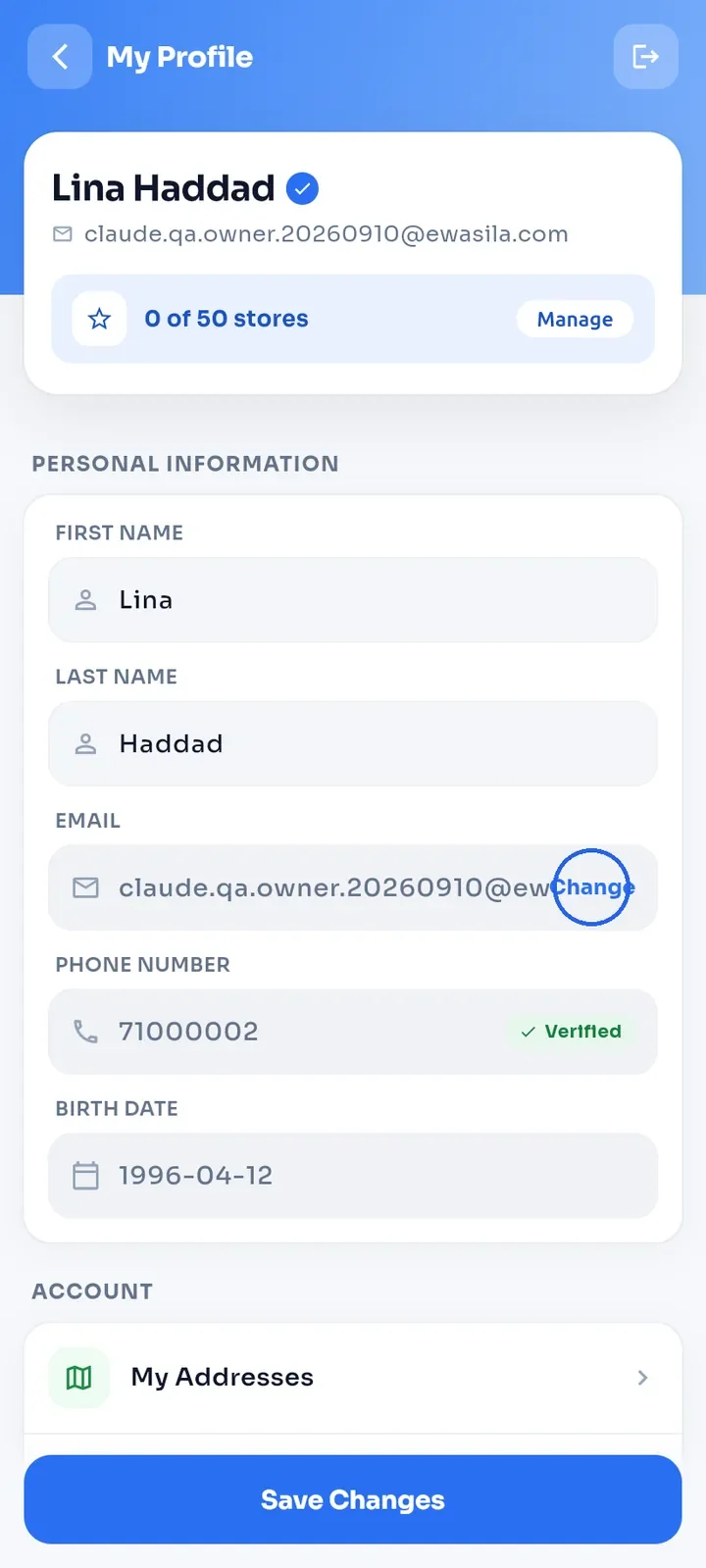
Open My Profile and tap Change next to your email. You can also scroll down and tap Change Email in the Account section.
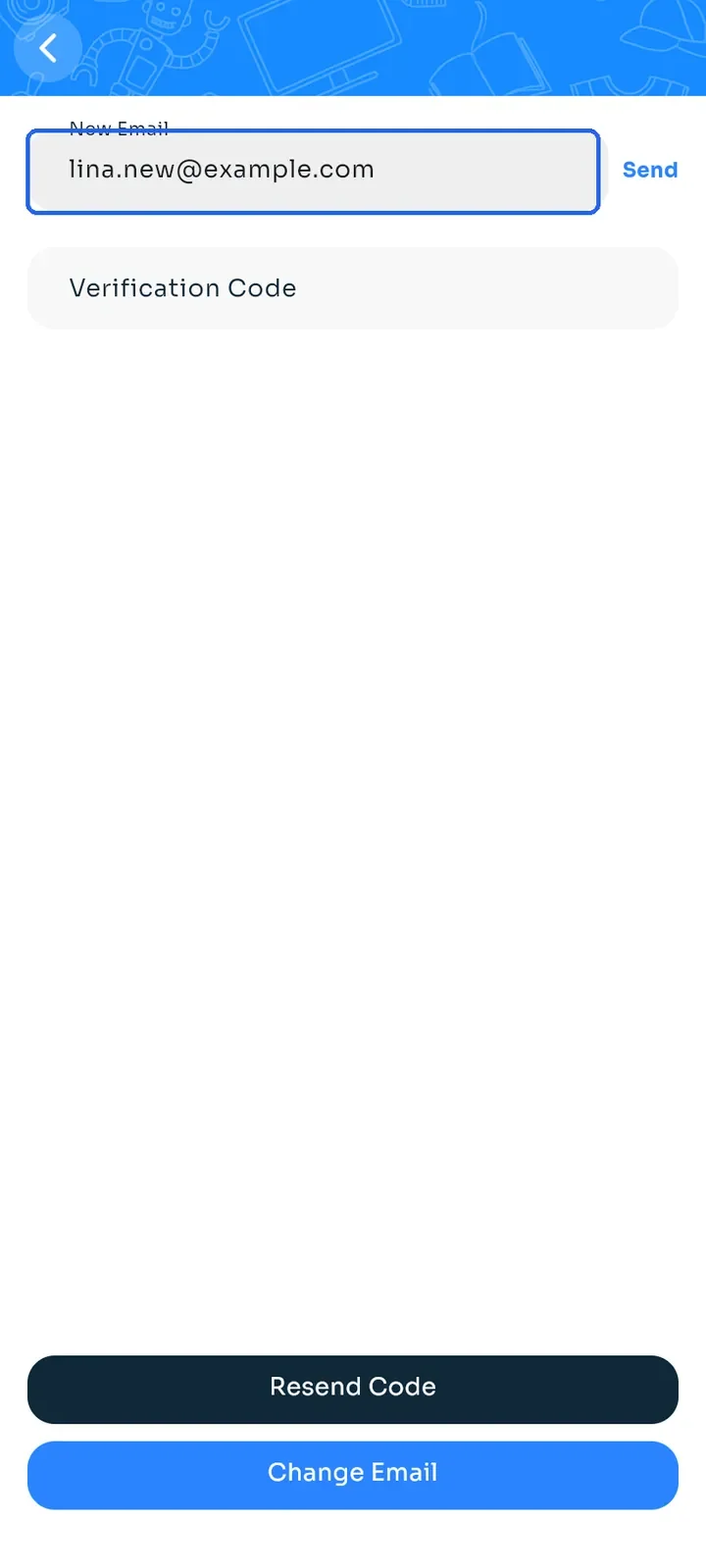
Type the new address in New Email.
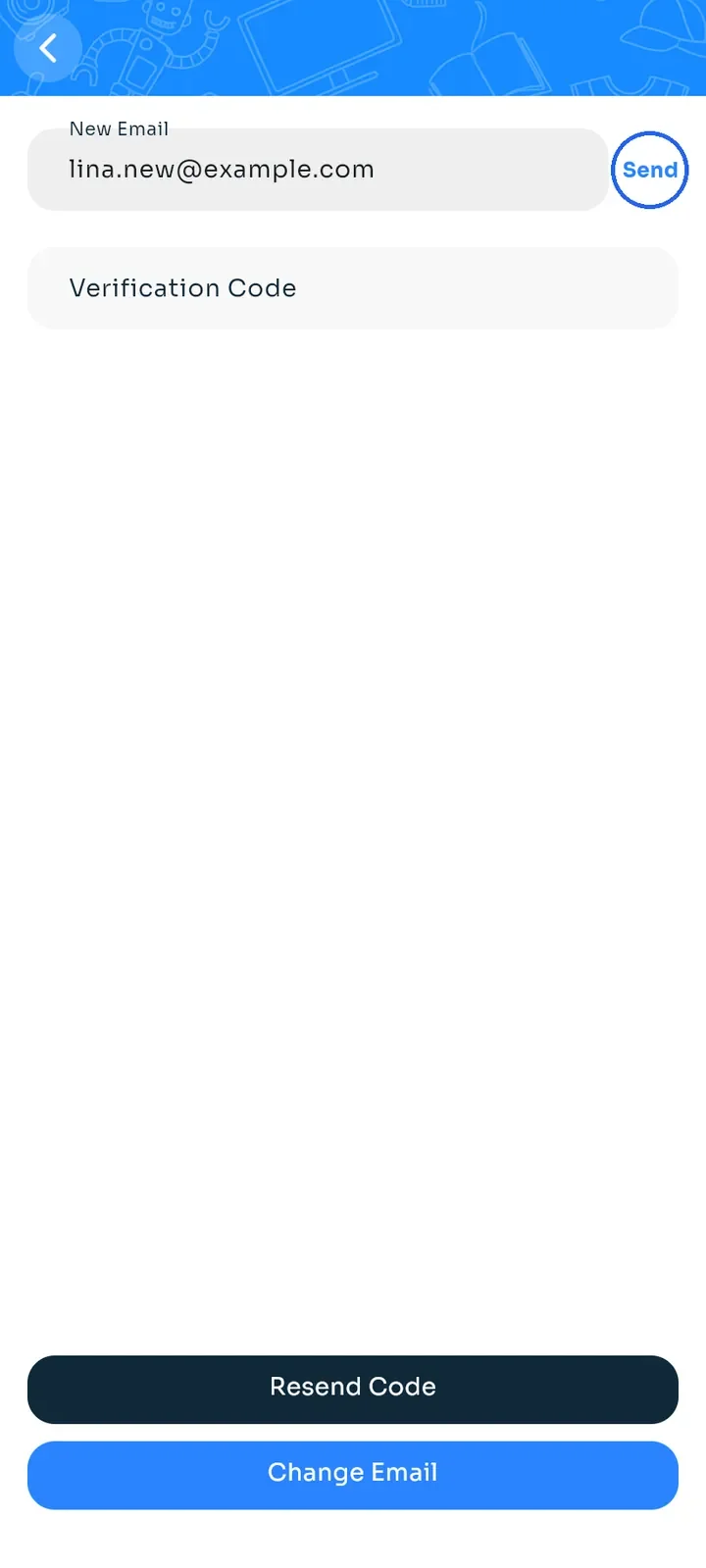
Tap Send. We email a code to the new address and a notice to your current one.
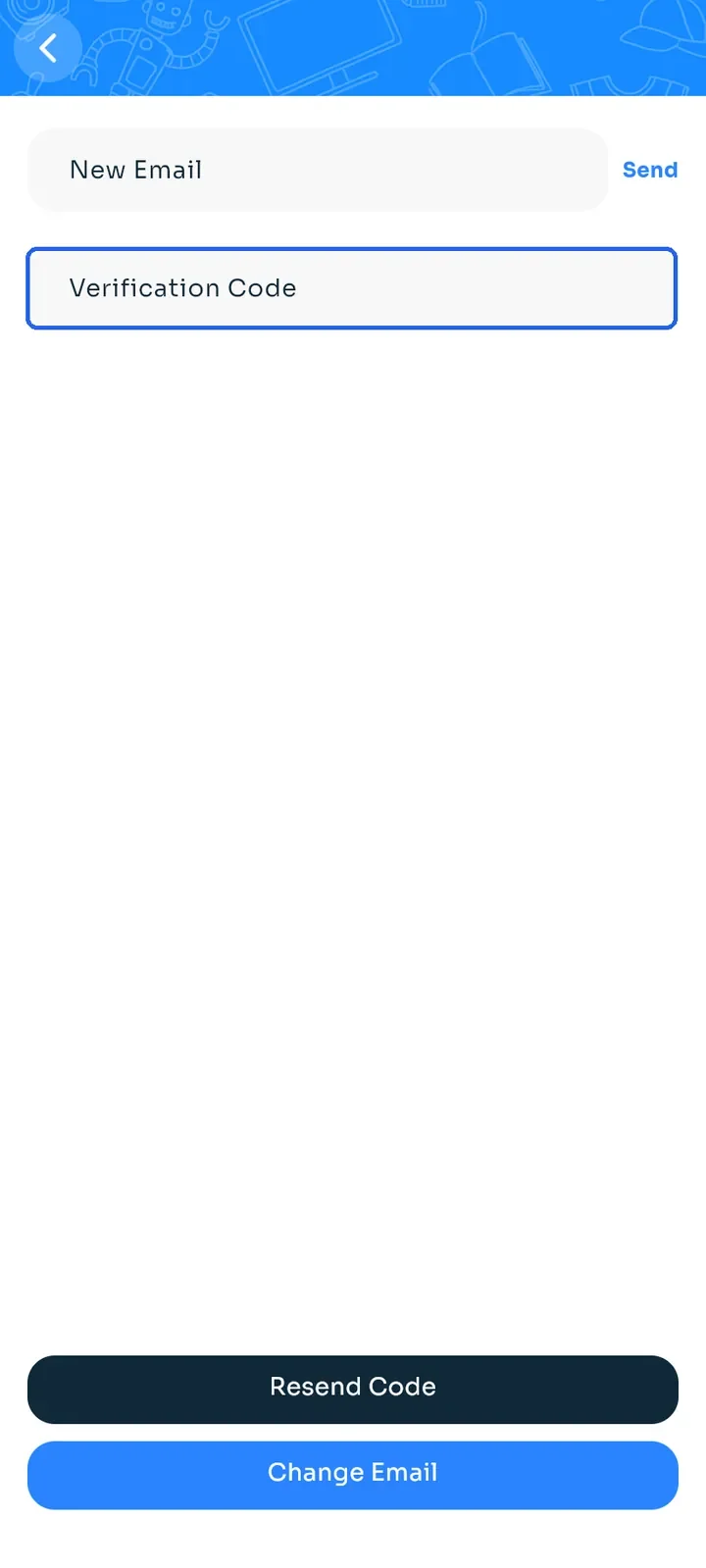
Enter the code in Verification Code.
Tap Change Email. The app shows "Email changed successfully!".
Tip: if no code arrives, check your spam folder and the spelling of the new address, then tap Resend Code.
Note: the new address must be one you can open, because the code goes there. It cannot already belong to another account. Use the new address the next time you sign in.