Accept cash and cash on delivery
Let customers pay in cash at your store or when their order is delivered.
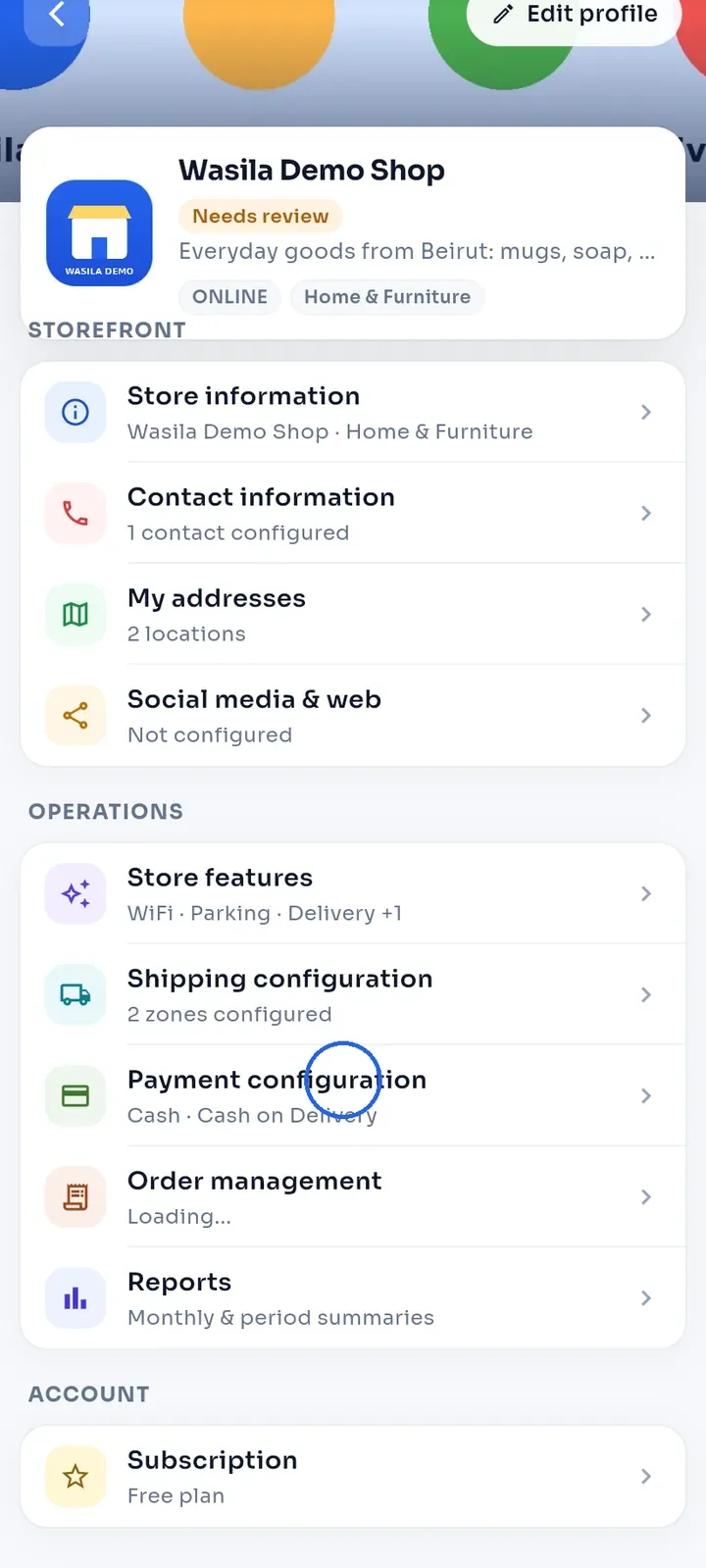
On the store dashboard, tap Payment configuration.
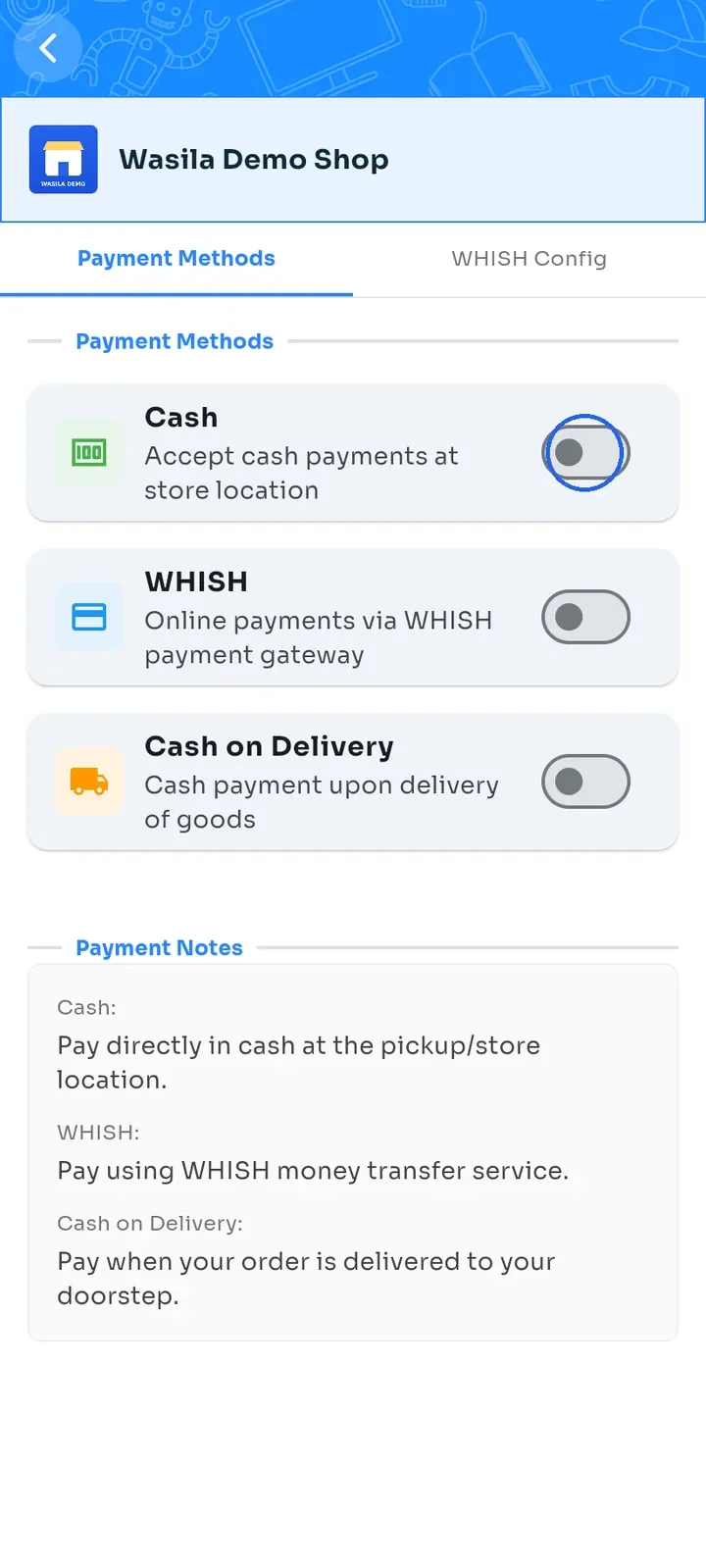
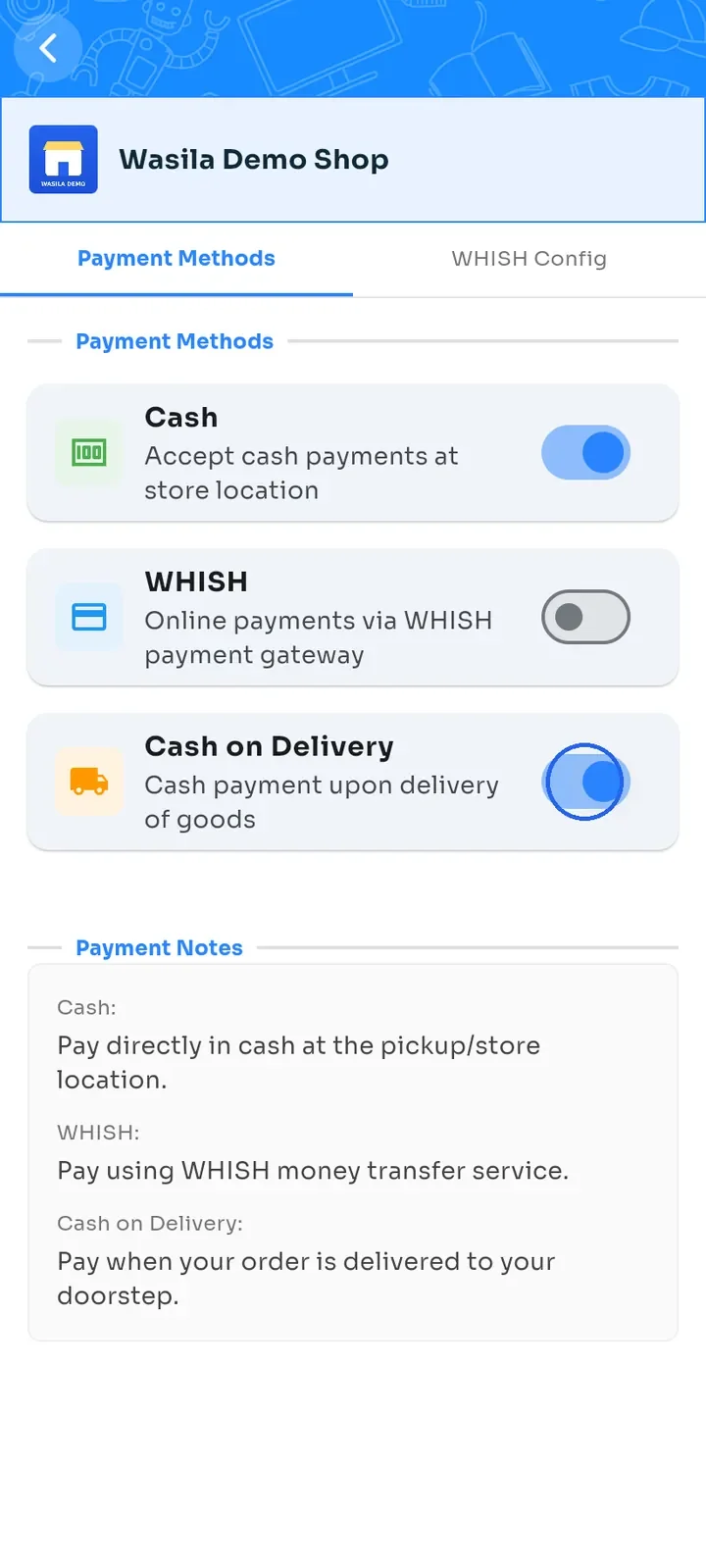
On the Payment Methods tab, switch Cash on. Customers then pay in cash at your store or pickup location.
Switch Cash on Delivery on. Customers then pay in cash when the order reaches their door. It is offered on delivery orders only.
Tip: each switch saves as soon as you change it. The switches on this tab show what customers can use. The Payment configuration row on the dashboard can show Cash even before you switch it on.
Note: the Cash on Delivery switch here is separate from the Store has Cash on Delivery badge in Store features. The badge only shows on your store page, so switch on both if you want customers to see it.